13. Timing 245
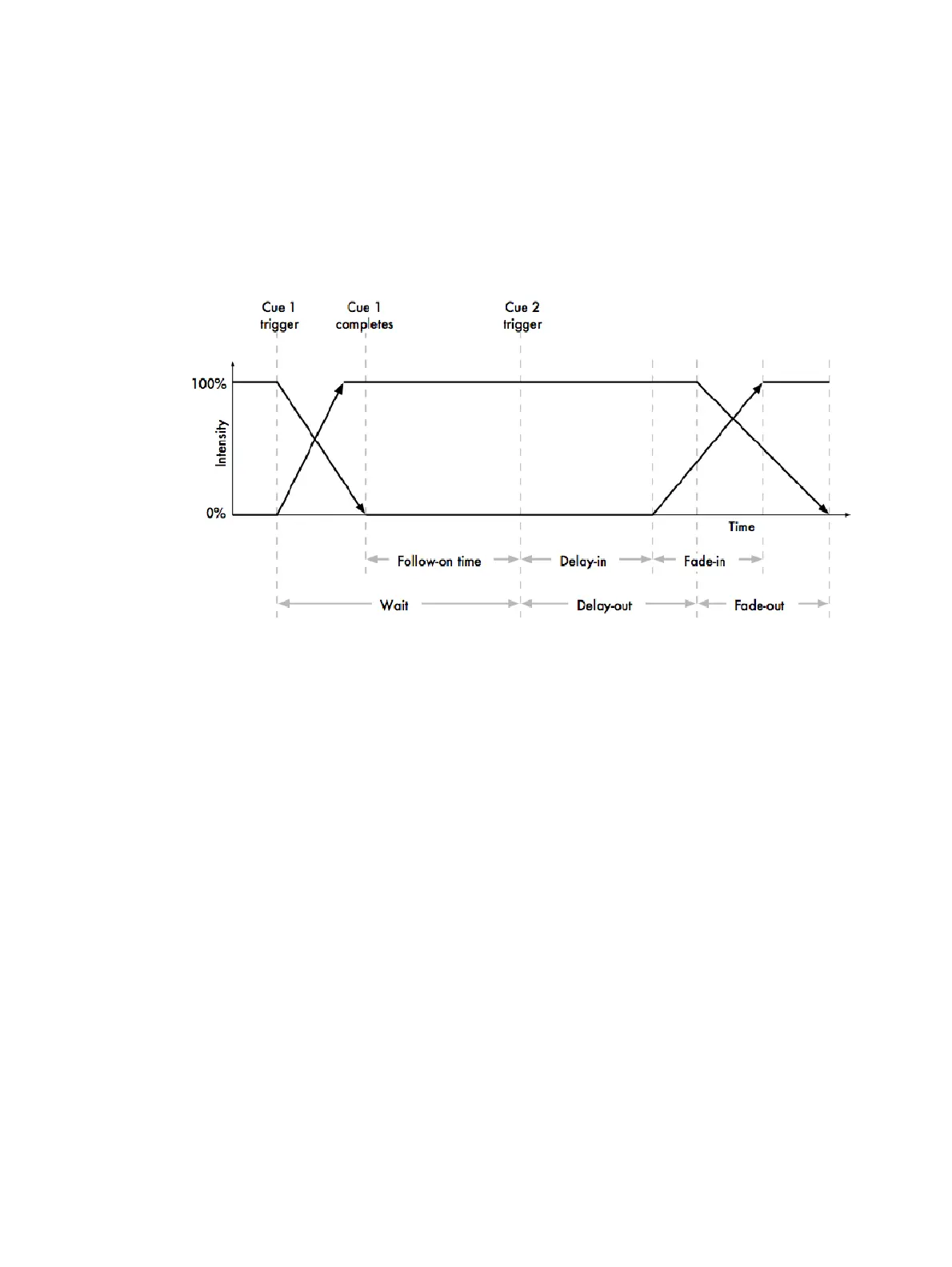
The different types of trigger values are:
Wait time: The time from the previous cue being triggered to the current cue being
triggered.
Follow-on time: The time from the end of the previous cue to the current cue being
triggered.
Timecode: A specific timecode value when a cue is triggered; see Triggering Cues
from MIDI Timecode.
Clock: A real-world time and date value when a cue is triggered; see Clock Triggers.
Hog 4 OS allows you to assign timings to each parameter of each fixture in a cue, scene or
palette. Often, you will want to assign the same value to every fixture parameter; this is
described in Fade, Delay, and Path. Assigning timings for individual parameters is
described in Individual Parameter Timings.











 To Next Page