13. Timing 249
Path Description
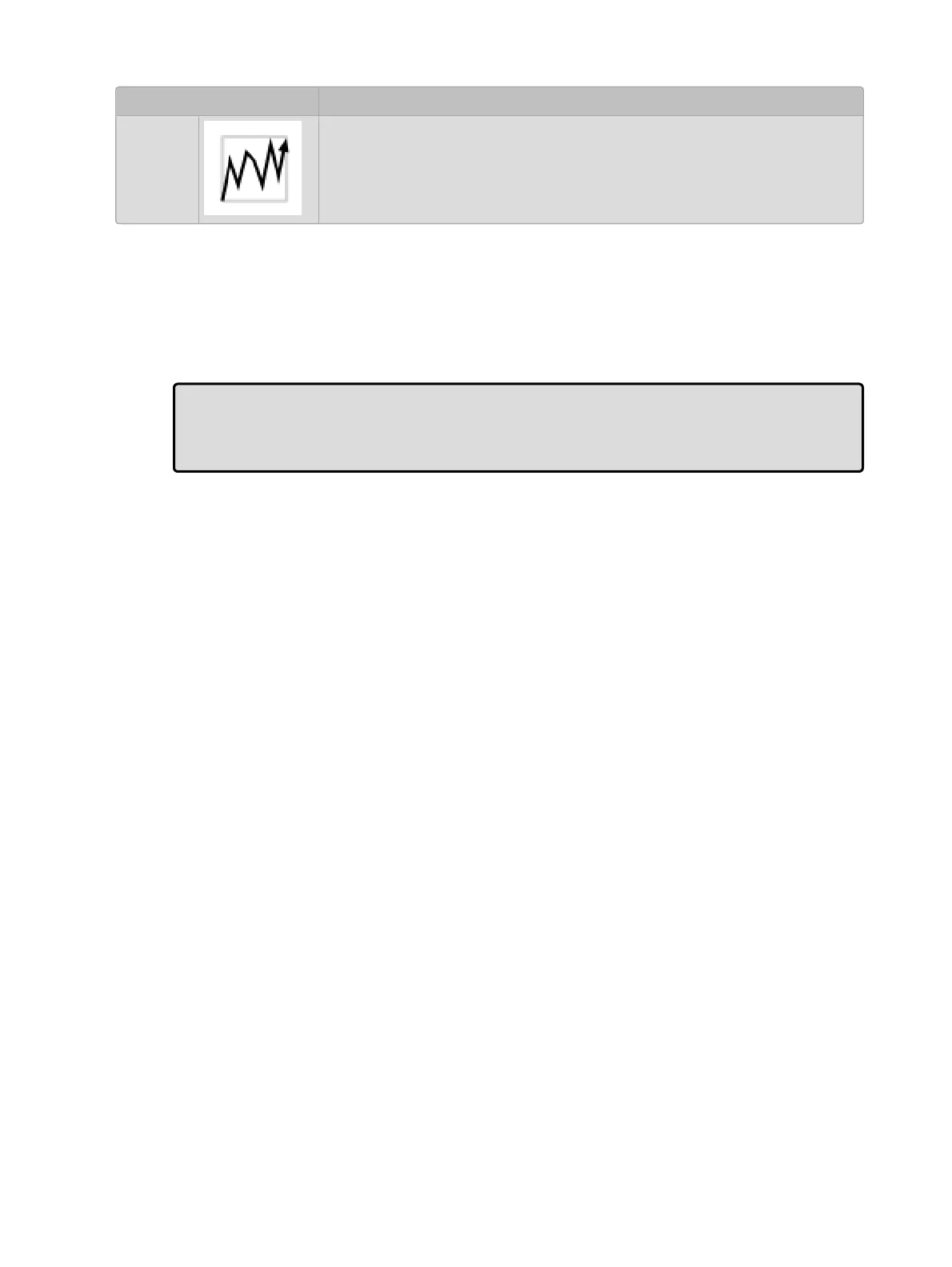
Shake
The parameters follow a chaotic, sawtooth fade over the course of the
cue.
To select a path for a cue:
1. List 1 Open : open the Cuelist window.
2. Select the cue's Path cell and press Set. The Cr ossfade Paths window will open.
3. Select the path type required for the incoming and outgoing parts of the cue.
4. Press O K
Tip: The shape of the paths described above applies when the cue is asserted. When it is
released, the path is effectively reversed. For example, attributes with a ‘Start’ path will
snap on the Go of a cue, but will snap at the very end of that cue being released (behaving
like an ‘End’ path).











 To Next Page