13. Timing 251
To assign paths directly in the Cuelist window:
1. Click in the Path cell for the desired cue, and press Set.
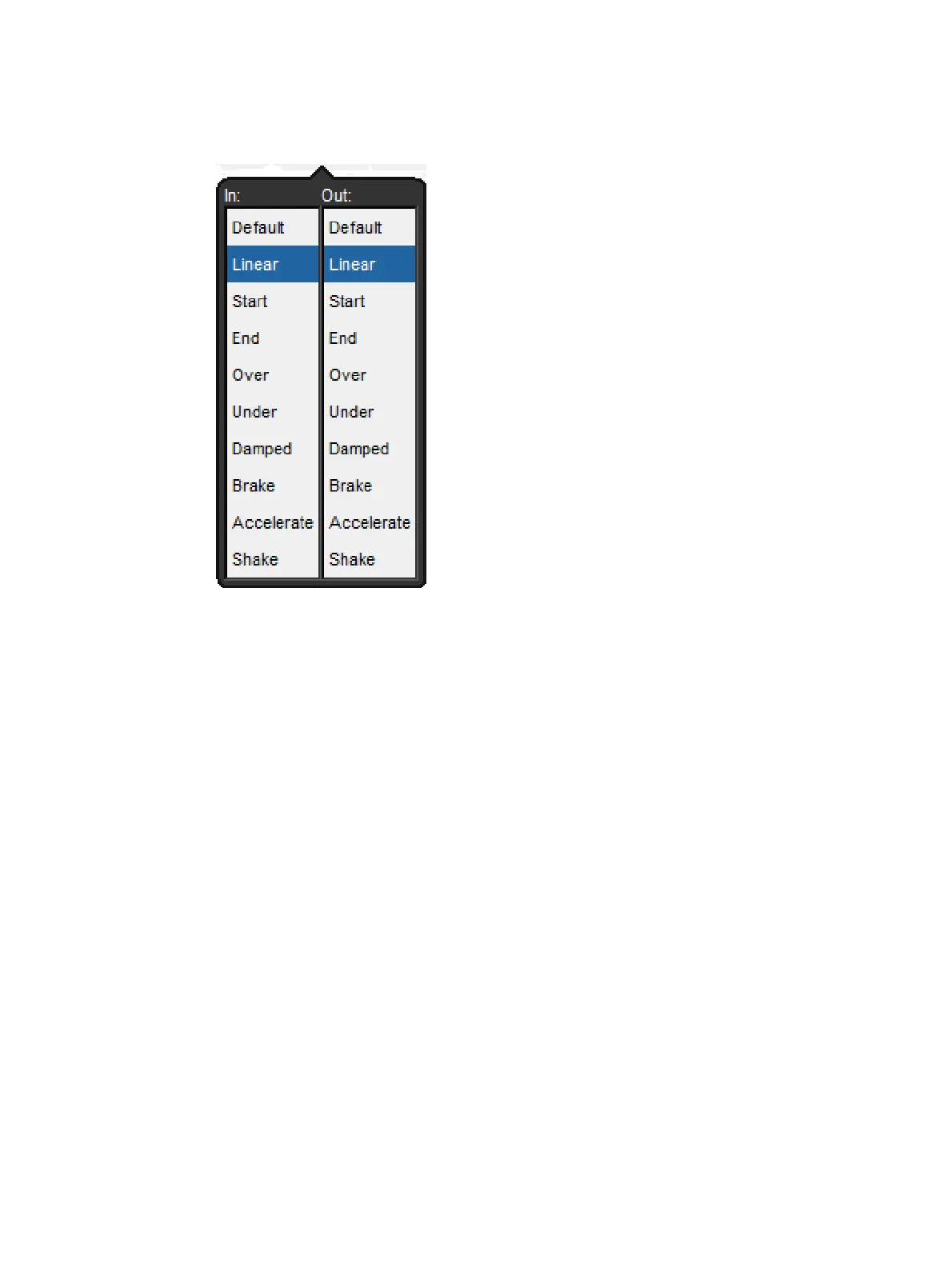
2. Choose a path from the displayed list as shown below
3. The In path is applied when a fixture is increasing in intensity during the cross-fade,
and the Out path when a fixture is decreasing in intensity.
4. Press O K.
The different types of paths are explained in Paths.











 To Next Page