264 Hog 4 Operations Manual
Exiting Loops
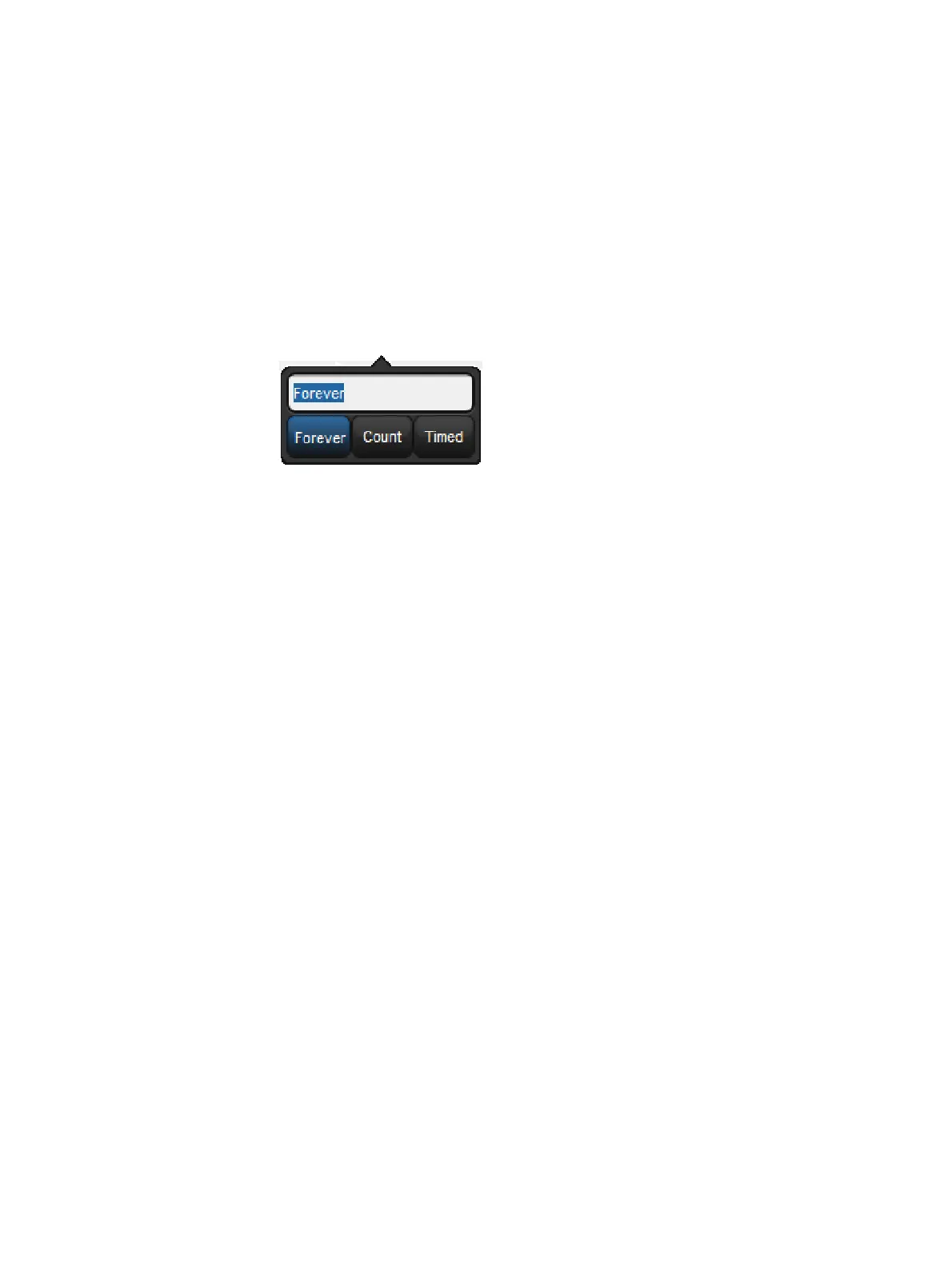
You can determine when the cuelist stops looping and continues with cues after the loop. The
options are:
Forever: the loop will run indefinitely until you press the G o key.
Count: the cuelist will loop the assigned number of times. Assigning a count of zero
will make the cuelist ignore the link.
Timed: the cuelist will loop until the assigned time period has elapsed.
To assign the looping behaviour:
1. Open + [Cuelist 1] : open the cuelist window.
2. Select the link cue's Dela y cell, and press Set.
3. Select an option from the Loops Toolbar:
4. If you have selected Count or Timed, enter a count or timed value.
You can also configure what happens when you press the Go key during a loop; see Action of
go when Looping.











 To Next Page