306 Hog 4 Operations Manual
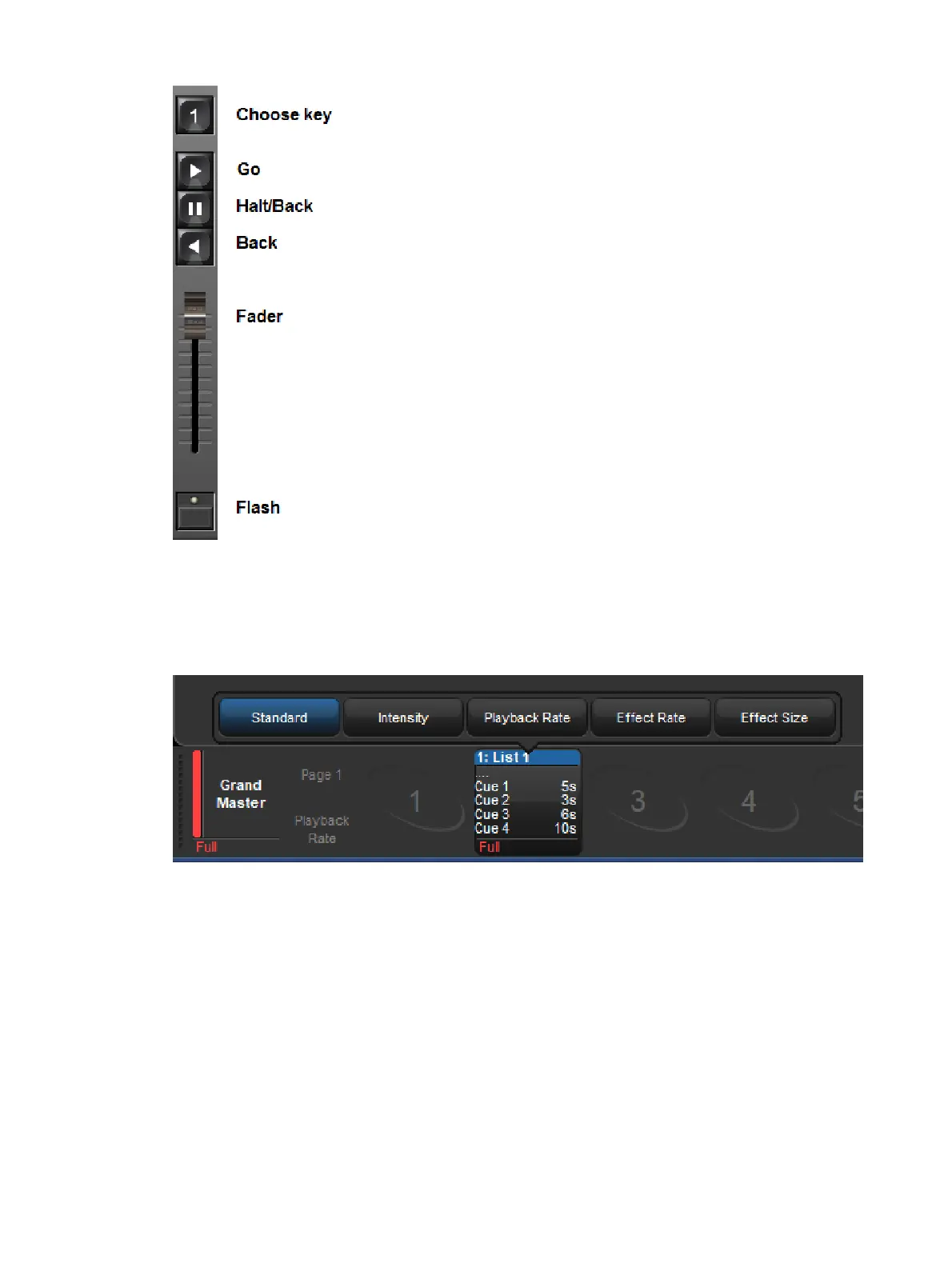
To change the master control set used by cuelist, scene, or batch when it is attached to a
physical master, hold the choose key for the physical master and select a different control
set using the button menu located above the fader. The active control set will be highlighted
in blue.











 To Next Page