28. Visualizer Connectivity 461
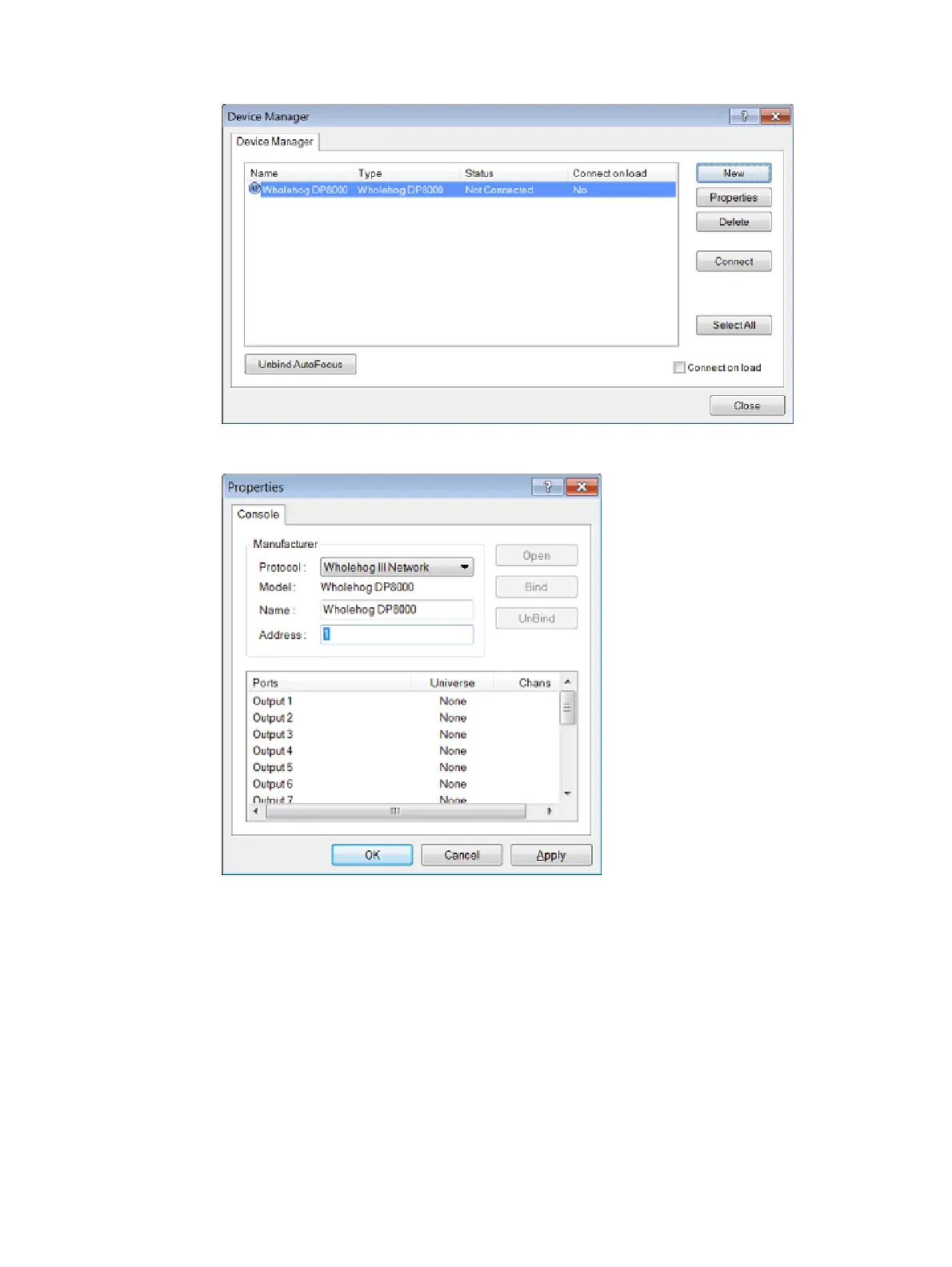
3. The device window will now display the Wholehog DMX Processor,
4. Double click on this device or select it and press Pr ope rties. The Properties window
will open:
5. In the Ad dre ss field enter a value of 1,2,3, or 4. If you enter a value of 1 then the
output ports listed below will act as Hog visualizer outputs 1>16. If you enter an
address value of 2, then the output ports displayed below will be interpreted as Hog
visualizer outputs 17-32 although they are labeled output ports 1<16. Click OK to close
this window.











 To Next Page