462 Hog 4 Operations Manual
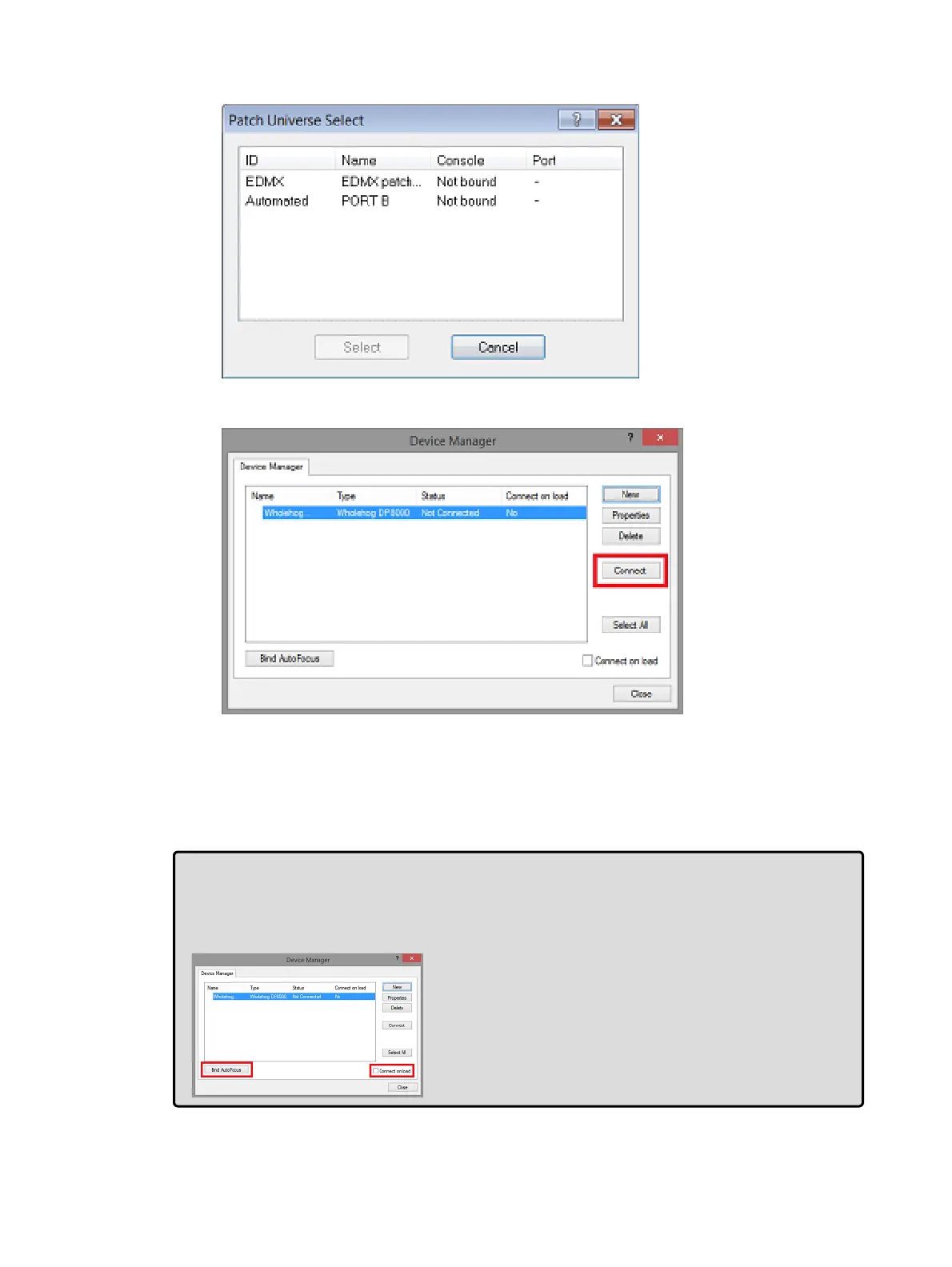
6. Bind the Hog output ports to the universes in your WYSIWYG show.
7. Once the universes are bound to the DMX Processor, press the connect button in the
device manager window.
8. The DMX Processor will now show a "connected" status which indicates that
WYSIWYG is now ready to receive a visualizer data stream from a console. Please
note that the "connected" status does not mean WYSIWYG is receiving a visualizer
stream from a console. Proceed to Physically Connecting the Console to the Visualizer
for instructions on how to configure the console to send a visualizer data stream into
WYSIWYG.
Tip:Select the "connect on load" option in the device manager window of WYSIWYG to
avoid having to manually press the connect button each time you load that particular
WYSIWYG project file. Also, click on the "Bind AutoFocus" option in WYSIWYG's device
manager to enable the Autofocus feature described in Autofocus











 To Next Page