Alarm Conditions — Warning Errors 113
User Guide v 2.0 — March 2023 Heat the Mold
9.10 Alarm Conditions — Warning Errors
Alarm conditions are shown on the Alarms and the Event History screens. The conditions
listed in Table 9-7 cause audible and visual alarms. Because they are warnings, they will not
shutdown the system.
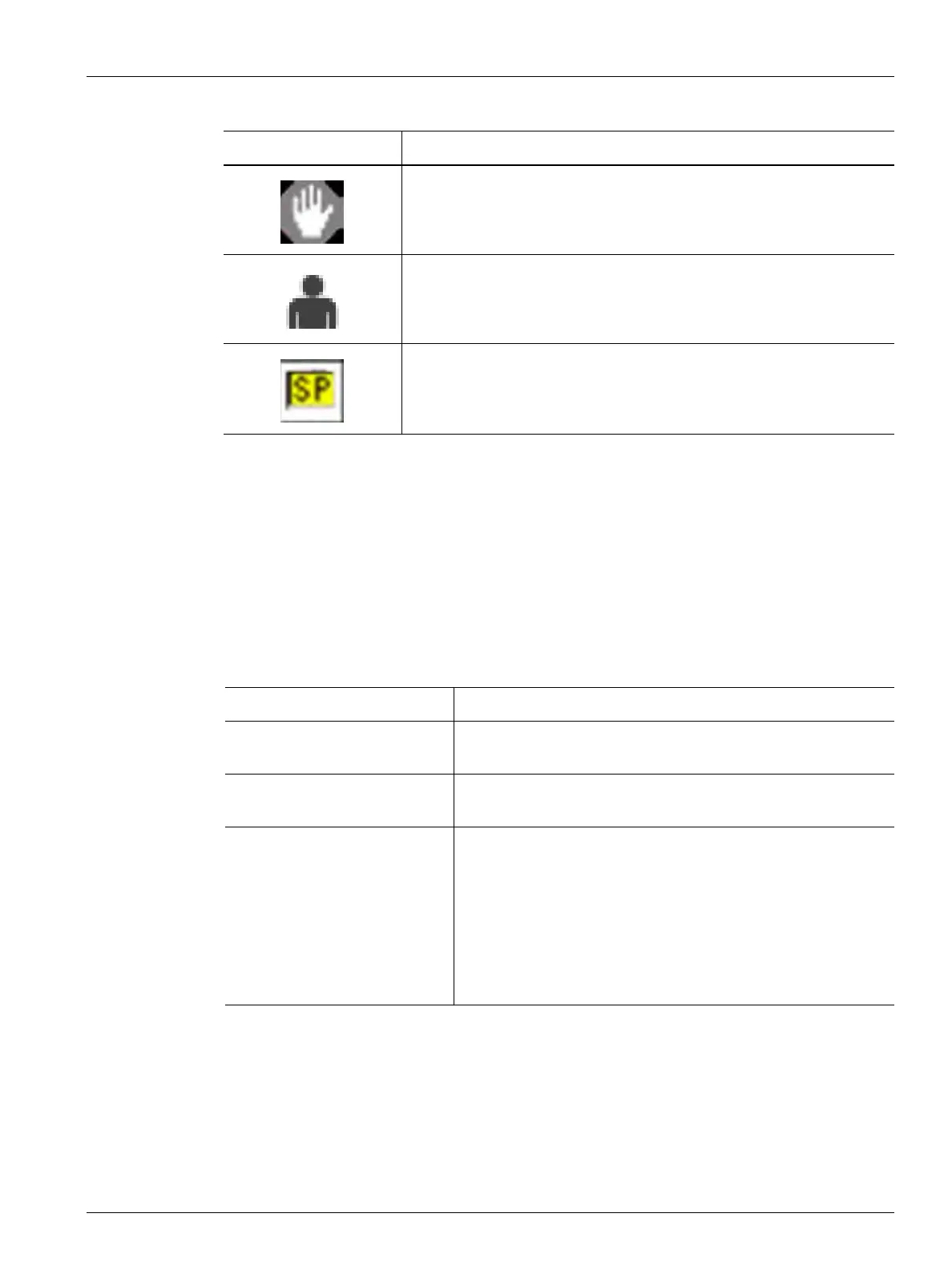
The alarm or zone alarm is inactive.
A user did an operation (pressed Start, pressed Stop, copied a file, pasted
a file, deleted a file, and so on).
A setpoint change was made.
NOTE: This icon shows on the Event History screen, not on the Alarms
screen.
Table 9-6 Icons (Continued)
Icon Description
Table 9-7 Warning Errors
Warning Description
Alarm Over Temp A zone's actual temperature is more than its setpoint by the
degrees set in the Alarm Window field on the Quick Set screen.
Alarm Under Temp A zone's actual temperature is less than its setpoint by the
degrees set in the Alarm Window field on the Quick Set screen.
Auto Following Enabled A zone’s thermocouple has become defective as the system
operates in automatic control mode. The system has
automatically assigned this zone to a different zone (leader
zone) with the use of data it collected before the thermocouple
became defective. The zone with the defective thermocouple
becomes controlled by the power output from a similar zone.
The leader zone number is shown in the Assign Leader Zone field
of the defective zone on the Quick Set screen.


 To Next Page