v 2.0 — March 2023 Altanium Delta5
24 Temperature Control
4.1.8 Temperature Control
The Temperature Control panel of the Altanium Home screen gives access to the screens
used for zone temperature control, calibration, mold diagnostics, staging, and more.
Table 4-10 gives a description for each of the related screens for the temperature control
buttons.
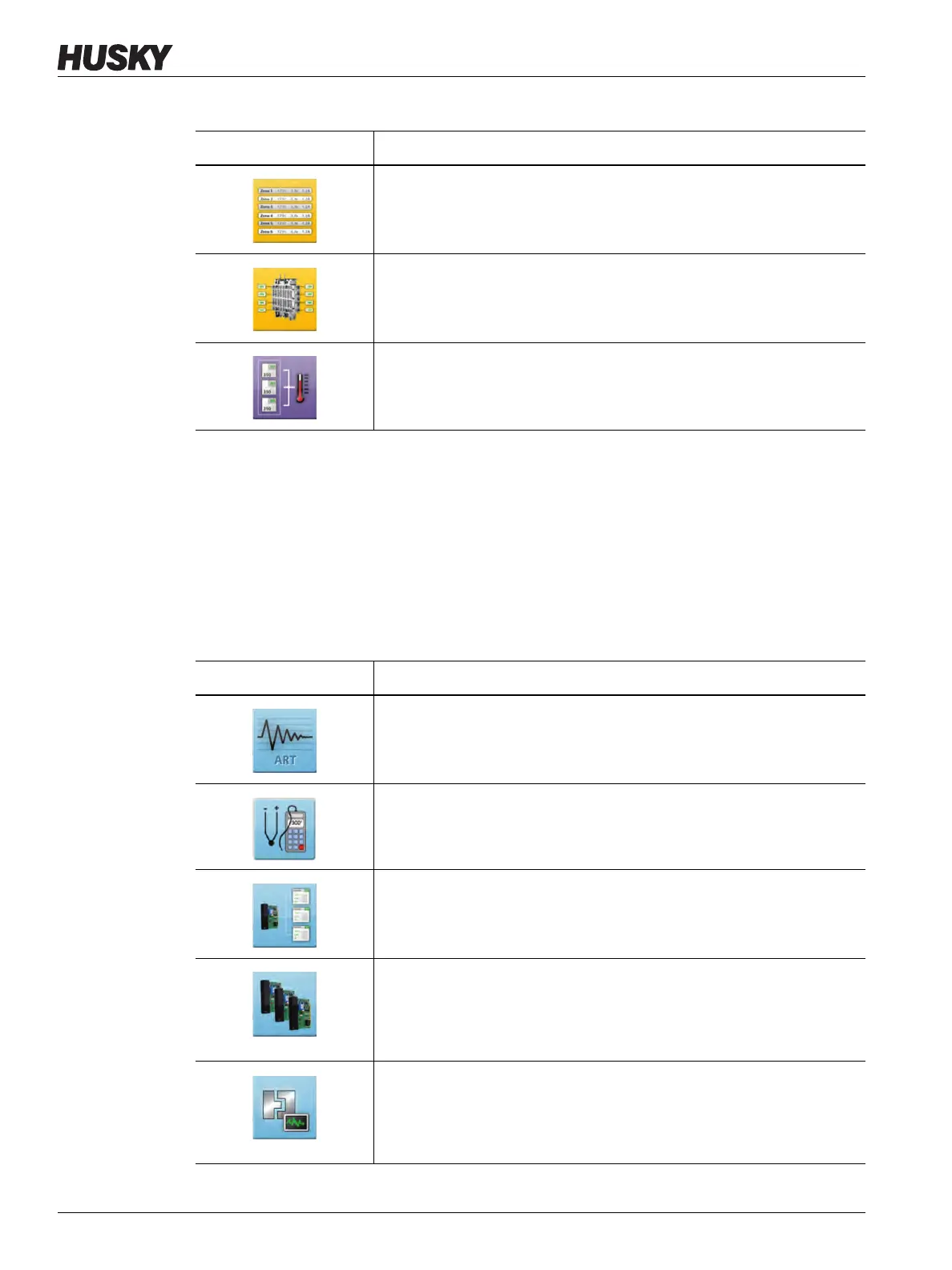
Text View
Shows a textual view of zone data. Refer to Section 7.6 for more
information.
Mold Picture View
Shows an image (picture or graphic) of the mold or hot runner system
layout from an imported image file. Refer to Chapter 11 for information.
Quick Set
Used to assign zones into groups and configure setpoints. Refer to
Section 7.8 for information.
Table 4-9 Temperature Control Views Buttons (Continued)
View Button Description
Table 4-10 Temperature Control Buttons
View Button Description
ART Process
To use and monitor the Active Reasoning Technology (ART) self-tuning
process. Refer to Section 7.9.1 for information about the ART process.
Zone Calibration
Shows the screen used to calibrate the zone thermocouples. Refer to
Section 16.5 for more information.
Zone Slot
Shows the Zone Slot Configuration screen.
Card Layout
Shows the Card Layout screen, which identifies the controller cards in
the mainframe. The cards are shown with the zones they control. Refer
to Section 16.2 for information.
Mold Diagnostics
Used to troubleshoot problems with a mold or to make sure that the
wiring integrity of a mold after maintenance has been done. Refer to
Chapter 8 for information.



 To Next Page