Neo View Screen 61
User Guide v 2.0 — March 2023 Making Adjustments
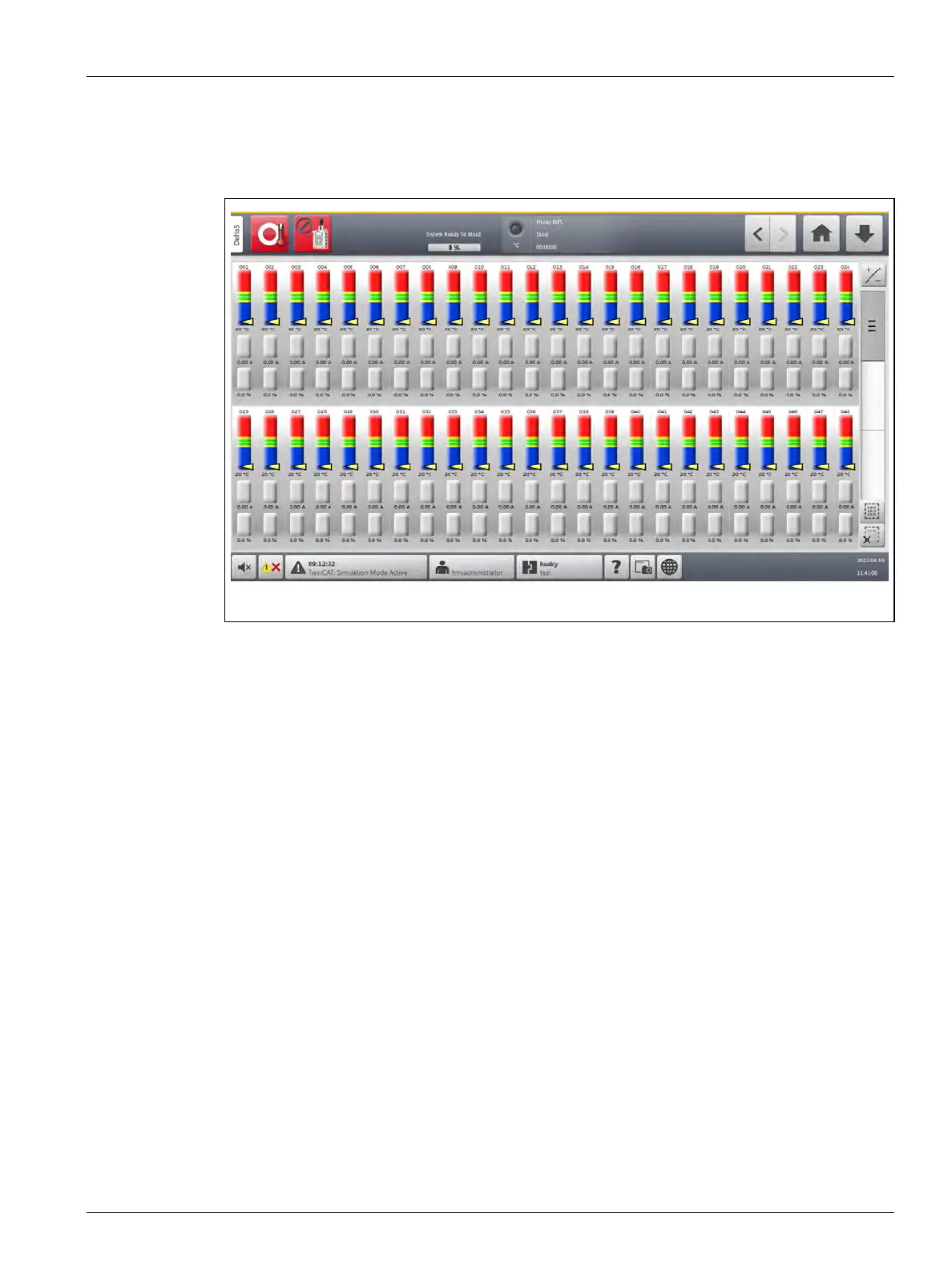
The Graphical View screen shows a maximum of 24 zones of information in full-screen mode
(Figure 7-5) and 48 zones in split-screen mode (Figure 7-6). Touch and drag the scroll bar to
bring additional zones into view. The system always shows up to 24 or 48 zones at one time
by the screen mode you select.
7.5 Neo View Screen
The Neo View displays zones in a block format. Each zone block contains text and numeric
information about the zone. You can choose one of two views on this screen: simple or
detailed.
To see the Neo View screen, touch the Neo View button on the Home screen.
7.5.1 Simple Screen mode
Figure 7-7 shows the Neo View screen in simple screen mode. The zone number and name
are shown at the top of each zone block. The zone temperature is shown in the middle of the
block. This makes it easy if you only want to watch the temperature of the zones.
Figure 7-6 Graphical View Screen (Split-Screen Mode)



 To Next Page