Common Buttons 25
User Guide v 2.0 — March 2023 Altanium Operator Interface
4.1.9 Common Buttons
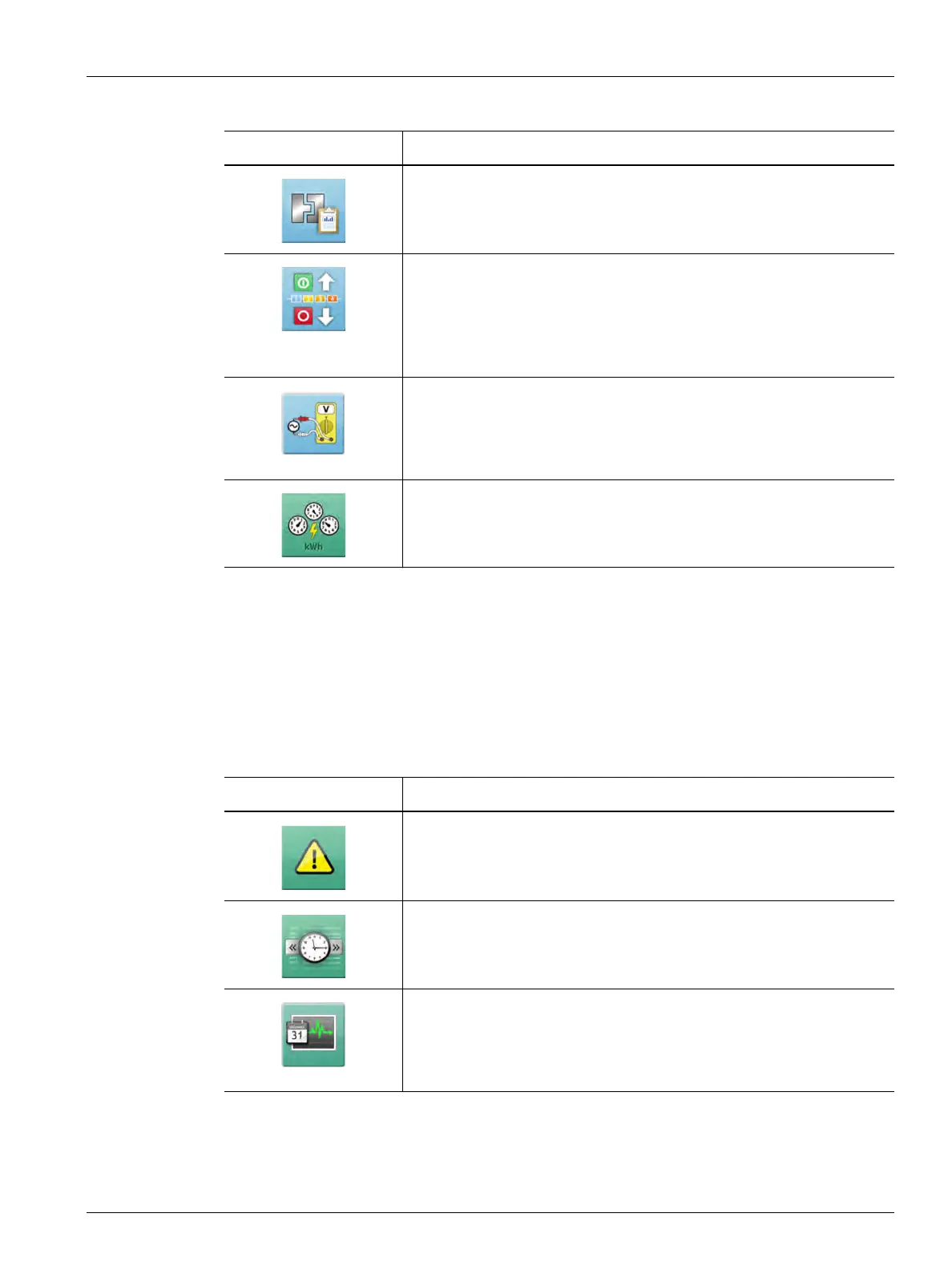
The Common panel of the Altanium Home screen gives access to the screens used for the
alarms, event history, and process monitoring. Table 4-11 gives a description for each of the
related screens for the Common buttons.
Diagnostic Results
Shows the results of the mold diagnostics. Refer to Section 8.2 for
information.
Staging
Used to heat or cool zones in a specified order with the use of stages.
From the Staging screen a user can assign zones to stages, set stage
setpoints, and enter soak timers for each stage. Refer to Section 10.26.1
for information.
Supply Voltage
Shows a graphical view of the phase pairs by the Supply Configuration
parameter selected in the System Setup screen. Refer to Section 10.27
for information.
Energy Display
Shows the system real-time energy accumulation data. Refer to
Section 10.17 for information.
Table 4-10 Temperature Control Buttons (Continued)
View Button Description
Table 4-11 Common Buttons
Button Description
Alarms
Shows a list of alarms that have occurred. Refer to Section 9.7 for
information.
Event History
Shows a list of the operations done at the Altanium screen. Refer to
Section 9.8 for information.
Process Monitoring
Shows the screens used for graphical trend and history plots, enter zone
target settings, and other specifications. Refer to Chapter 12 for
information.



 To Next Page