v 2.0 — March 2023 Altanium Delta5
40 Screen Security - Main 2 Screen
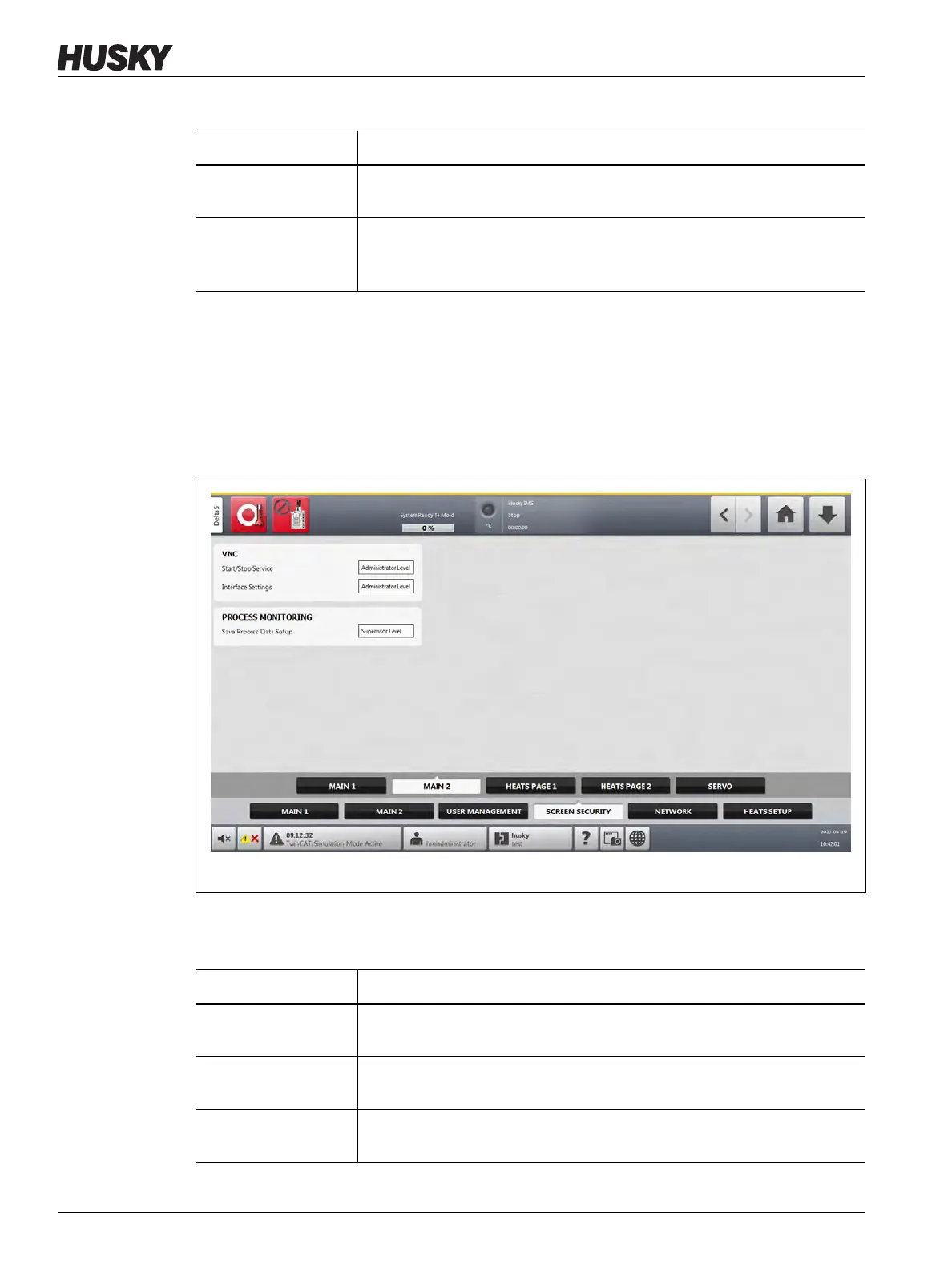
5.1.2.2 Screen Security - Main 2 Screen
Touch the Screen Security tab on the System Setup screen and then touch the Main 2 tab
to see the Main 2 screen user role items. Touch the field next to each item and then select the
user role for that item in the dialog window that shows.
Figure 5-3 shows the Main 1 screen.
Table 5-3 describes the user role items.
Interface Settings
(OPC UA)
Select the user role that can set Open Platform Communication Unified
Architecture (OPC UA) interface configurations.
Certificate
Management (OPC
UA)
Select the user role that can do the OPC UA X.509 certificate management.
Table 5-3 Screen Security - Main 1 Screen (Continued)
Item Description
Figure 5-4 Screen Security - Main 2 Screen
Table 5-4 Screen Security - Main 2 Screen
Item Description
Start/Stop Service
(VNC)
Select the user role that can start and stop Virtual Network Computing
(VNC).
Interface Settings
(VNC)
Select the user role that can change the interface settings for VNC.
Save Process Data
Setup
Select the user role that can save the process data setup.



 To Next Page