v 2.0 — March 2023 Altanium Delta5
120 System Setup - Network Settings
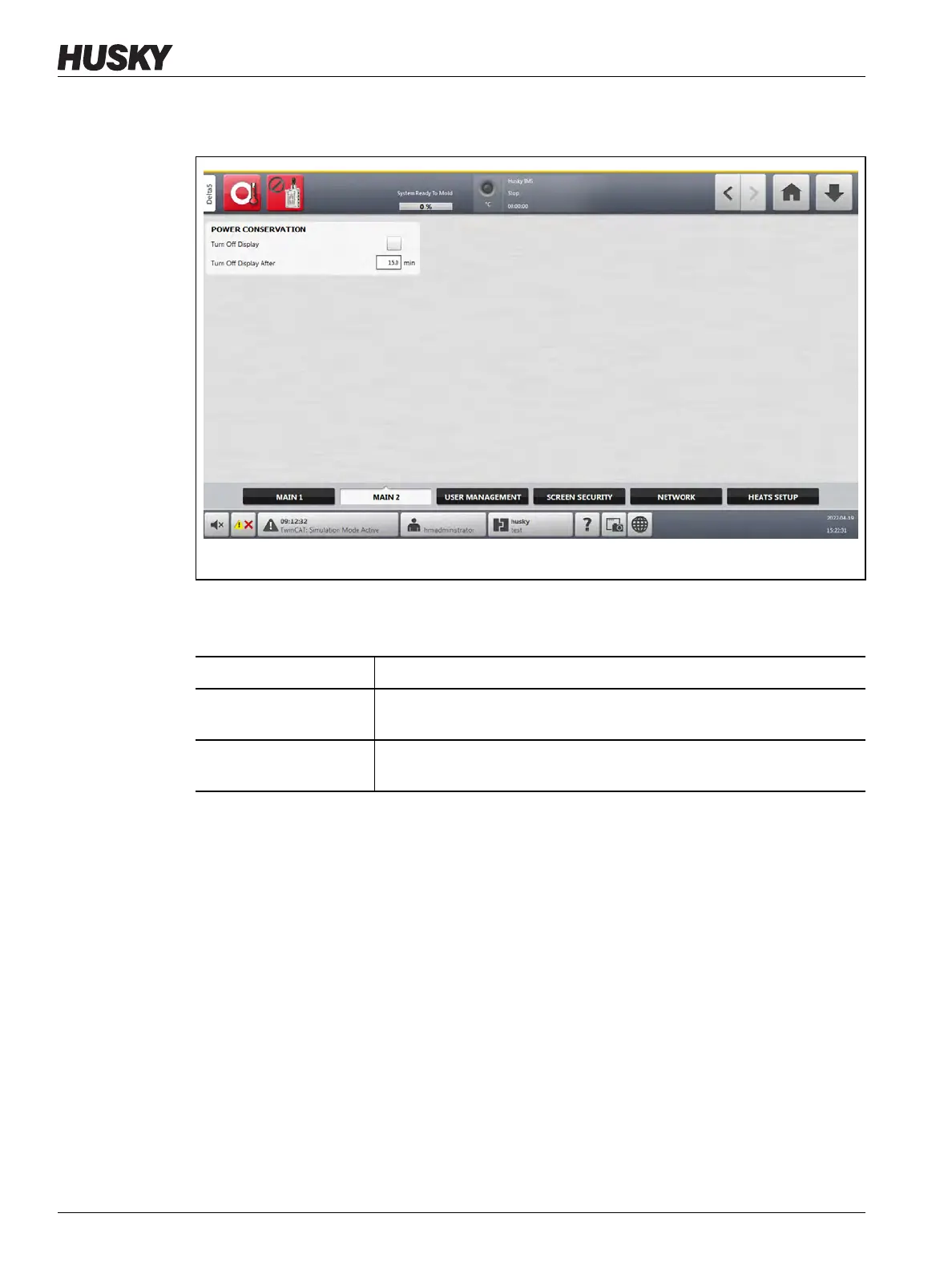
Touch the Main 2 tab at the bottom of the System Setup screen to see the setup and
informational items. Refer to Figure 10-2.
The setup and informational items on the Main 2 screen are described in Table 10-2.
10.2 System Setup - Network Settings
You can configure the controller, so that it can communicate on a local network. Use this
feature to transfer files between the controller and a network share, or to provide
information over the network through a defined software interface (OPC, Modbus, and so
on).
To get access to network selections, touch the Network tab on the System Setup screen.
Refer to Figure 10-3.
On the Network Setup screen, you can configure the controller for a wired or wireless (WiFi)
network connection. A network path can be entered for the shared network folder to upload
or download files to and from the controller, in the format \\server\shared folder.
For help with your controller, Husky can give assistance with a remote connection to your
system with the Remote Service Assistance application.
Figure 10-2 System Setup - Main 2 Screen
Table 10-2 System Setup - Main 2 Screen Items Descriptions
Item Description
Turn Off Display Enables the function to turn off the display if it is not used in a set interval
of time.
Turn Off Display After Used to set the interval of time of nonuse that the controller waits before
it turns off the display.



 To Next Page