User Guide v 2.0 — March 2023 Mold Setups
Files Screen 47
Chapter 6 Mold Setups
A mold setup contains the process parameters required by Altanium to operate the hot
runner system for that particular mold. On the Home screen, touch the Files button to open
the Files screen for mold setup. This screen can also be accessed from any screen by touching
the Files button in the system footer.
6.1 Files Screen
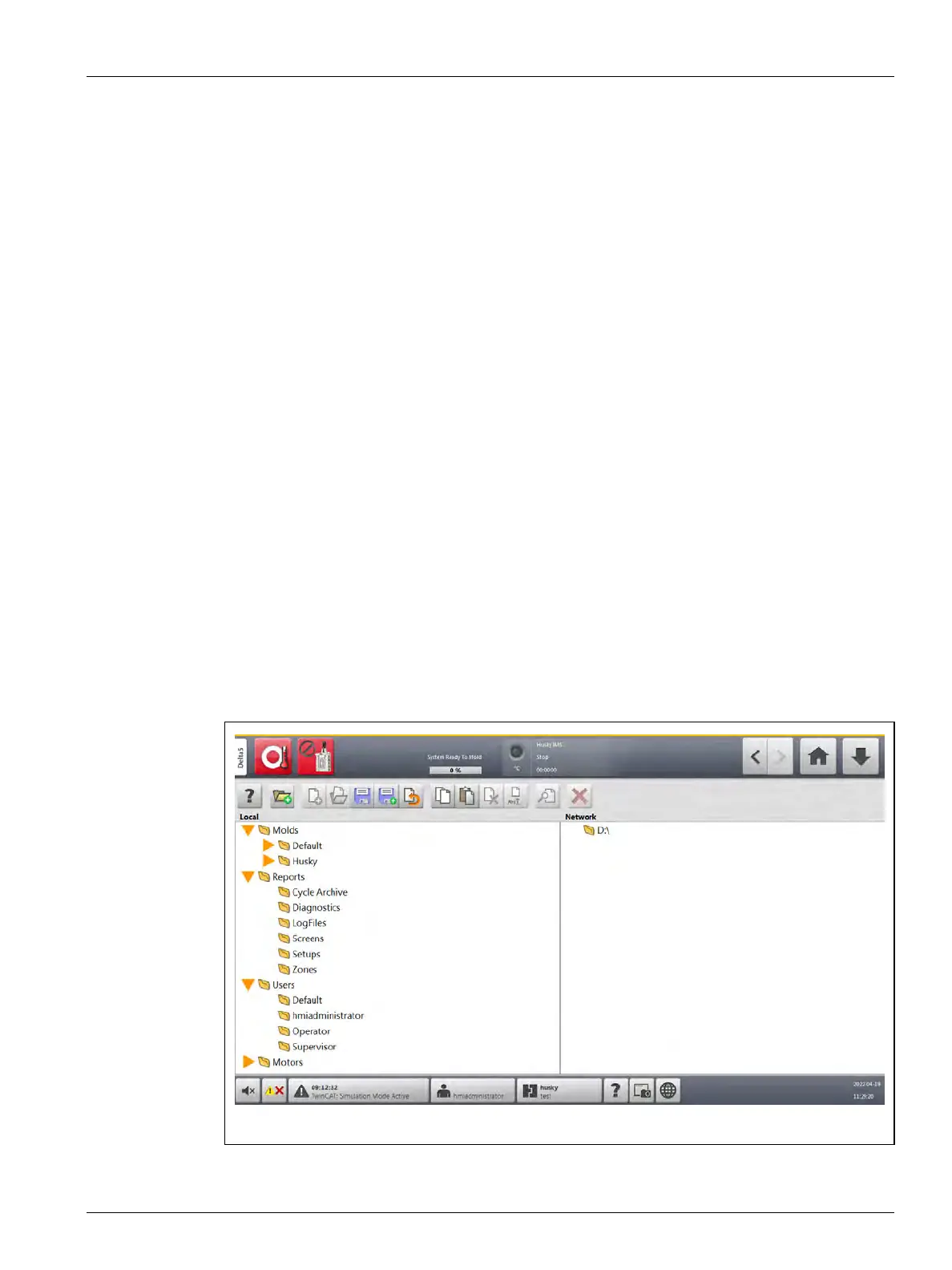
The Files screen is used to store and manage files, such as mold setups, images, documents,
and reports. Refer to Figure 6-1.
Files are organized in a tree structure and are stored in mold, system, and user folders. Each
mold folder lets you store mold setups, images, and documents associated with each mold.
The screen is divided into two panes. The left side contains all directories that are on the
Altanium system’s local hard drive, and the right side displays all available directories and
files from an external source, such as a USB disk or a network file share.
The Files screen items are described in Table 6-1. The screen buttons are described in
Table 6-2.
Figure 6-1 Files Screen



 To Next Page