Card Layout Screen 269
User Guide v 2.0 — March 2023 Maintenance
16.2 Card Layout Screen
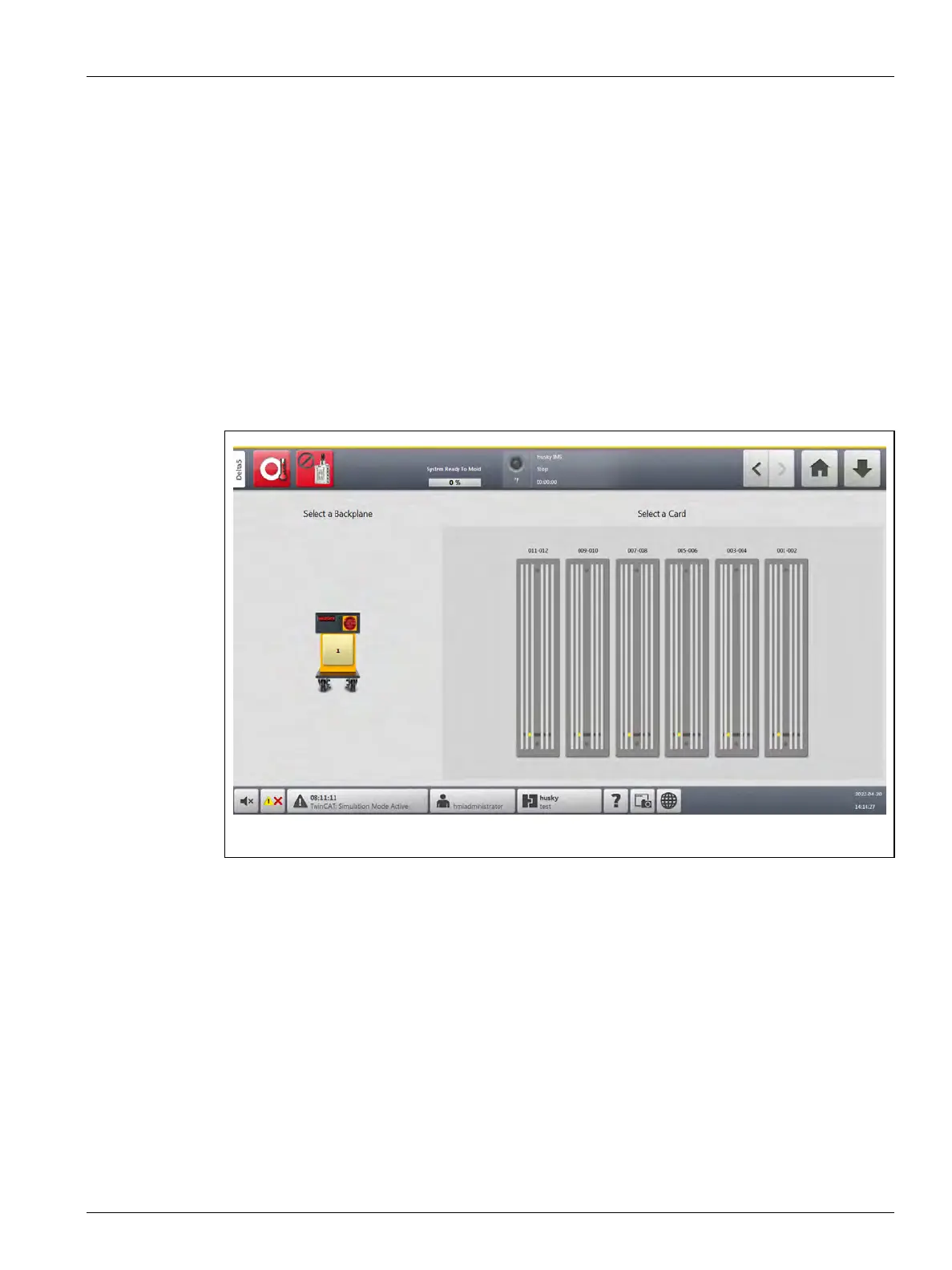
The Card Layout screen identifies the cards used in the mainframe, and to which zones each
card controls. The Card Layout screen is accessed from the Home screen or the Event History
screen.
The backplane layout is on the left side of the screen and the card layout is on the right. Refer
to Figure 16-3.
The zone numbers are shown at the top of each card. The zone numbers change with the
zone density of the card. If a card is red with no zone numbers, then the card is not installed
or an error has occurred with the card. The card types are identified by the color of the card
on the screen. XL and HL cards are black, X and H cards are Silver, and XE cards are Green. A
red card without a question mark but with zone numbers assigned shows that there is a
communication problem or a card is not installed in the slot.
Figure 16-3 Card Layout Screen



 To Next Page