v 2.0 — March 2023 Altanium Delta5
20 System and User Management Buttons
4.1.3.5 System and User Management Buttons
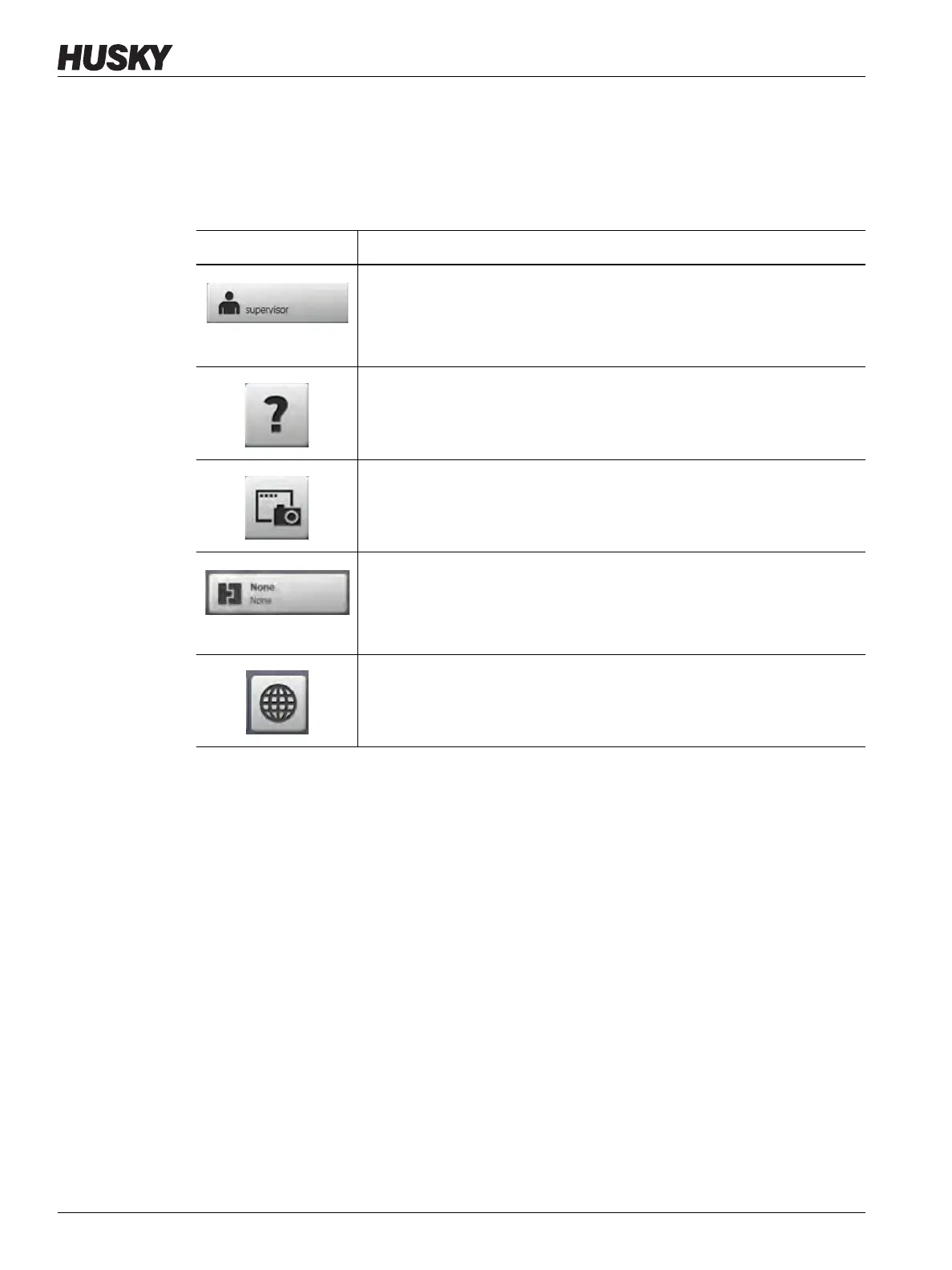
Refer to Figure 4-1 for the Alarm buttons location. Table 4-5 describes the System and User
Management button functions.
Table 4-5 System and User Management Buttons
Button Description
User Log off/ Log on
Shows the name of the current user who is logged in. Touch the button to
see the User Login dialog window. This button toggles between Login and
Logout.
Help
Opens the PDF viewer and see the User Guide on the screen.
Print
Opens the Print dialog window. The window shows the available print
selections.
Files
Opens the Files screen for mold setup. The face of the button shows the
mold setup information. The upper word is the name of the mold folder.
The lower word is the name of the mold setup file.
Language Selection
Lets you select the available screen languages.



 To Next Page