Install the Remote Operator Interface 291
User Guide v 2.0 — March 2023 Maintenance
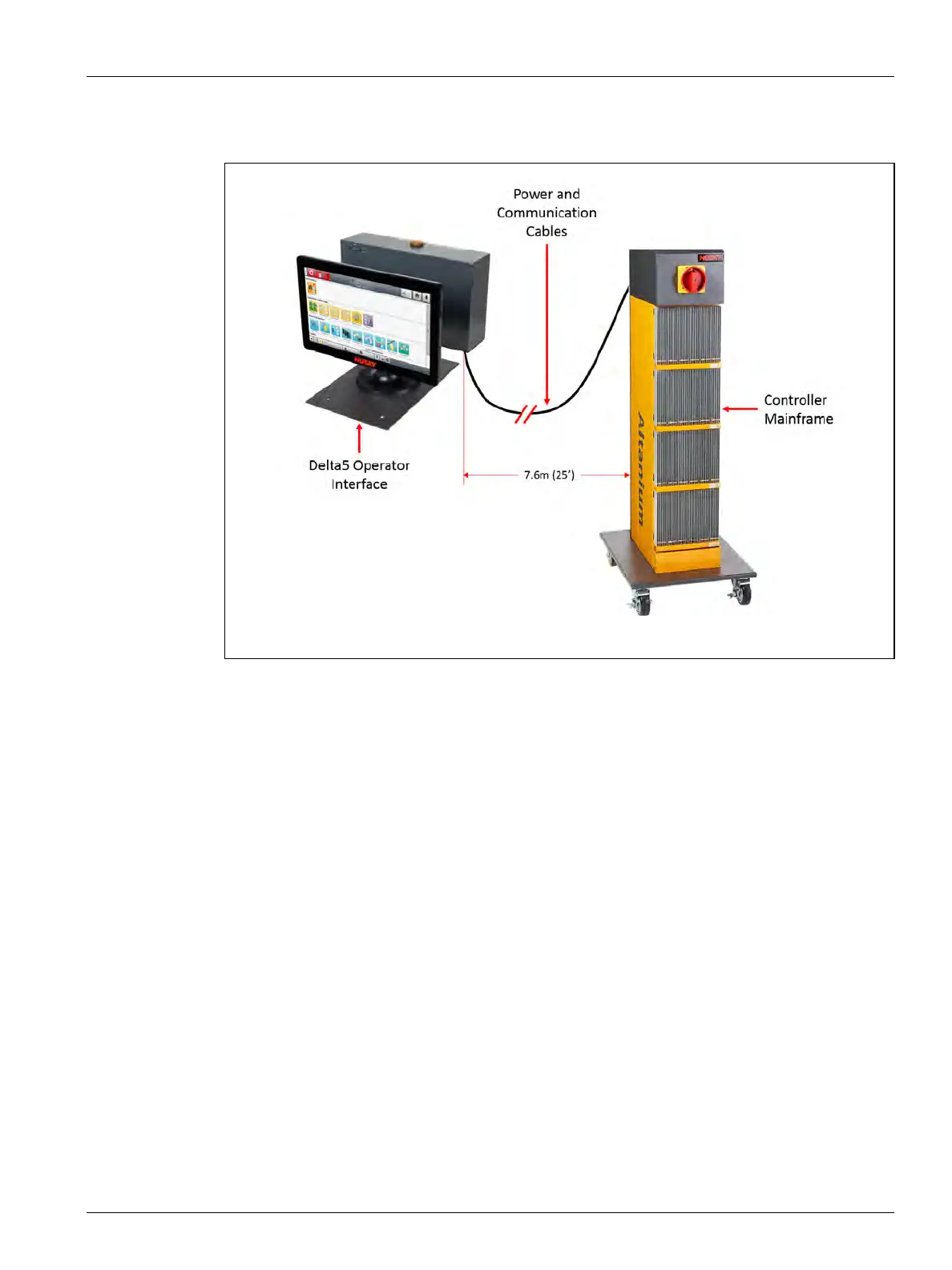
16.4.4 Install the Remote Operator Interface
Installation of the remote operator interface can be:
• Permanently mounted in place with the use of the four mounting holes in the base
plate. Refer to Figure 16-25.
• Set on a flat surface with the use of the supplied rubber leveling pads. Refer to
Figure 16-26.
If the rubber leveling pads are used, install them on the bottom of the base plate with
the supplied cap nuts.
Figure 16-24 Remote Operator Interface



 To Next Page