Print Report Descriptions 31
User Guide v 2.0 — March 2023 Altanium Operator Interface
4.4.1 Print Report Descriptions
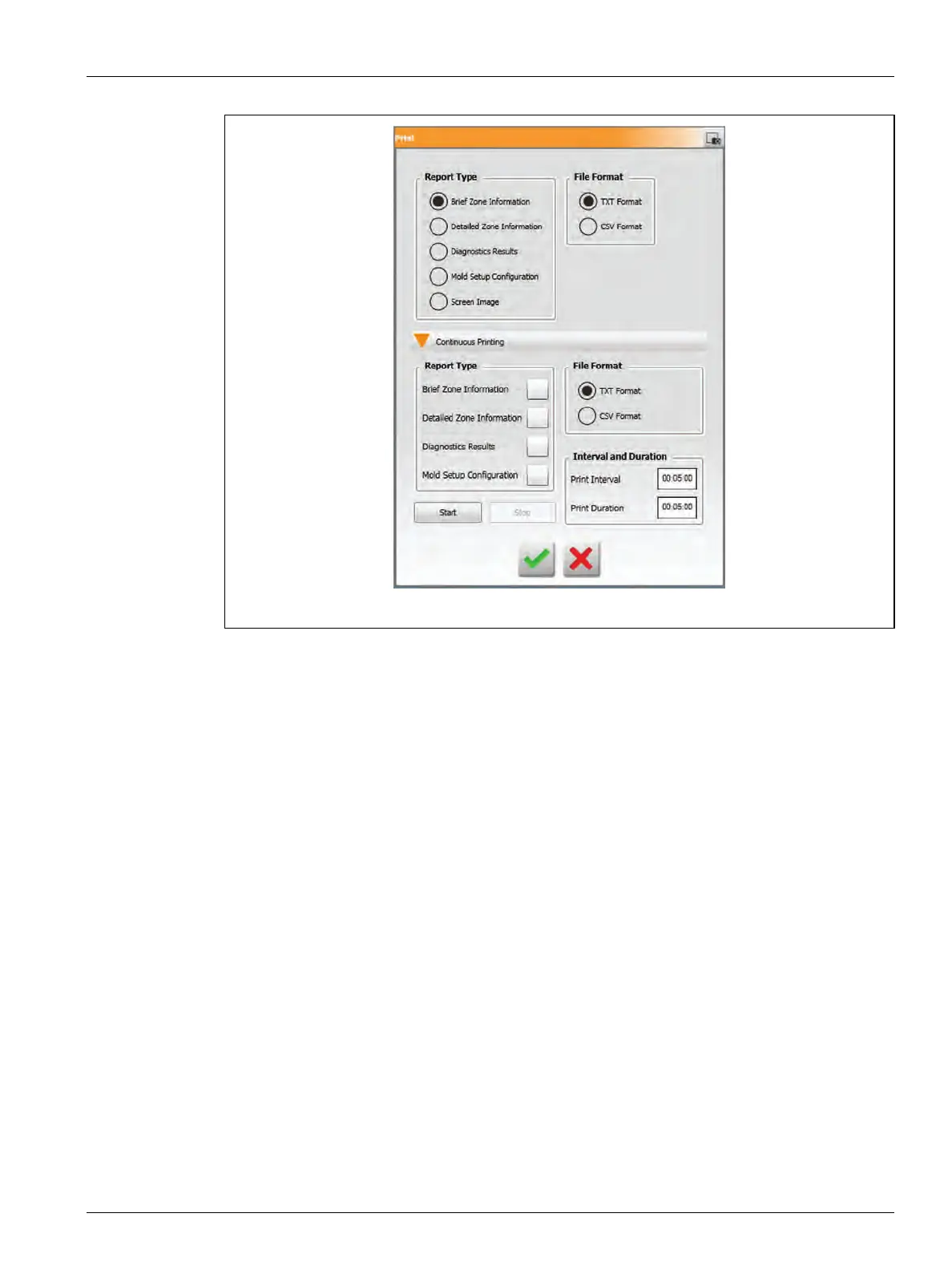
This section provides a description of each print report.
Print files are automatically saved to one of the paths that follow:
• System\Reports\Zones
• System\Reports\Diagnostics
• System\Reports\Setups
• System\Reports\Screens
Refer to Table 4-13 for a description of the print reports.
Figure 4-8 Print Dialog Box



 To Next Page