OPC UA Interface Enable 131
User Guide v 2.0 — March 2023 System Setup
Two Euromap 82.2 versions are available:
• EM82.2 OPCUA Interface RC19 (Euromap RC 1.00.3)
• EM82.2 OPCUA Interface R 1.00 (Euromap R 1.00)
NOTE: For information or assistance on the OPC UA server and/or interface setup, contact
Husky.
10.2.7.1 OPC UA Interface Enable
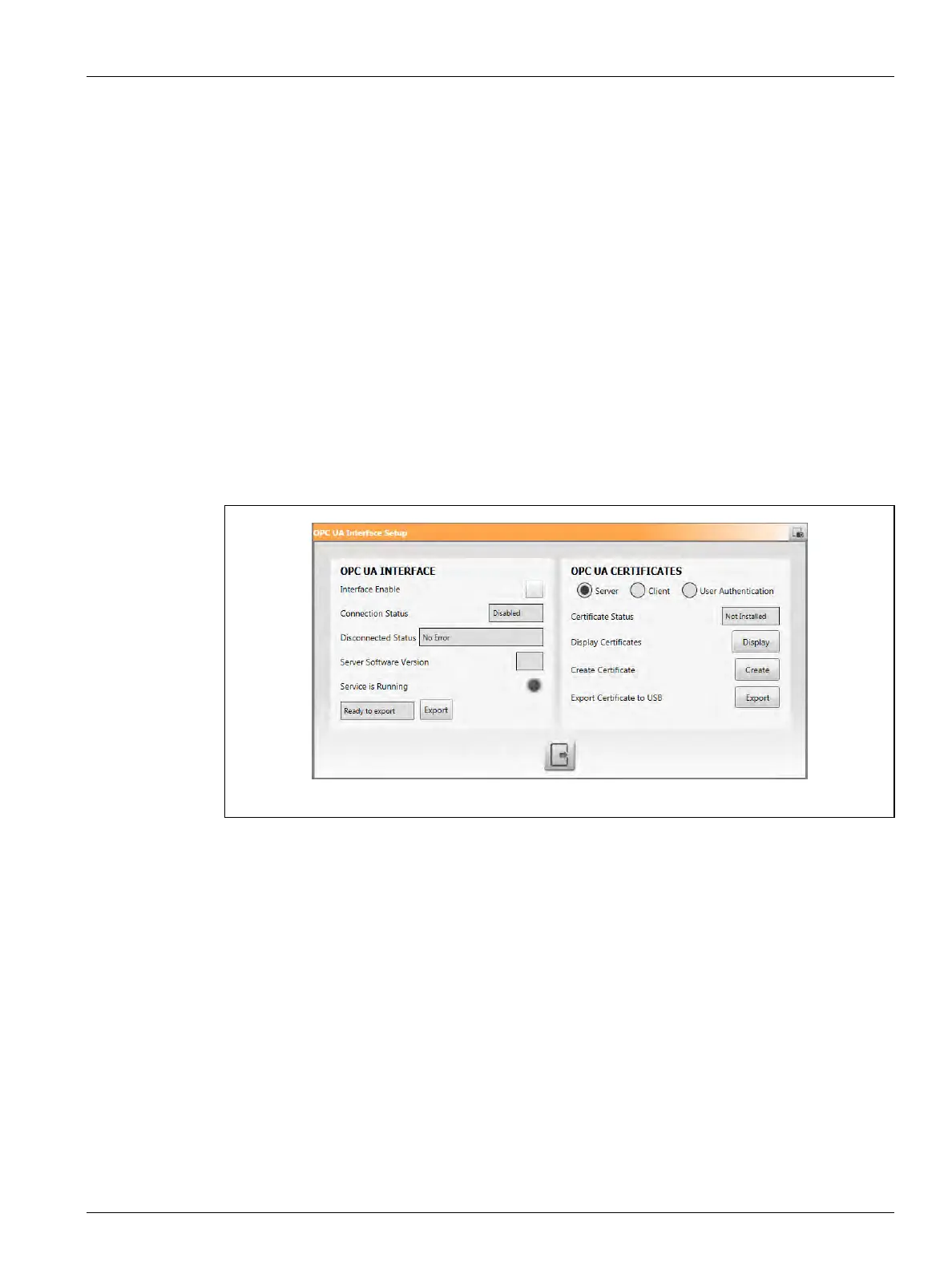
To see the OPC UA Interface Setup window:
1. On the System Setup screen, touch the Network tab at the bottom of the screen.
2. Touch the Setup button in the OPC UA Interface of the screen.
3. Use the OPC UA Interface Setup window to configure the communication settings.
The left side of the window lets you enable the OPC UA interface, see the connection status,
shows if the interface is running, and export diagnostic information to a USB drive (refer to
Figure 10-12).
Figure 10-12 OPC UA Certificates - Server



 To Next Page