Make a New Mold Setup Folder 49
User Guide v 2.0 — March 2023 Mold Setups
6.1.1 Make a New Mold Setup Folder
Use a mold setup folder to store multiple mold setup files.
To create a new Mold Setup folder, do the following:
1. Touch the New Folder button.
2. Enter the name of the new mold folder.
3. Touch the Accept button.
The new mold setup folder now shows below the Molds directory.
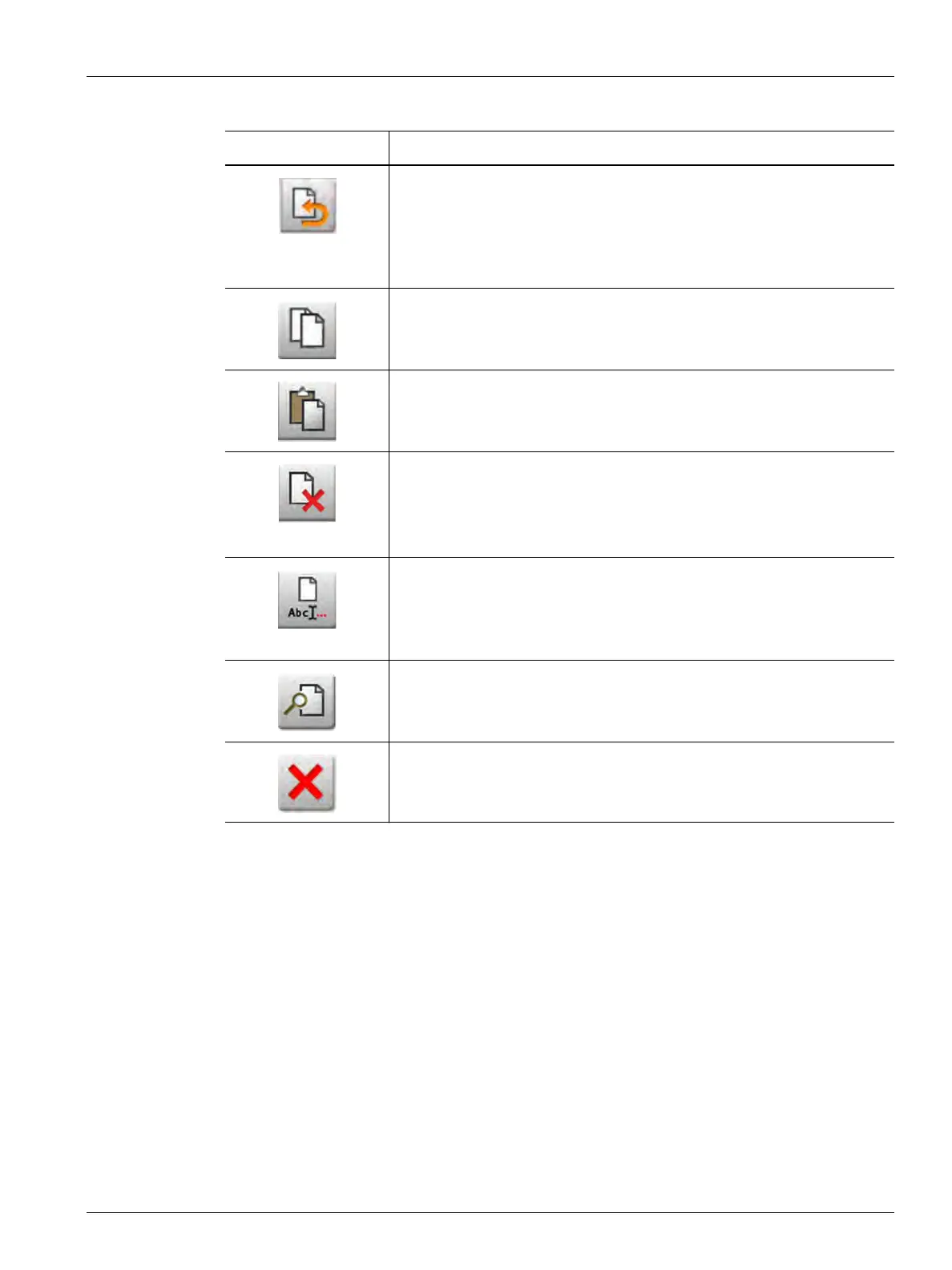
Discard Changes
Used to set the loaded mold setup file back to the state after it was last
saved (with the Save Mold Setup button). All unsaved changes are
discarded. This operation only has an effect on the loaded mold setup file,
regardless of what is selected on the screen.
Copy
Used to copy mold setups, images, or documents from one folder or
device.
Paste
Used to paste mold setups, images, documents, or notes that were copied
from one folder or device into a different folder.
Delete
Used to delete a mold folder, mold setup, image, or document. A message
is shown to make sure you want to complete the operation. This button is
not available unless a folder or file is selected.
Rename
Used to open the screen keyboard to rename a mold folder, mold setup,
image, note, or document. This button is not enabled unless a file or folder
is selected.
Preview
Used to see a View window of the mold setup files, images, notes, and
documents.
Cancel
Used to cancel the file copy.
Table 6-2 Files Screen Button Descriptions (Continued)
Button Description



 To Next Page