Follower Zone Block 65
User Guide v 2.0 — March 2023 Making Adjustments
7.5.4 Follower Zone Block
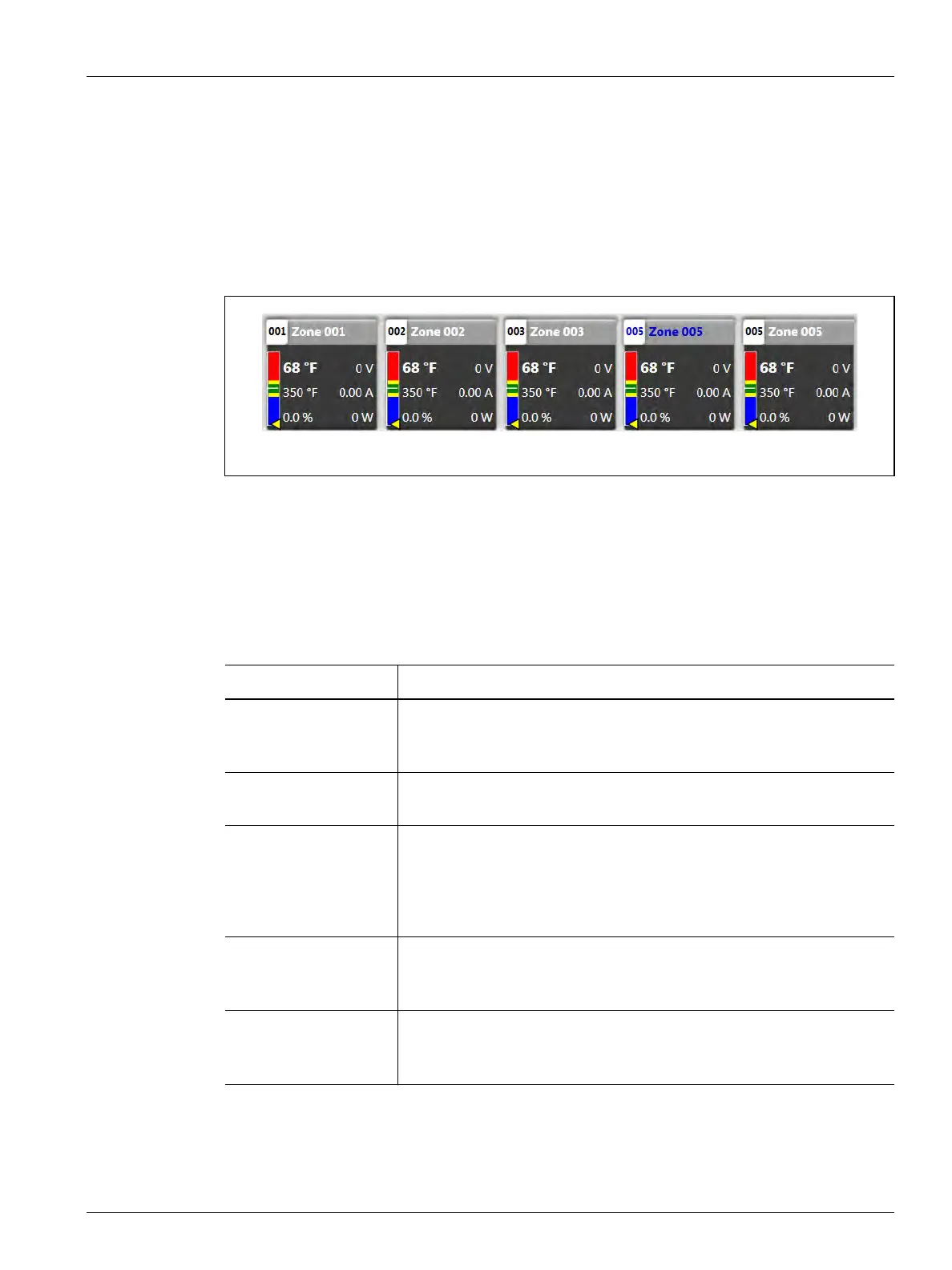
When a zone is assigned to be a follower to a different zone (leader), the follower zone block
will show the leader’s zone number and name. Every second, the follower zone block’s
number and name flash blue text to show the leader’s zone number and name.
Figure 7-10 shows an example of a follower zone. In the example, zone 4 has been assigned
zone 5 as its leader. The number and name for zone 4 flashes blue text to show the leader
zone.
7.5.5 Status Abbreviations
Some abbreviated text may show in the zone blocks that give additional status of the zones.
Table 7-5 gives the descriptions of the abbreviated text.
Figure 7-10 Follower Zone Block Example
Table 7-5 Status Abbreviations
Item Description
ART This is seen when the system automatically starts the ART process. When
the ART process is completed, the block automatically changes back to
the normal block.
B-O This is seen when a zone is in bake out mode. It shows in the Power
Output field of the zone block.
OL
-OL
This is seen if the temperature value has exceeded 1112 °F or 600 °C.
This is seen if the temperature value has exceeded 1112 °F or 600 °C.
NOTE: These special values are only shown when ICC3.2 cards are
installed in the system.
TC-n If you change the Thermocouple Assignment value on a zone on the
Quick Set screen, then the zone block name will toggle between itself
and the sensor to which it is rewired.
---- If the Display Thermocouple Readings for Manual Zones setting in the
System Setup screen is not selected, the actual temperature values will
not be displayed on zones configured for manual regulation.



 To Next Page