Standby Timer Settings 159
User Guide v 2.0 — March 2023 System Setup
4. Touch the Enable or Disable button.
5. Reboot the Altanium controller.
10.19 Standby Timer Settings
To decrease the temperatures in the mold for a specified period of time, set the standby
timers related with each standby function. When the system enters standby, the timer starts.
When the timer completes, the temperatures increase back to the setpoint.
10.19.1 Set the Manual Standby Duration Timer
The zone temperature decreases for a specified time duration or until it gets to a set standby
temperature.
To set the Manual Standby Duration Timer, do the steps that follow:
1. On the System Setup screen, touch the Heats Setup tab and then touch the Control
Page 1 tab.
2. Touch the Manual Standby Duration Timer field that is below Manual Standby and
Boost.
3. Enter the time requirement in this format: HHMMSS.
4. Touch the Accept button.
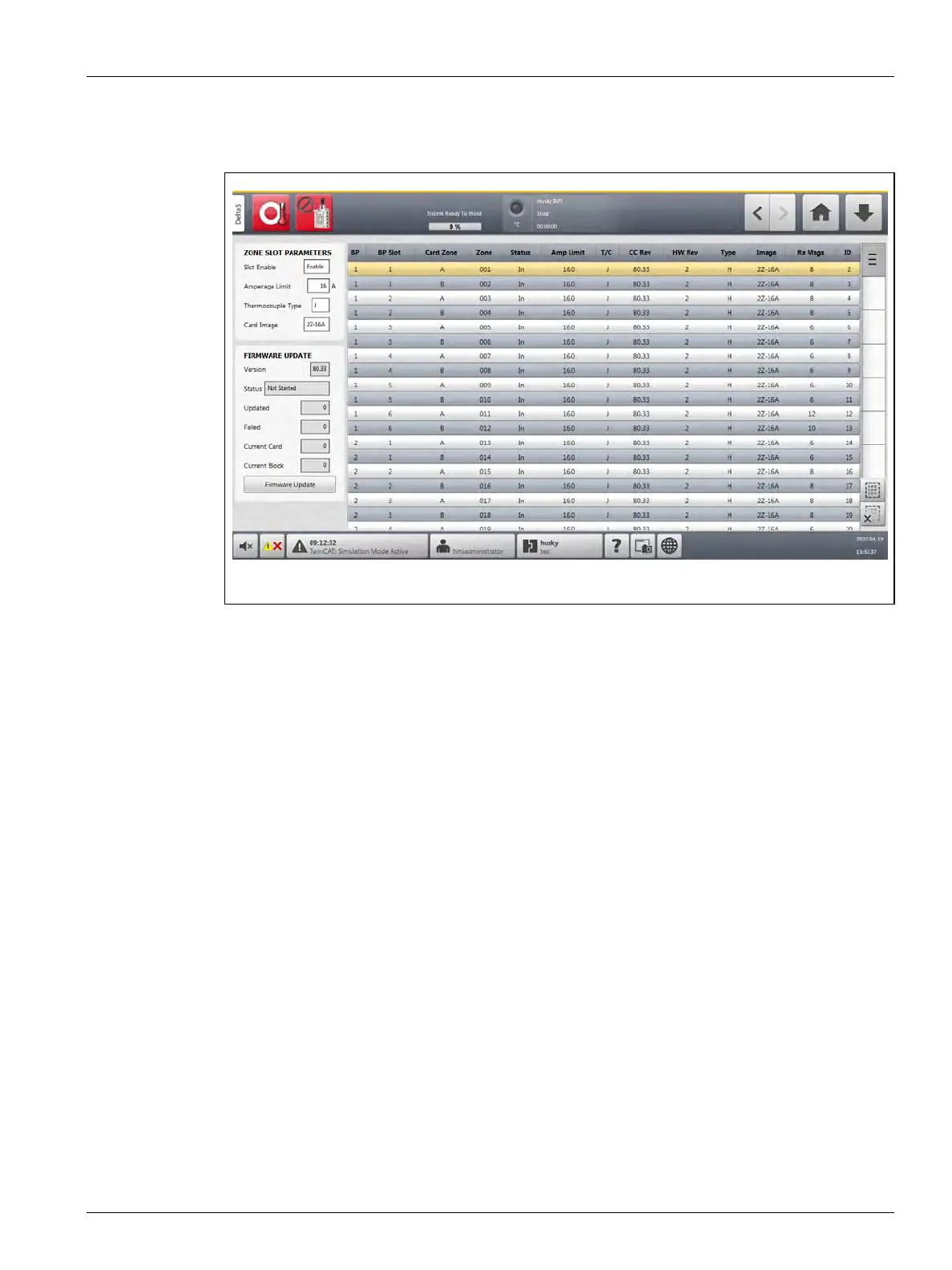
Figure 10-27 Zone Slot Screen



 To Next Page