v 2.0 — March 2023 Altanium Delta5
26 System Configuration Buttons
4.1.10 System Configuration Buttons
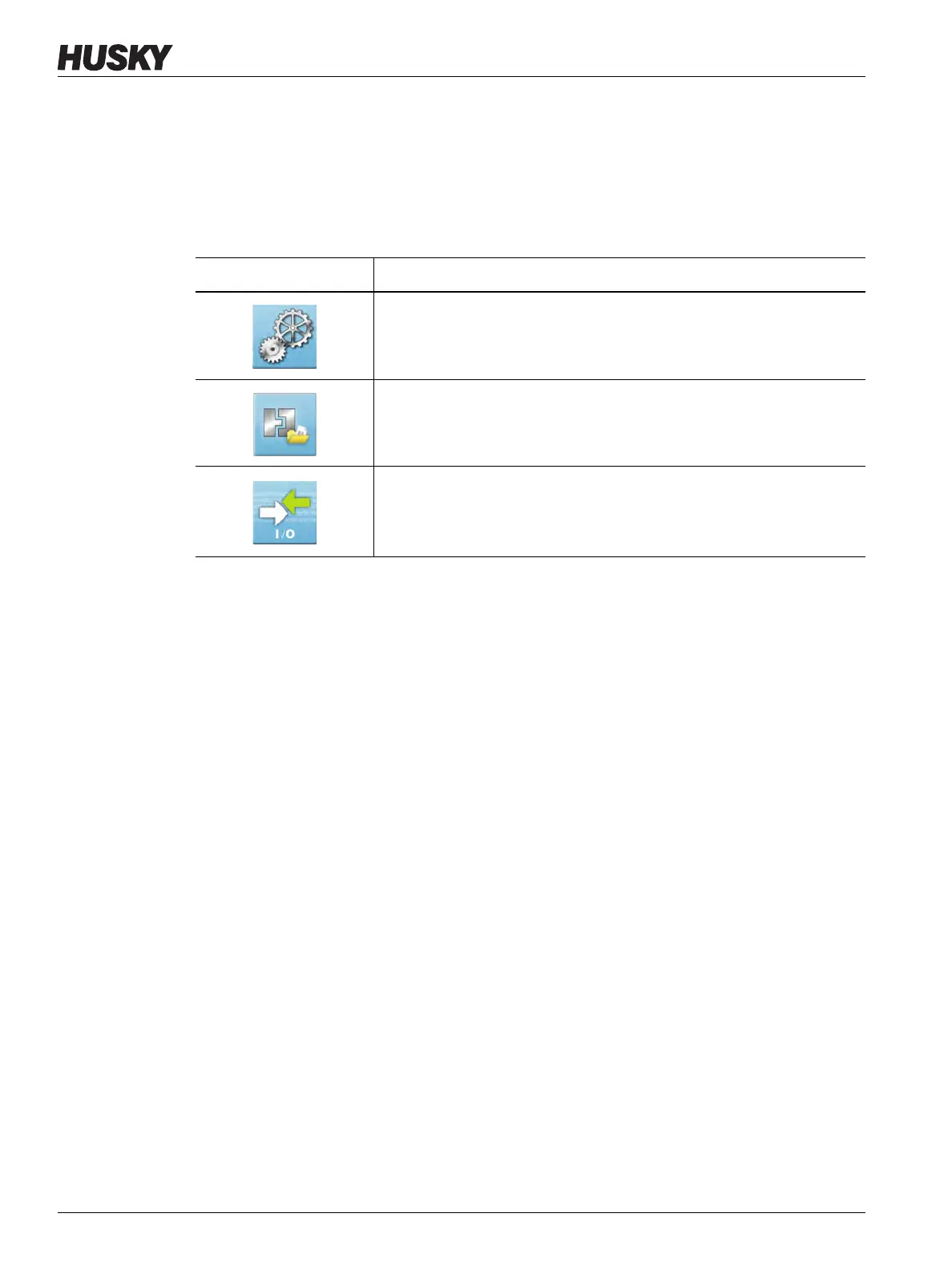
The System Configuration panel of the Altanium Home screen gives access to the system
setup, mold files, and I/O screens. Table 4-12 gives a description for each of the related
screens for the system configuration buttons.
4.2 Screen Keyboards, Keypads, and Selection Menus
The Delta5 controller uses screen keyboards, keypads, and selection menus. Keyboards are
used to enter text, such as names for users, zones, and groups. Keypads are used to enter
numeric values for operation settings, such as temperatures, power, time, and percentages.
Selection menus are used to easily select an item in a drop-down list. Figure 4-2 shows a
typical keyboard, keypad, and selection menu. Their functions are identified in the title bars.
Table 4-12 System Configuration Buttons
Button Description
System Setup
Shows the screens used for system configuration. Refer to Chapter 10 for
information.
Files
Lets you set the process parameter files necessary to operate the hot
runner system for a particular mold. Refer to Chapter 6 for information.
I/O
Lets you configure the system’s inputs and outputs. Refer to Section 14.1
for information.



 To Next Page