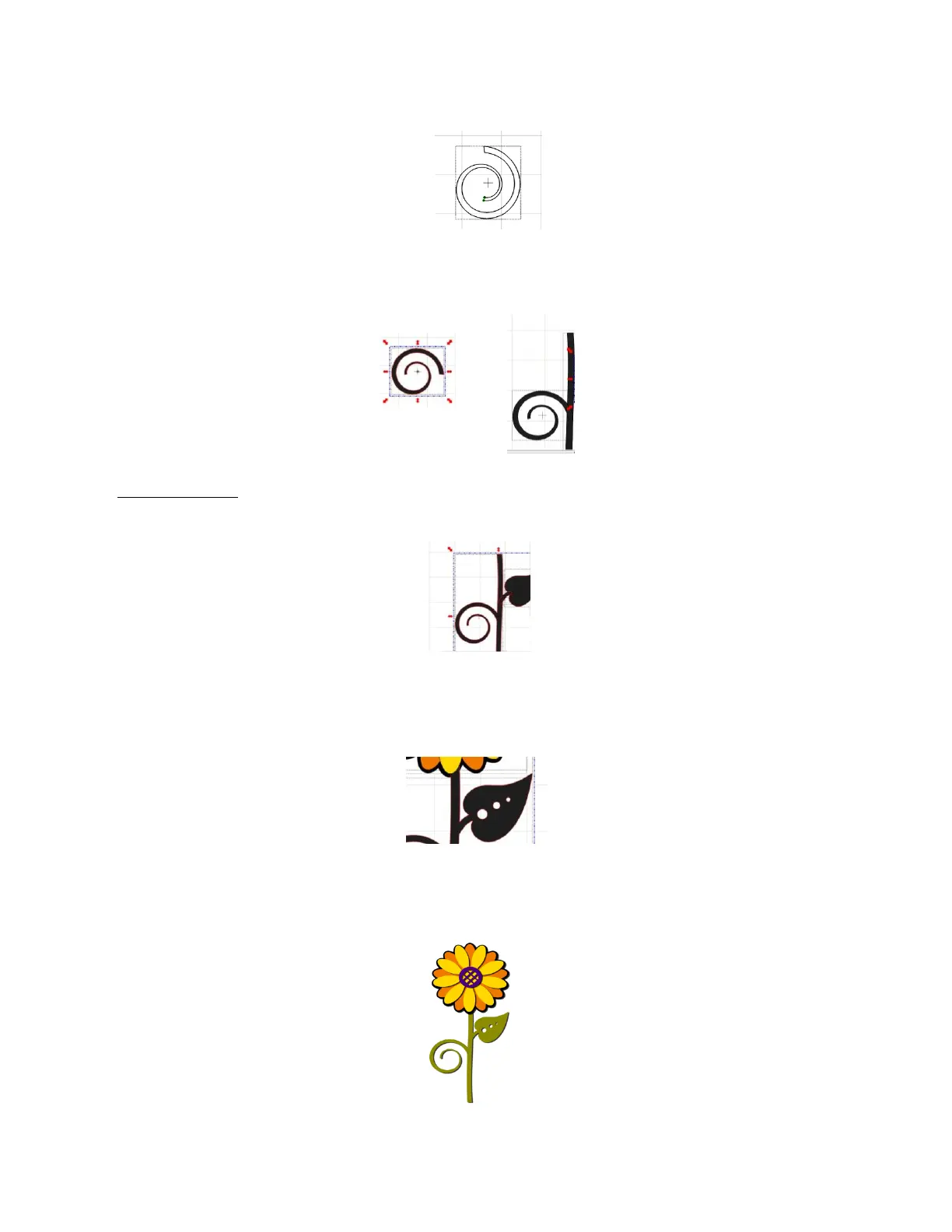
When you activate the Pen Tool you will notice four nodes now appear at the ends of the two spirals.
Connect the nodes by left clicking on one node and right clicking on the node to which you want to connect:
Repeat with the other set of dots/nodes to finish closing the open path into a shape.
To position the swirl shape, select it and click the Mirror icon. Next click the Rotate 90 degrees icon. Move
the spiral into place against the stem. Select the stem and spiral and click the Weld icon
Add a Leaf Stem: Click on the leaf and position it a little away from the stem. Click on the Pen Tool again.
This time check the Fat Path box. Select a Size for the Fat Path to use for drawing the leaf stem. Left click
on the flower stem and right click in the center of the leaf:
Select the flower stem, the leaf and the leaf stem and click on the Weld icon.
Add three circles and resize two to be progressively smaller. Position them on the stem as shown below.
Select the stem and the little circles and apply Join:
Recolor the stem to be green. The design is completed!



 To Next Page