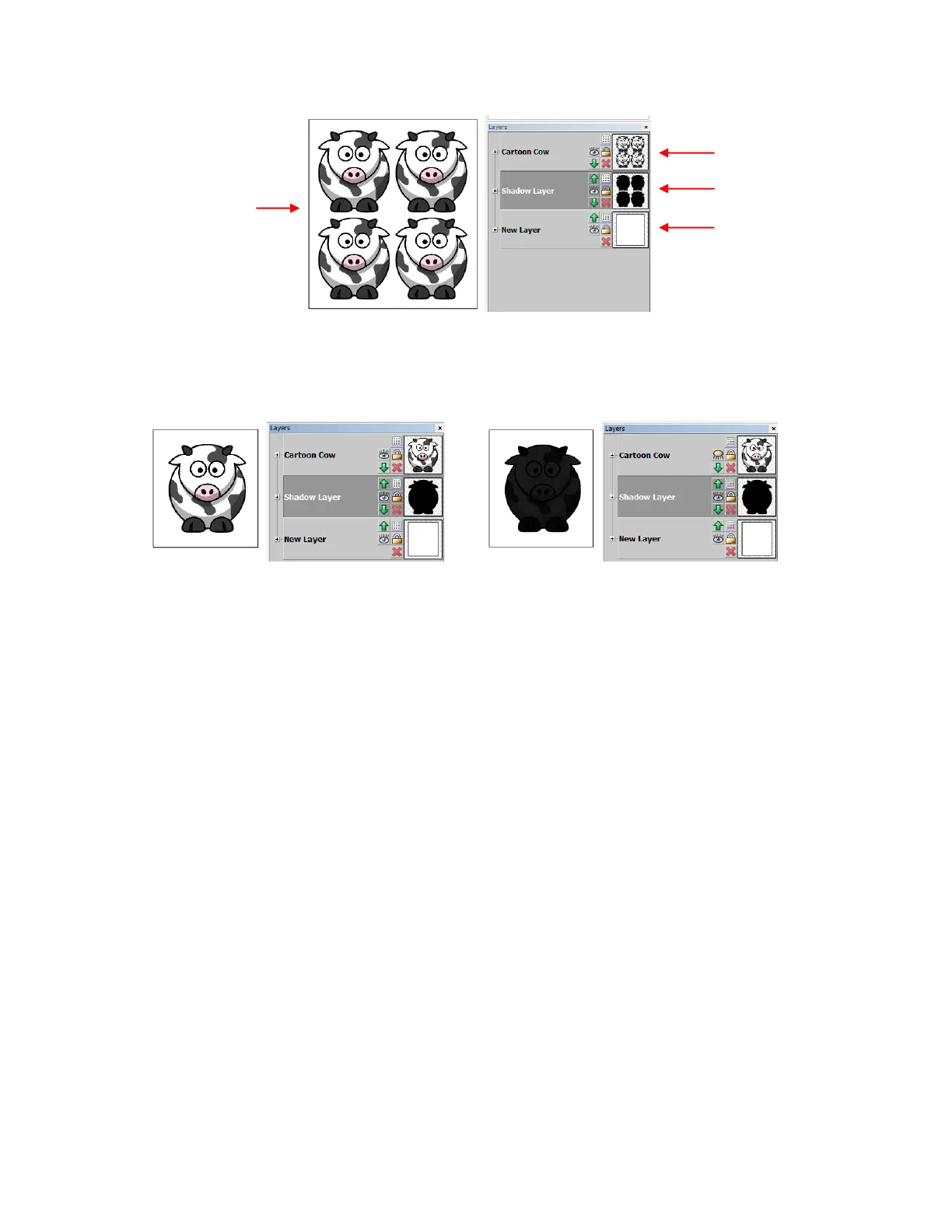
If there are multiple images:
The rectangle layer must be turned on for both printing and cutting. Because the inset shadow layer is
hidden behind the original images, it can also be left on for printing. However, when you are ready to cut,
the original image should be hidden so that only the surrounding rectangle and the inset cut line layer are
sent to cut.
One rectangle is
placed around all of
the images and
their insets.
Original images should
be top layer
All layers are left on for printing
(although shadow layer is optional)
Turn off original image layer for PNC process. Make
sure shadow (inset cutline) layer is showing, as well
as rectangle layer



 To Next Page