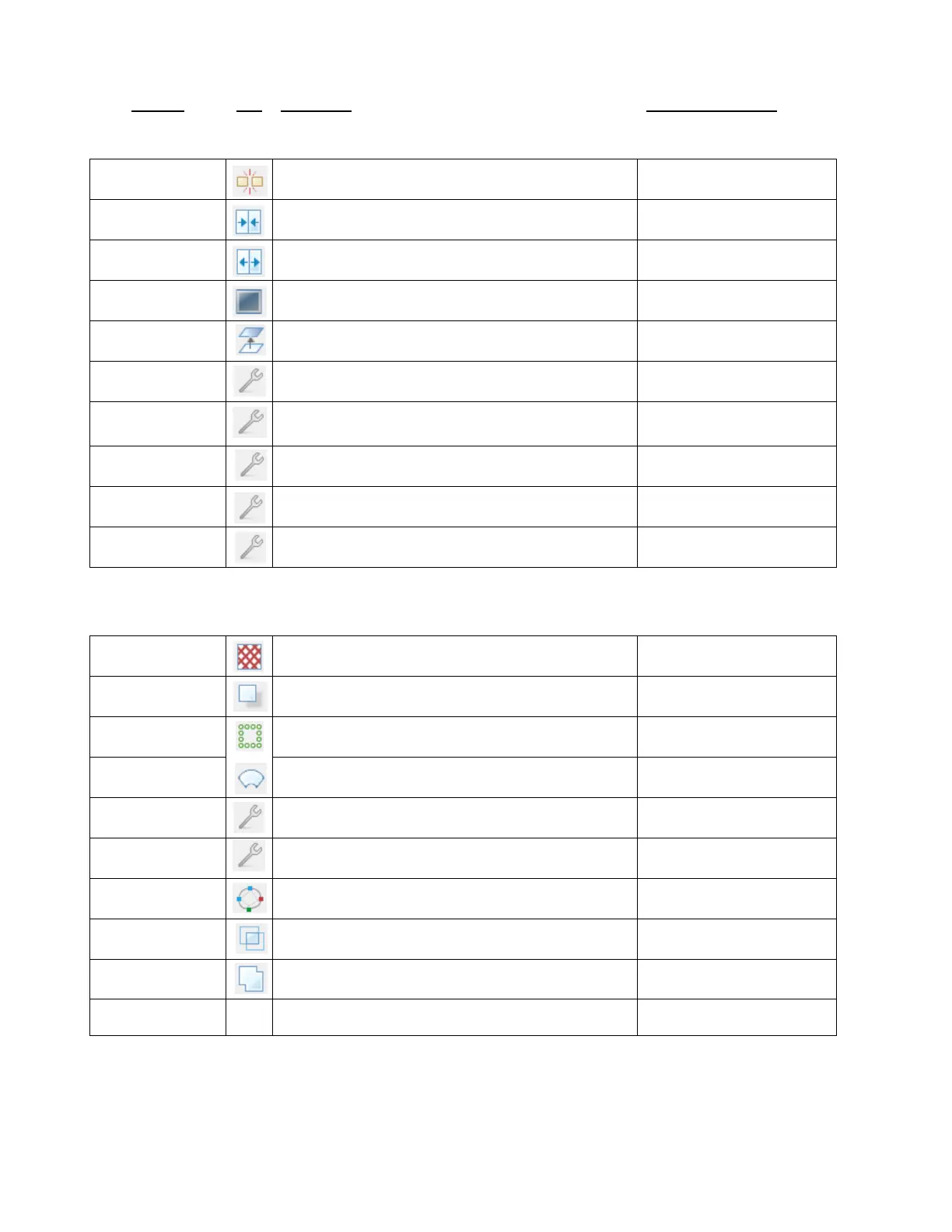
Break a shape into all of its individual paths
Join selected shapes into a single shape
Split typed text into individual characters (glyphs)
Remove all interior paths from selected shapes
Edit>Shape Magic>Blackout
Break apart selected shape(s) into layers
Apply "Flatten Paths" function
Edit>Shape Magic>
Advanced>Flatten Paths
Smooth and simplify shapes
Edit>Shape Magic>
Advanced>Smooth & Simplify
Open "Fuse and Weld" window
Edit>Shape Magic>
Advanced>Fuse n' Weld
Open "Auto Simplify" window to reduce nodes
Edit>Shape Magic>
Advanced>Auto Simplify Path
Toggle Auto Simplify Welds
Edit>Shape Magic>
Advanced>Auto Simplify Welds
Open "Generate Shadow Layer" window
Edit>Shape Magic>Shadow
Layer
Edit>Shape Magic>Rhinestone
Open "Conical Warp" window
Edit>Shape Magic>Conical
Warp
Apply "Thin Paths" function to create a center line trace
Edit>Shape Magic>
Advanced>Thin Paths
Edit>Shape Magic>
Advanced>Tiler…
Open "Bézier Warp" window
Edit>Shape Magic>Bezier Warp
Open "Boolean Join" window
Edit>Shape Magic>Boolean
Join
Weld selected shapes to remove overlap
Ctrl+Drag one shape
onto another
Open "Wrap Objects to Path" window



 To Next Page