EasyManua.ls Logo

KNK Zing - Page 187

KNK Zing
193 pages
Print Icon
To Next Page IconTo Next Page
To Previous Page IconTo Previous Page
Loading...
187
Shortcut
Icon
Description
Menu, Other Location
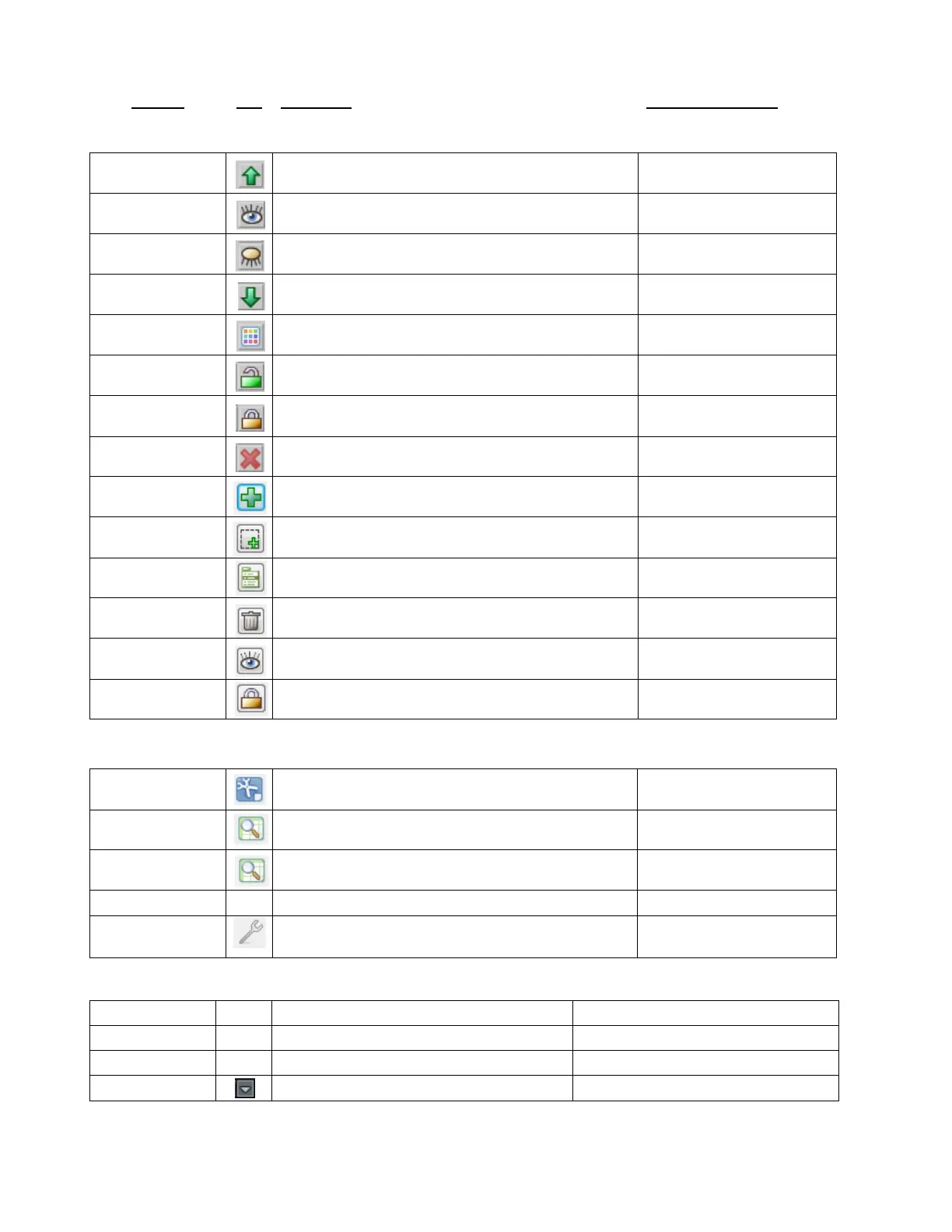
Layers Window Icons
Move this layer up
On any given layer
Layer is visible
On any given layer
Layer is hidden
On any given layer
Move this layer down
On any given layer
Set color, texture or line style for this layer
On any given layer
Layer is unlocked
On any given layer
Layer is visible
On any given layer
Delete this layer
On any given layer
Create a new layer
Bottom of Layers window
Place current selection on a new layer
Bottom of Layers window
Open Layer Options Menu
Bottom of Layers window
Delete empty layers
Bottom of Layers window
Open Visible Toggle menu
Bottom of Layers window
Open Lock Toggle menu
Bottom of Layers window
Output
Ctrl+Shift+C
Open controller window for current default cutter
Cut Project With>current default
sel. Cutter
Ctrl+Shift+E
Show preview of cut shapes
Cut Project With>Cut Preview
Ctrl+Shift+E
Show preview of cut shapes
Edit>Shape Magic>
Advanced>Tiler…
Ctrl+Shift+P
Print
File>Print
Reverse Paths (change direction of cut on selected shape)
Edit>Shape Magic>
Advanced>Reverse Paths
Zing Plug-In
F1
Cut Project
Connected>Cut Project
F2
Toggle Laser On/Off
Connected>Toggle Laser On (or Off)
F3
Reconnect
Connected>Connection>Reconnect
F5
Create Preset
Drop Down Menu>Presets>Create Preset

Table of Contents