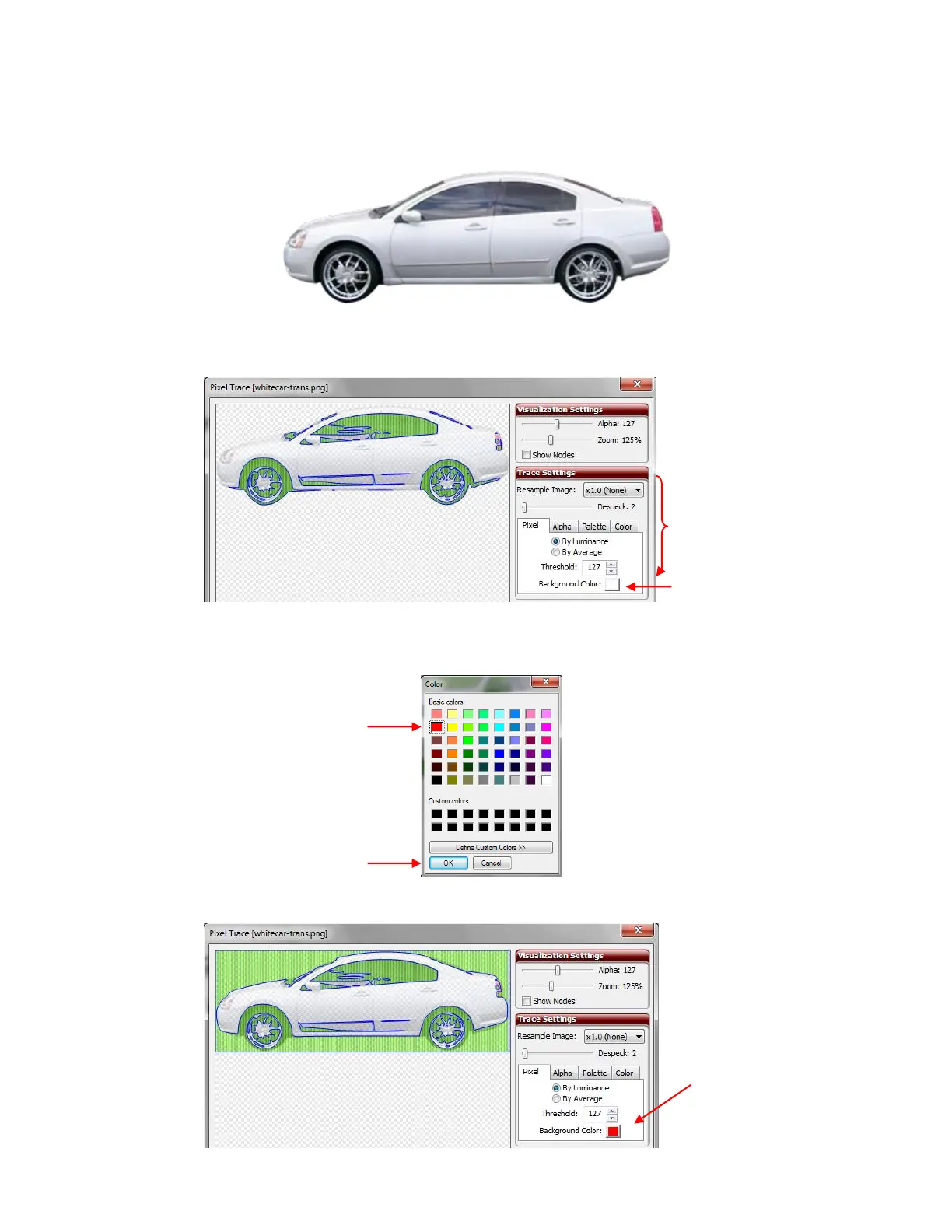
The Background Color setting becomes usable when there is a transparent or alpha channel in the image
you are tracing (such as you will find in some PNG and GIF files). The background color will define the
semitransparent pixels by blending them with the background color you select. Here is a photo of a white
car that illustrates this feature:
When imported into the Pixel Trace window, with default settings in place, note the parts of the image that
are traced with the default white background selected:
Next, click on the Background Color box and a window will open. Select a different color, for example, red:
The parts of the image that will be traced changes:
Background Color
default is white
Click on another color
from palette.
Changing the
Background Color to
red is the only change
made.



 To Next Page