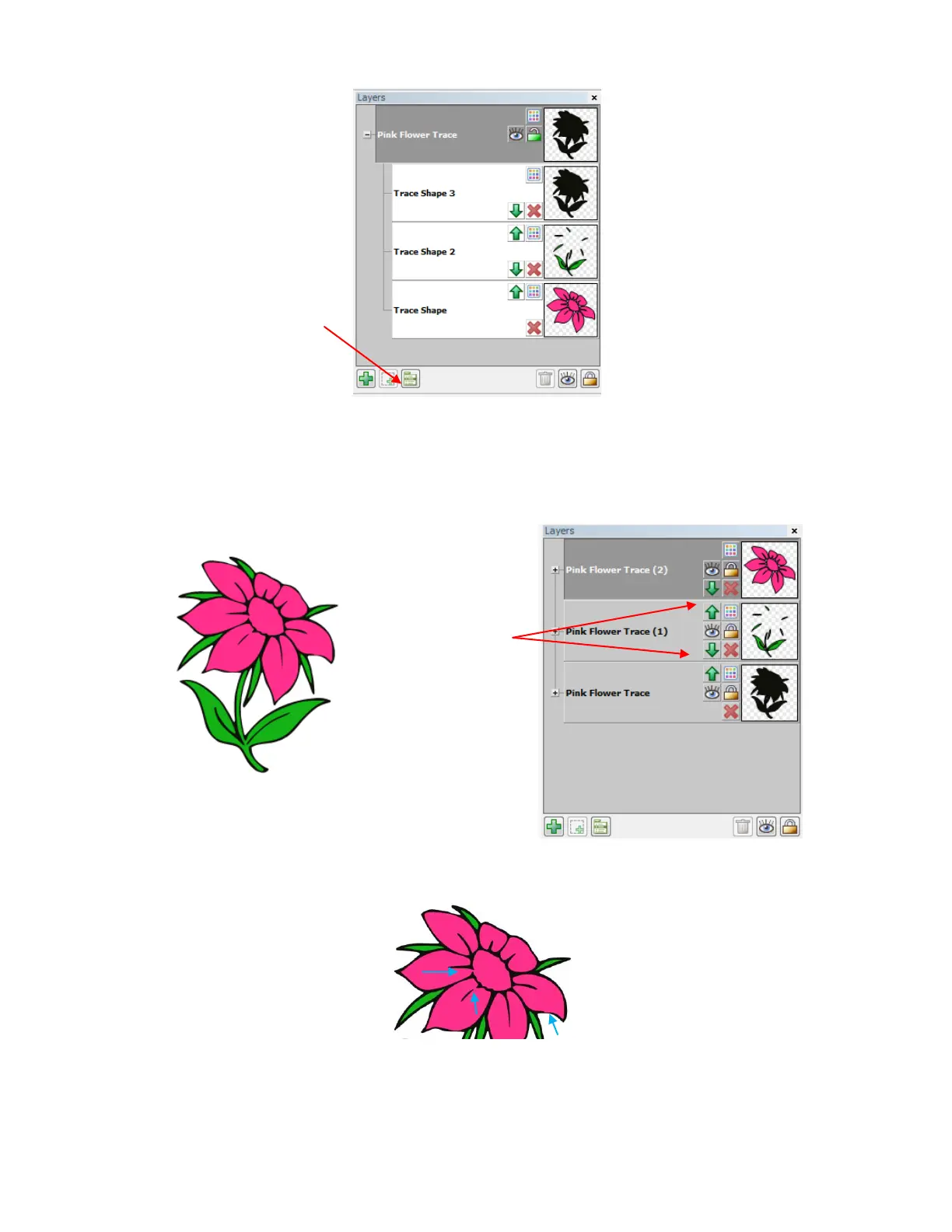
Now each of the four colors has been moved to its own higher level layer where you will now be able to turn
on and off individual layers for cutting. Also, you can move the layers up and down so that the black layer is
on the bottom where it serves as an outline:
Is the flower perfect? No. The blue arrows indicate where the image needs some tweaking:
There are easy-to-use editing tools to tweak the petals in this image. These tools will be presented in
Section 7.11.
While individual layers can
be selected, you cannot
individually turn the layers
on and off for cutting by
colors. Thus click on Layer
Options Menu and select
To Each Its Own.
Arrows were used to
change the order of
the layers so that the
black layer is now on
the bottom



 To Next Page