90 Instruction Manual QuickTOC
®
ultra
IECEx 12E5119
7 How to Work with the Analyser
7.1 General LAR | PROCESS ANALYSERS AG
7.1.2.4 Main view
The main view is for viewing and setting the analyser
7.1.2.5 Keyboard
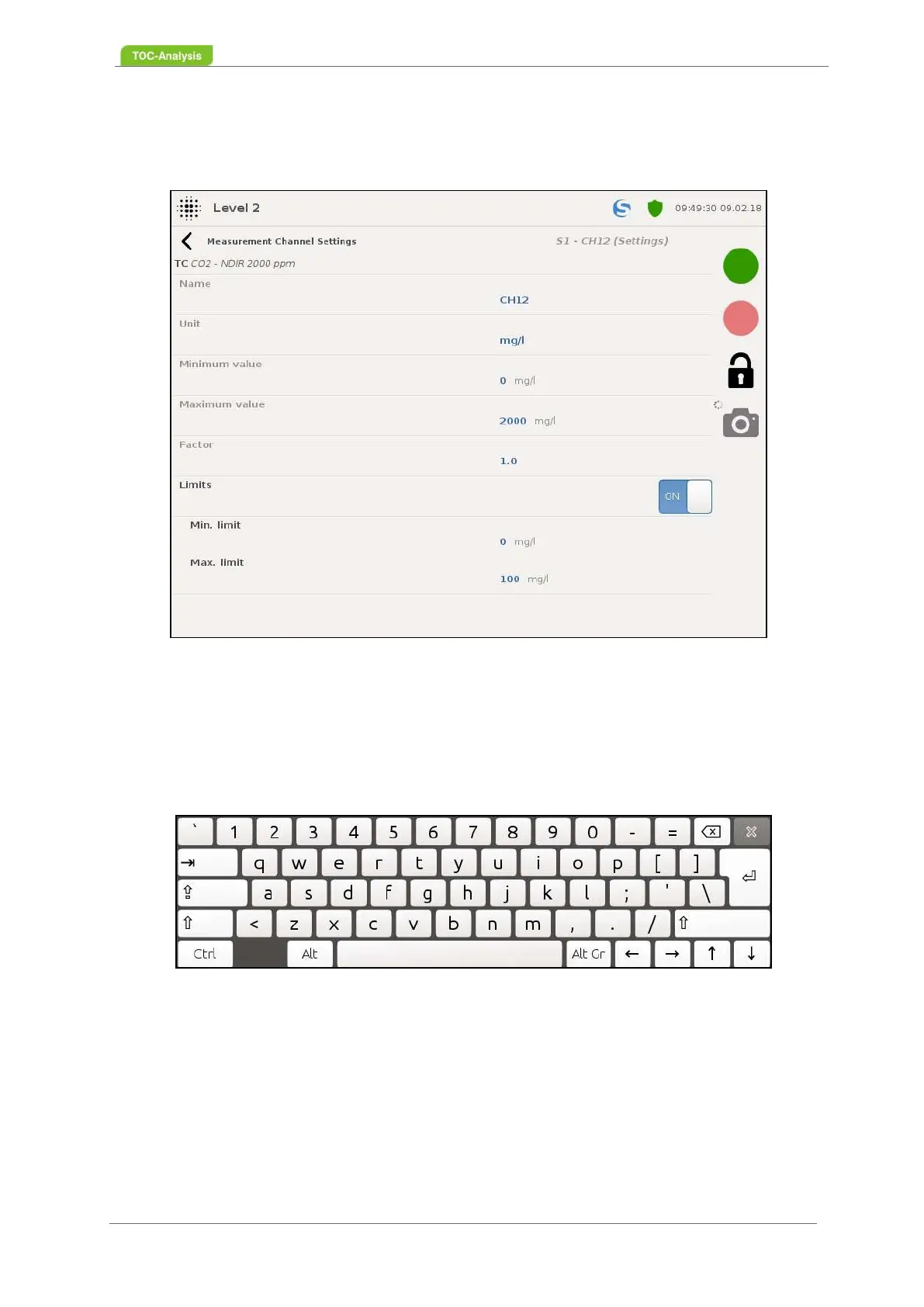
For inputs in the main display, the following keyboard appears as soon as you click on the field to be
edited.
Fig. 57: Main view (Example)
Fig. 58: Keyboard



 To Next Page