124 Instruction Manual QuickTOC
®
ultra
IECEx 12E5119
7 How to Work with the Analyser
7.8 Service LAR | PROCESS ANALYSERS AG
7.8.5 Calibrate Analog Outputs
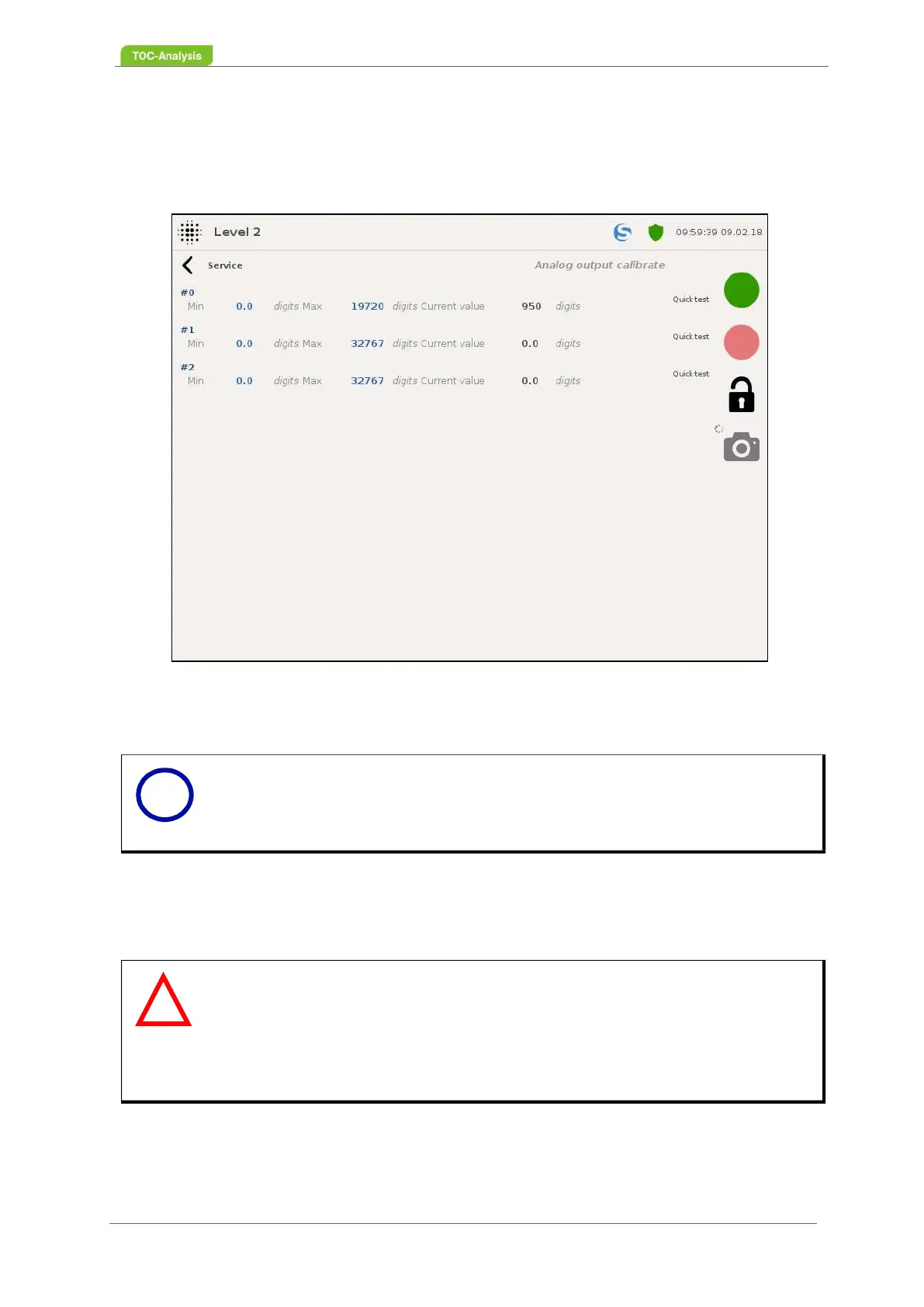
In this display, a quick test of the available analog outputs can be performed. In addition, an analog out-
put can be selected to enable the Live Zero feature.
7.8.5.1 Quick Test (Analog Outputs):
Carry out a Quick Test:
1. Open the rear housing part.
2. Set the current measurement for direct current (DC) on the multimeter.
3. Connect the multimeter to the analog output to be tested (Abb. 27, Seite 38).
4. Click Quick Test on the Analog Output to test.
5. Check on your multimeter whether the current changes every 3 seconds to the following values: 0,
Fig. 86: Calibrate analog outputs (Example)
Notice
After pressing the quick test button, the current signal is changed every 3 se-
conds, starting at 0 mA and ending at 20 mA.
Warning
Damage to the process control system
Incorrect currents at the analog outputs can damage the process control sy-
stem.
Disconnect all signal lines to the process control system before starting to test
the analog outputs (connections to the analog outputs / to terminal X101).
i
!



 To Next Page