88 Instruction Manual QuickTOC
®
ultra
IECEx 12E5119
7 How to Work with the Analyser
7.1 General LAR | PROCESS ANALYSERS AG
7.1.2 User interface
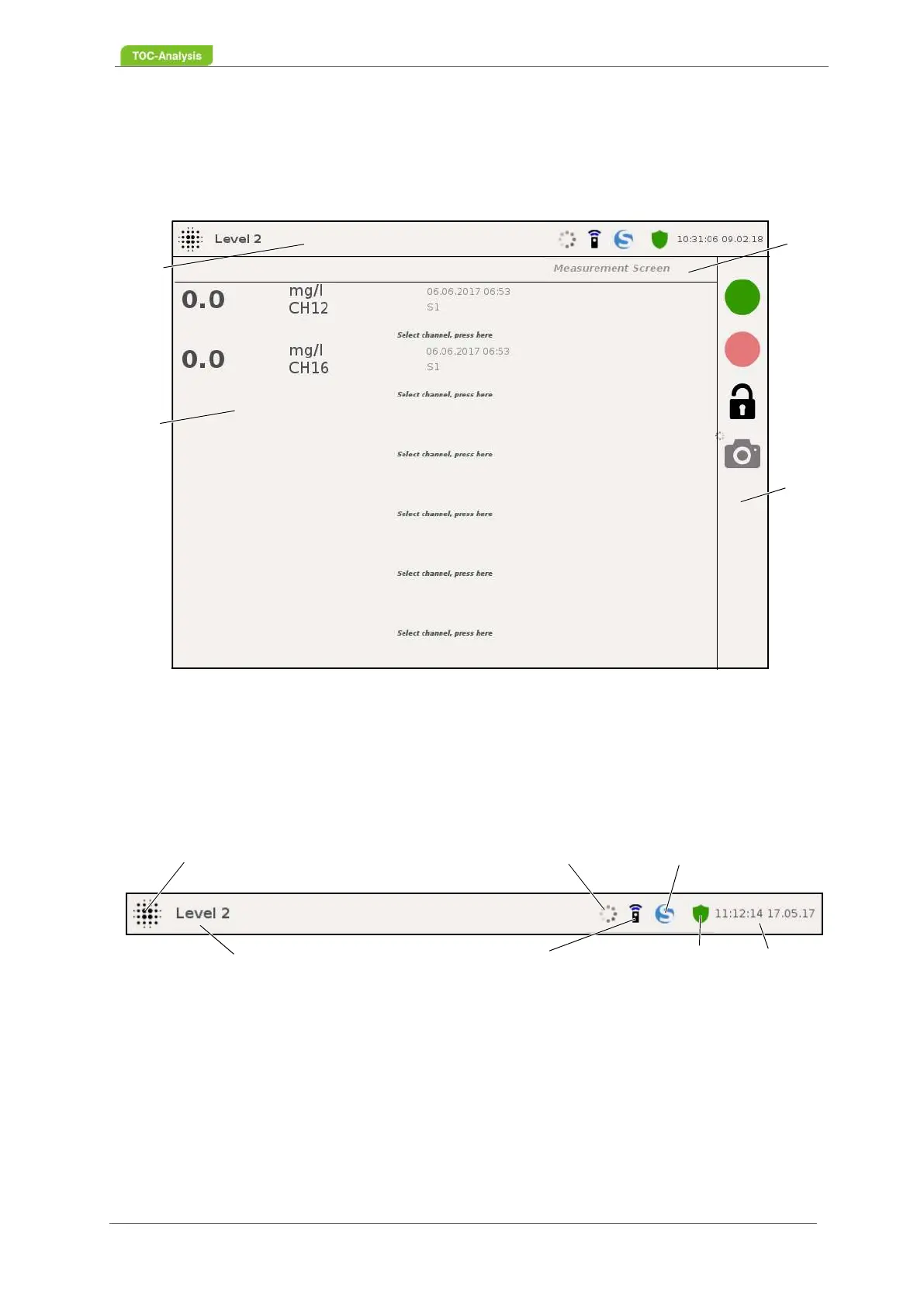
The user interface consists of the status bar (1), the navigation bar (2), the control bar (3) and the main
display (4).
7.1.2.1 Status bar
The status bar displays the operating status, user level, time and date. Furthermore, the start screen,
the update manager and the logbook can be reached from here.
Fig. 53: User interface (example)
Fig. 54: Status bar (Example)
1
2
3
4
Start Screen
User level
Update-Manager
Log
Time / Date
Activity symbol
Connection to external
network established



 To Next Page