12E5119 Instruction Manual QuickTOC
®
ultra
IECEx 91
7 How to Work with the Analyser
7.1 General
LAR | PROCESS ANALYSERS AG
7.1.3 Registration
The registration button (Fig. 56, page 89) will take you to the registration window. Here you can switch
between user level 1 and user level 2. The level classification serves to recognize the access authoriza-
tion of the user.
7.1.4 Operating status
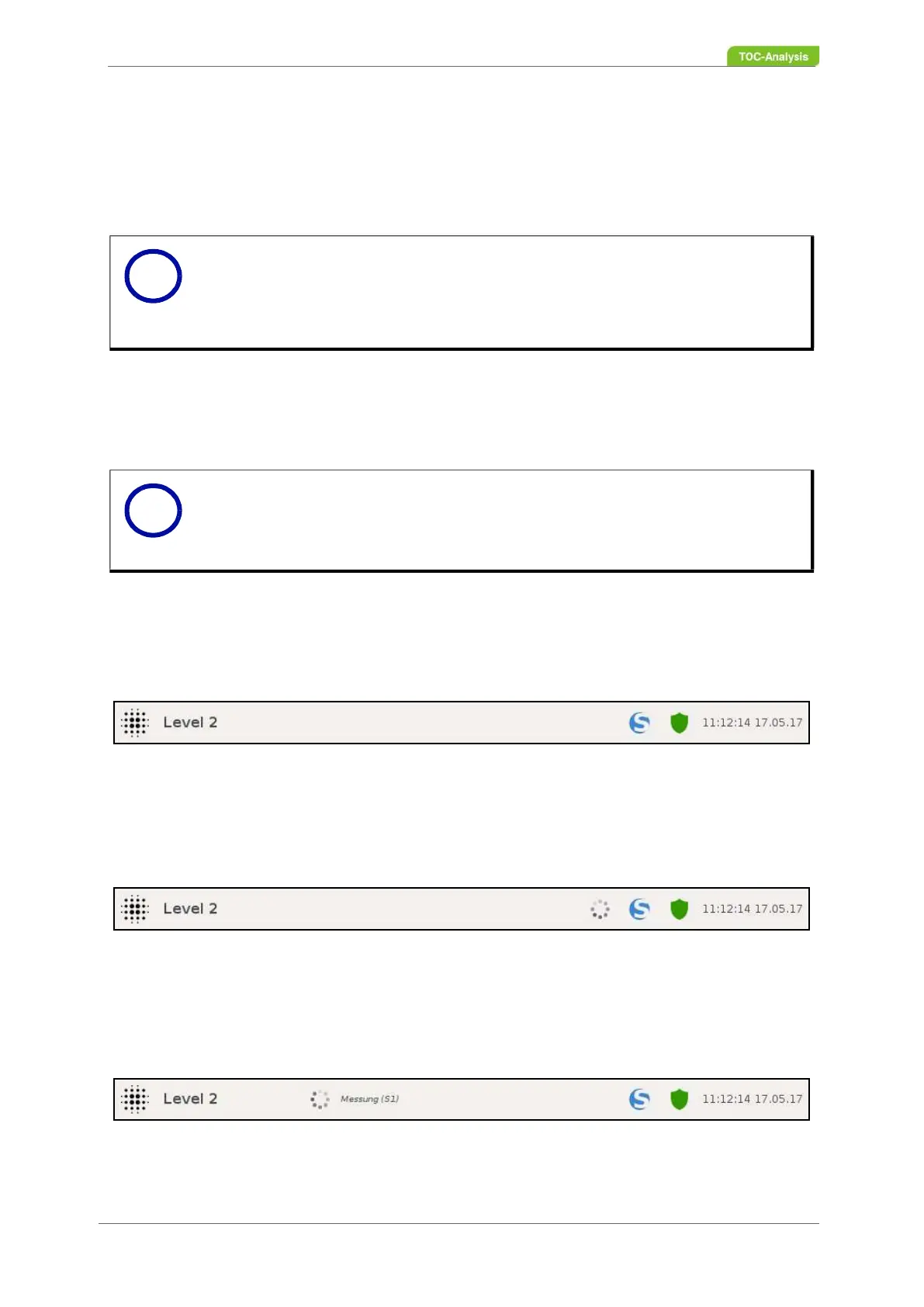
The operating status is displayed via the status bar and can be displayed in 3 variants.
The following 3 variants are displayed in the status bar:
1. Offline:
There is no activity sign and no status in the status bar
2. Online (collapsed):
The activity bar is displayed in the status bar.
3. Online (unfolded):
The status bar displays the activity sign and the status.
Notice
For user level 2, an access authorization with password can be set up
(Chapter 7.8.4 on page 123).
User level 3 (expert level) can only be activated via an authorized USB stick
from LAR.
Notice
The activity flag (status bar to the left of "Update Manager") serves to display
a current activity of the analyser. Click on the icon to display the current action
of the analyser. The corresponding status codes can be found in chapter
Chapter 7.15.1 on page 157.
Fig. 59: Status bar (Offline)
Fig. 60: Status bar (Activity sign)
Fig. 61: Status bar (activity sign, status - single measurement sample stream 1) - Example
i
i



 To Next Page