94 Instruction Manual QuickTOC
®
ultra
IECEx 12E5119
7 How to Work with the Analyser
7.3 Reading Screen LAR | PROCESS ANALYSERS AG
7.3.1 Channel Selection
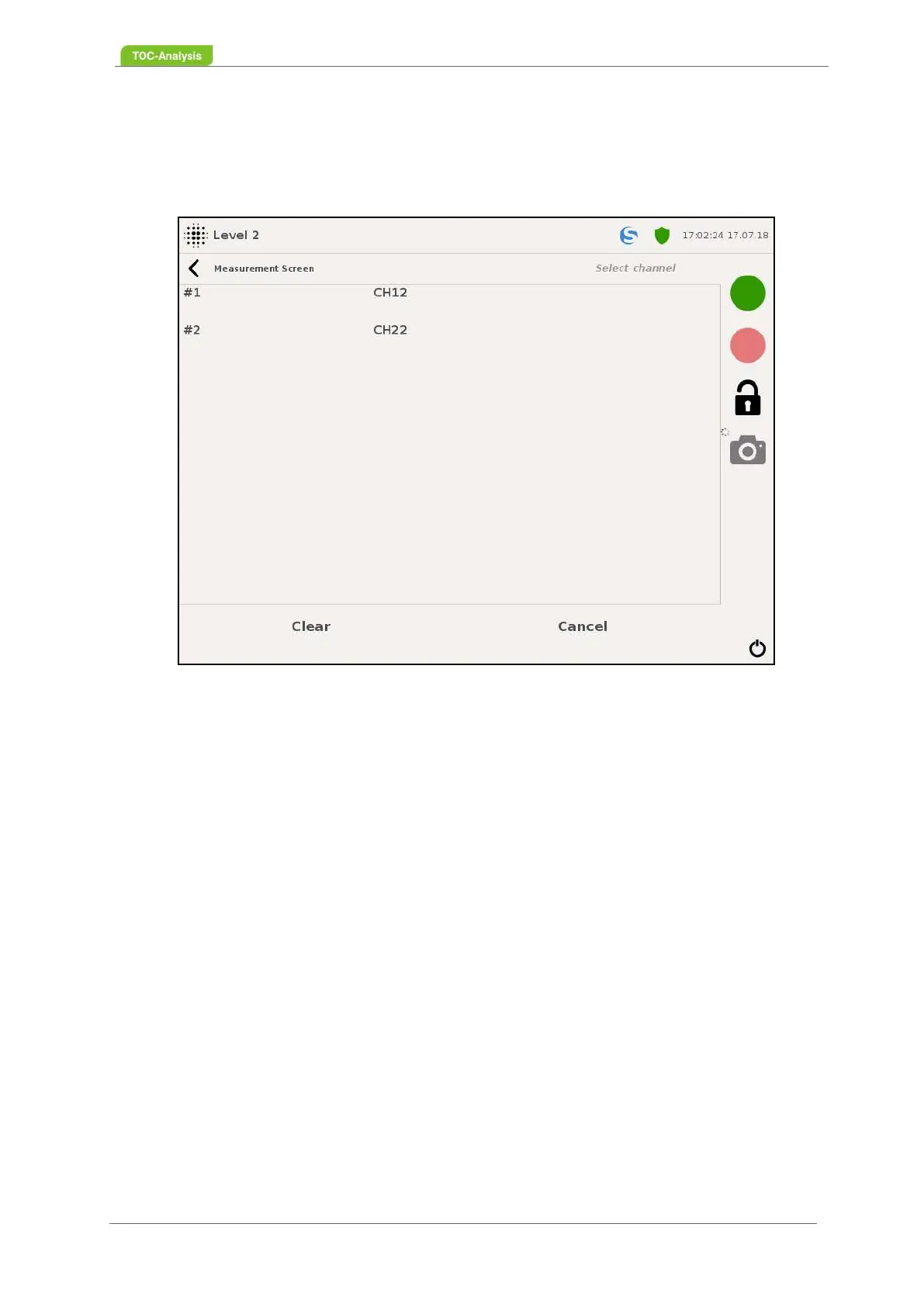
Measurement values in the "Measurement Screen" display are based on the measurement channels
displayed here that are factory set to user requirements.
This display consists of the list of available channels, each associated with a sample stream. The set-
tings of the channels can be found in Chapter 7.7.2 from page 105 and the settings of the sample
streams can be seen in Chapter 7.7.4 on page 111 onwards.
Fig. 64: Reading screen - Channel selection (Example)



 To Next Page