12E5119 Instruction Manual QuickTOC
®
ultra
IECEx 109
7 How to Work with the Analyser
7.7 Measurement Settings
LAR | PROCESS ANALYSERS AG
7.7.3.1 Setting a custom relay
1. Select a relay.
2. Select the function "Custom Relay".
3. Enter the corresponding values or fault code via the keyboard using the programming tools from
Chapter 7.7.3.2 on page 110 and the status and / or fault codes from Chapter 7.15 on page 157
onwards.
4. Then save your setting with "OK".
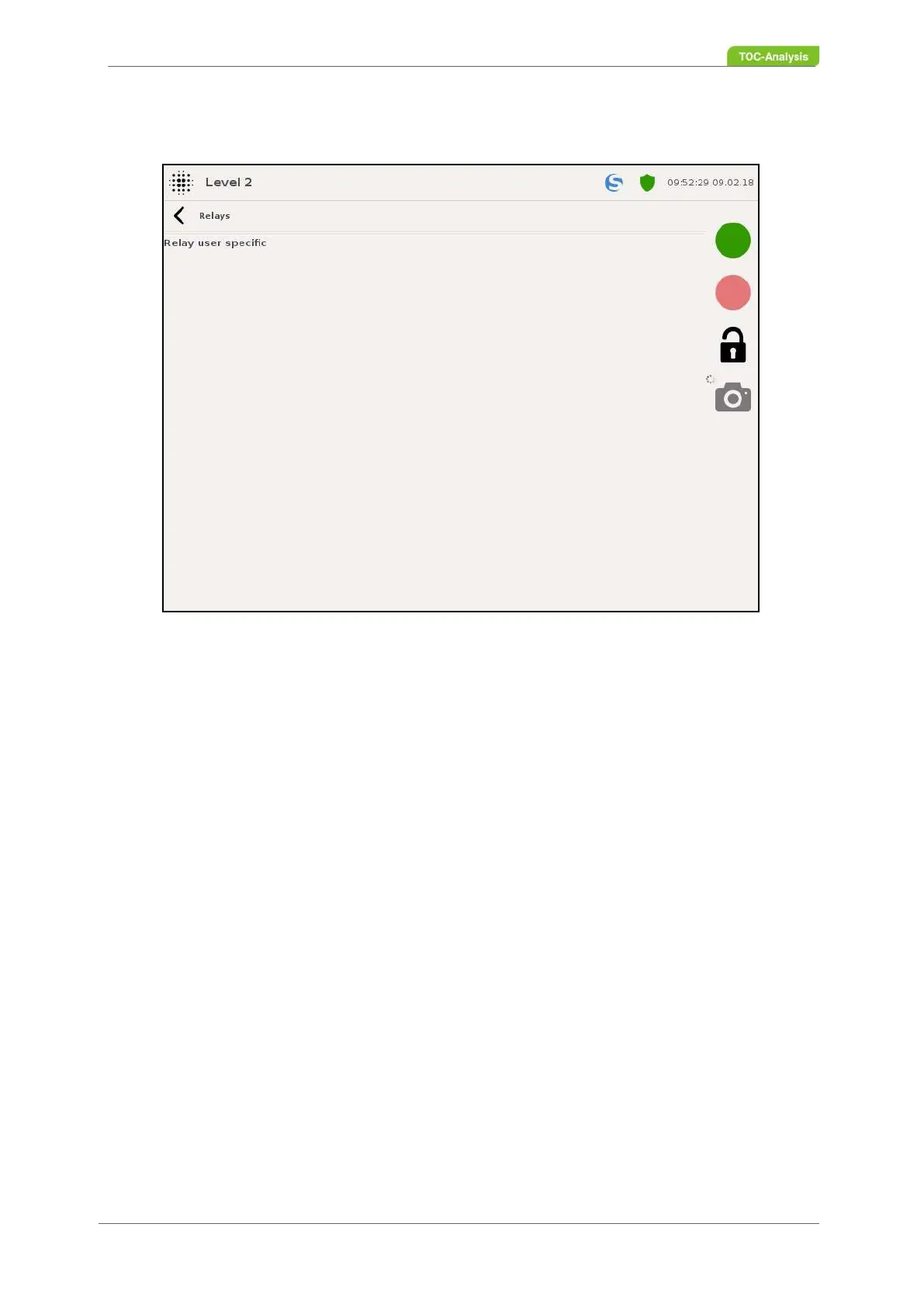
Fig. 75: Relay selection (Example)



 To Next Page