12E5119 Instruction Manual QuickTOC
®
ultra
IECEx 147
7 How to Work with the Analyser
7.11 Database
LAR | PROCESS ANALYSERS AG
7.11 Database
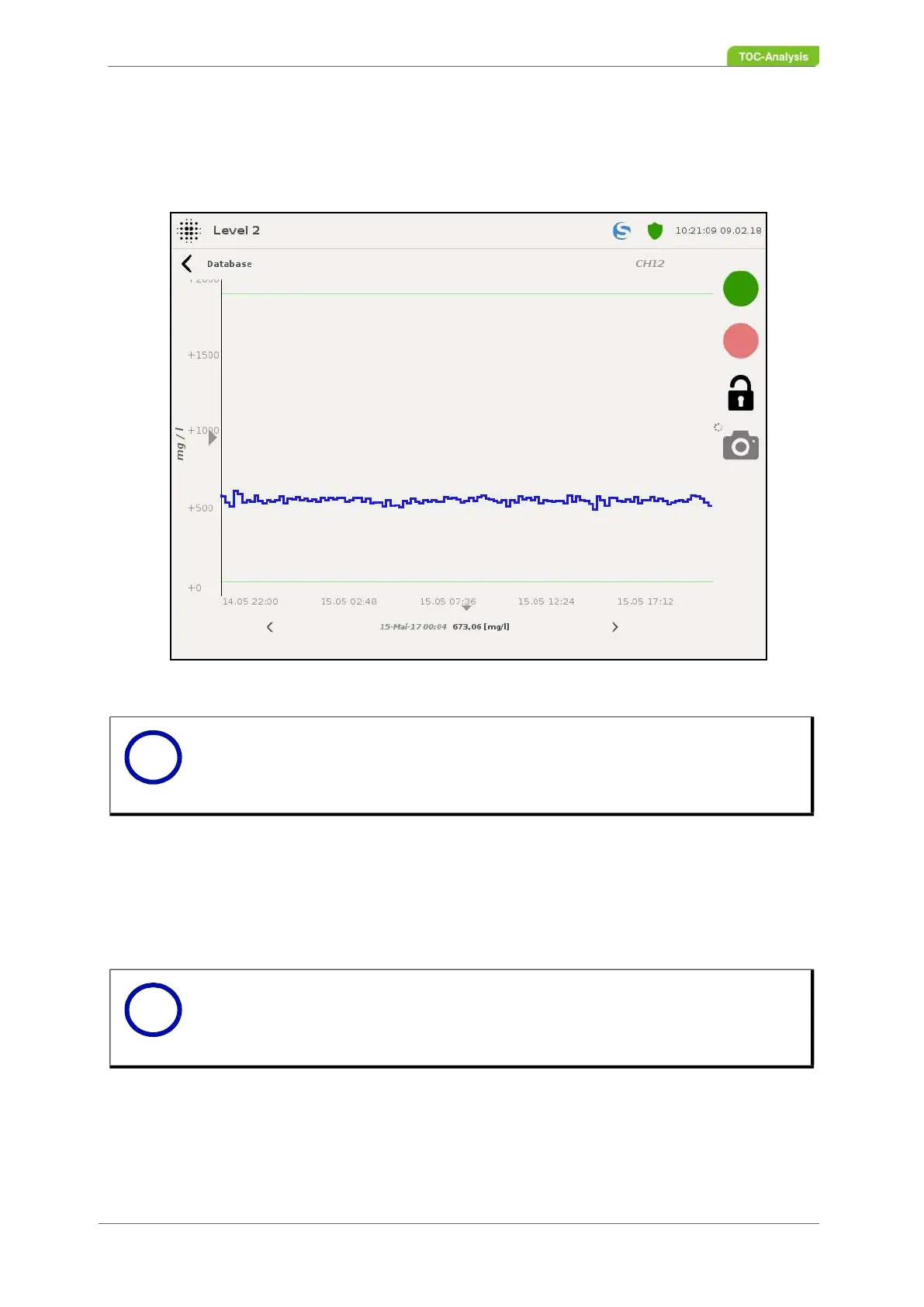
This display shows the last measurement results of each sample stream.
Selection of sample stream:
This function selects the sample stream to be viewed. The selected sample stream will be displayed after
the selection as a graph of the measurement results of the last 24 hours.
Selection Date:
This function can be used to set the date to be viewed.
Load next 24 hours:
This function can be used to extend the display time by 24 hours. The time span is extended by the pre-
vious 24 hours.
Period of time:
Using the arrows in the display of the time span, you can set the period one day or one day ahead. The
Fig. 106: Database (Example)
Notice
This view supports the Export function (Chapter 7.14.2 on page 156).
Notice
If you use the "Load next 24 hours" function to increase the display time, the time span
after setting the "Search Date" will be reset to 24 hours.
i
i



 To Next Page