12E5119 Instruction Manual QuickTOC
®
ultra
IECEx 151
7 How to Work with the Analyser
7.12 Logbook
LAR | PROCESS ANALYSERS AG
7.12 Logbook
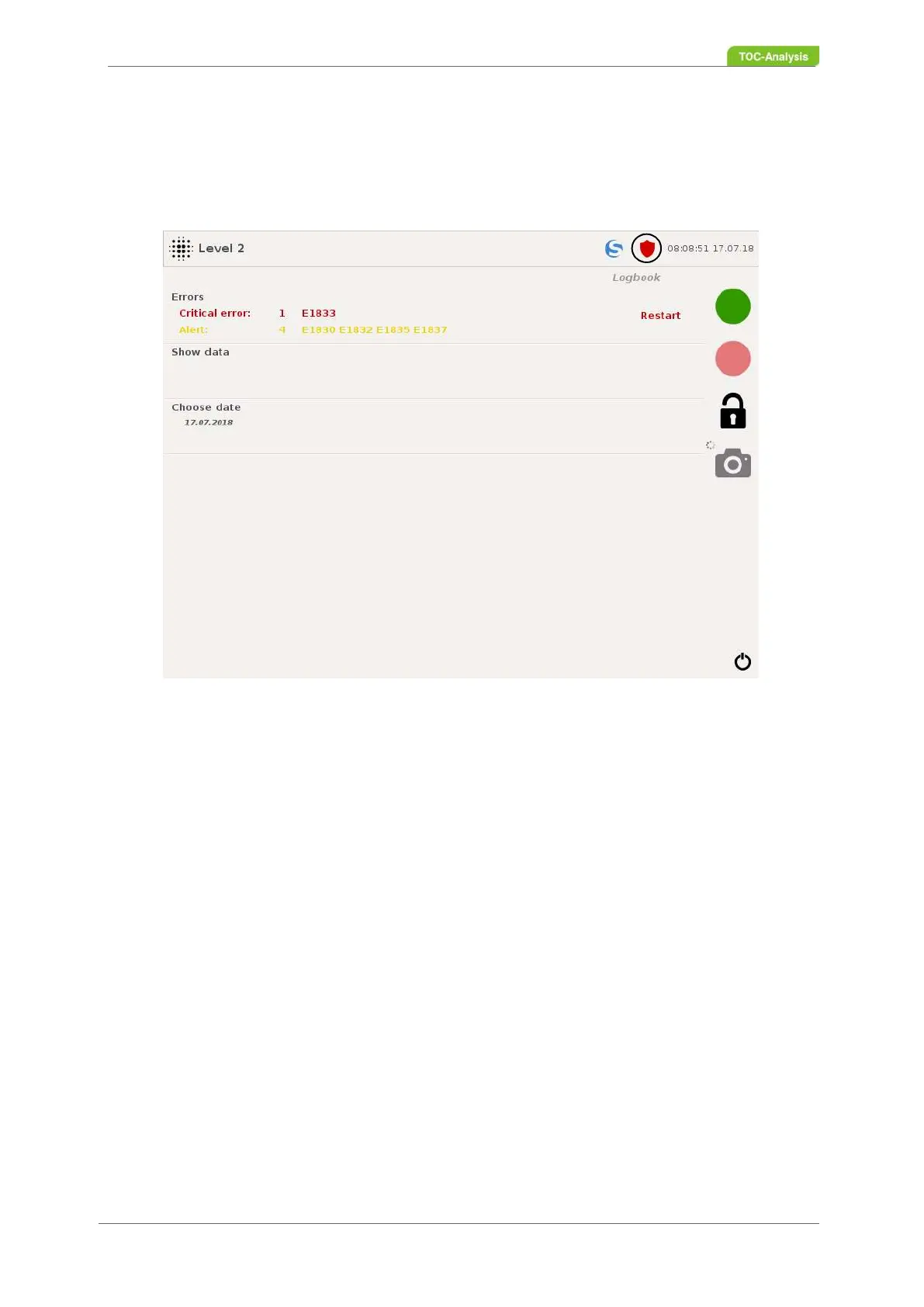
The shield icon in the status bar will take you to the logbook. In this display, the currently occurring faults,
past faults and past activities can be viewed and exported to a USB stick.
Fault messages
If an alarm occurs, the color of the shield symbol changes from green to yellow or red, whereby the color
change depends on the type of malfunction that occurs (section 7.15 on page 168).
This display shows which fault is currently present. With one click you get to the overview of the error
messages.
Show data
This function takes you to the overview of logbook entries.
Selection Date
This function can be used to select from which date the logbook entries should be displayed in the "Show
data" display.
Restart
Press „Restart“ to quit the fault message.
Fig. 110: Logbook (Example with fault message)



 To Next Page