120 Instruction Manual QuickTOC
®
ultra
IECEx 12E5119
7 How to Work with the Analyser
7.8 Service LAR | PROCESS ANALYSERS AG
7.8.3 Test Run
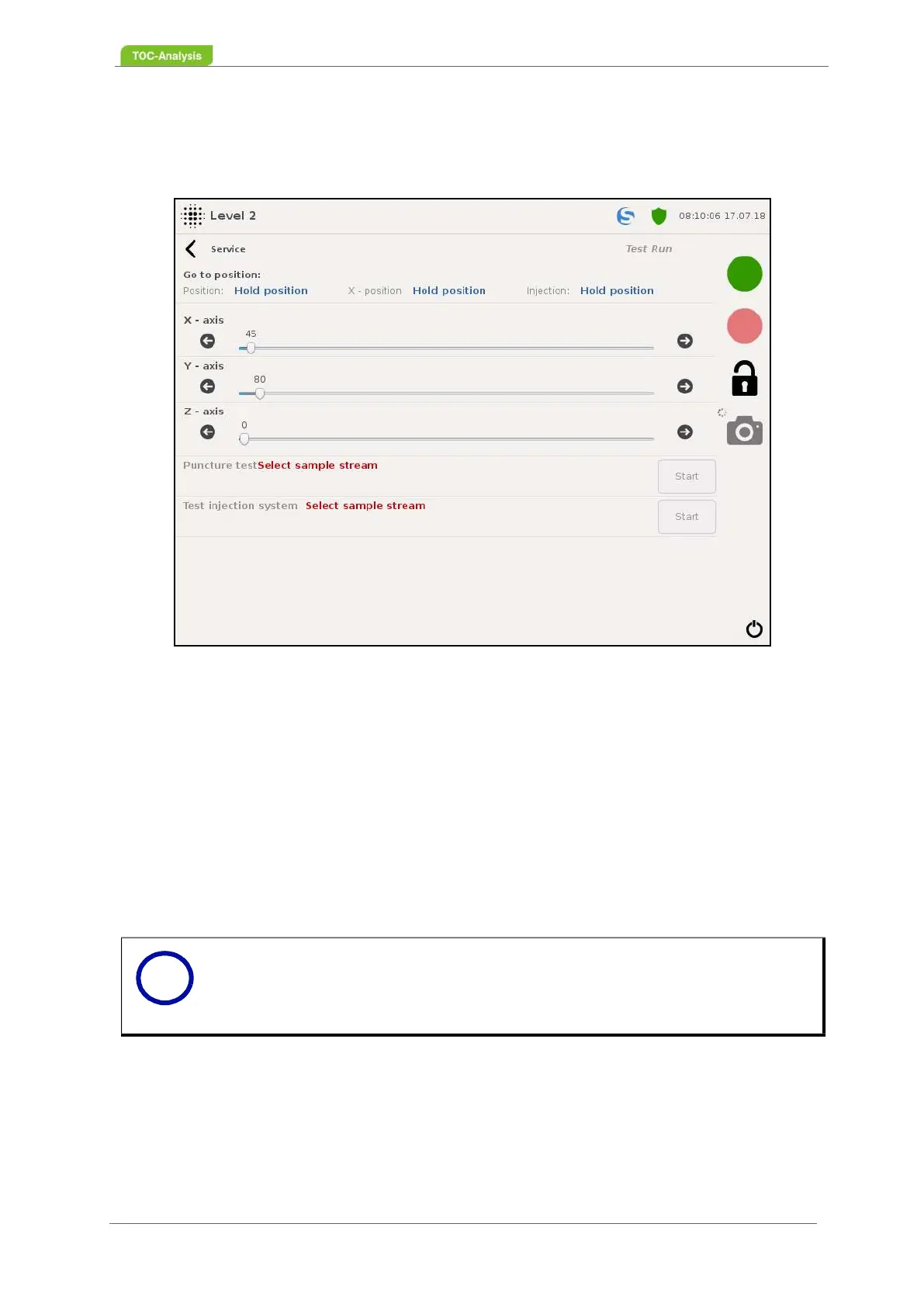
In this display, a check and adjustment of the needle positions can be performed.
Manual test run:
To check the correct needle position, it is possible to do a manual test run. With the selection "Go to
position" the needle can be moved to all positions along the X-axis. As soon as the needle stops at the
entered position, pressing the start button on the function "penetration test" will be able to perform a Y-
movement and thereby the insertion of the needle. As a result, the correct position setting of the injection
needle can be checked. If the positions are not set correctly, the position of the needle must be positio-
ned / adjusted on the X-axis (Chapter 7.8.3.1 on page 122).
Puncture test:
This function makes it possible to check the insertion of the needle into any vessel. Make sure that the
needle punctures the center of the scraper disc. The first step is to select the vessel to be tested using
the "Go to position" function. With the key "Start" the "penetration test" can be started.
.
Test of the injection system:
With this test, the injection behavior of the injection needle can be checked. If the injection jet does not
run vertically, clean or replace the injection needle (Chapter 8.5.19 on page 179 or Chapter 8.7.14 on
page 195). It is possible to test the injection of the sample outside the injection port (oven). To do this,
the vessel to be tested must first be selected using the "Go to position" function. With the key "Start" the
"Test of the injection system" can be started. For this purpose, the injection needle moves over the selec-
Fig. 83: Test Run (Example)
Notice
The injection needle does not completely shut down at the "oven" position,
otherwise the injection needle would hit the injection valve and destroy the in-
jection valve.
i



 To Next Page