12E5119 Instruction Manual QuickTOC
®
ultra
IECEx 137
7 How to Work with the Analyser
7.10 Calibration
LAR | PROCESS ANALYSERS AG
7.10.1.1 Calibration Archive
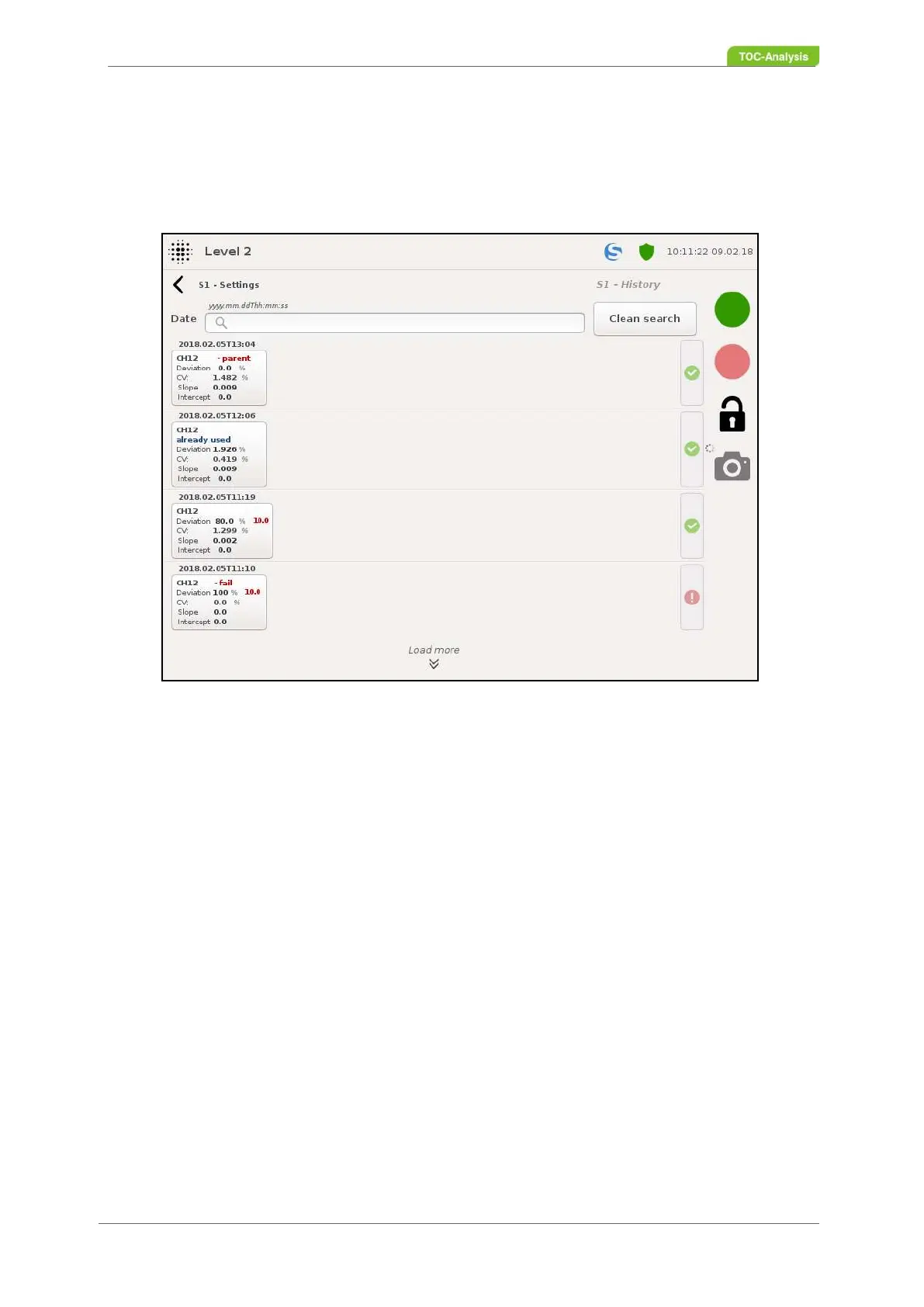
This display shows all calibrations of a calibration parameter. The display shows the date, the time, the
deviation, the CV, the intercept and the slope of the respective calibration. Furthermore, the calibrations
can be activated and deactivated via this display with user level 3.
With the search function individual calibrations can be found faster. All calibrations carried out are stored
in the archive.
All calibrations carried out with user level 3 are indicated in the archive without any deviations.
The last calibration carried out with user level 3 is saved as "master calibration" in the archive.
Failed calibrations are stored as "failed" in the archive and can not be activated.
By clicking on one of the calibrations you will get to the view of the "calibration points" of the selected
calibration (Chapter 7.10.1.2 on page 138).
The activation / deactivation of a calibration is only possible with user level 3.
Fig. 99: Calibration archive (Example)



 To Next Page