12E5119 Instruction Manual QuickTOC
®
ultra
IECEx 89
7 How to Work with the Analyser
7.1 General
LAR | PROCESS ANALYSERS AG
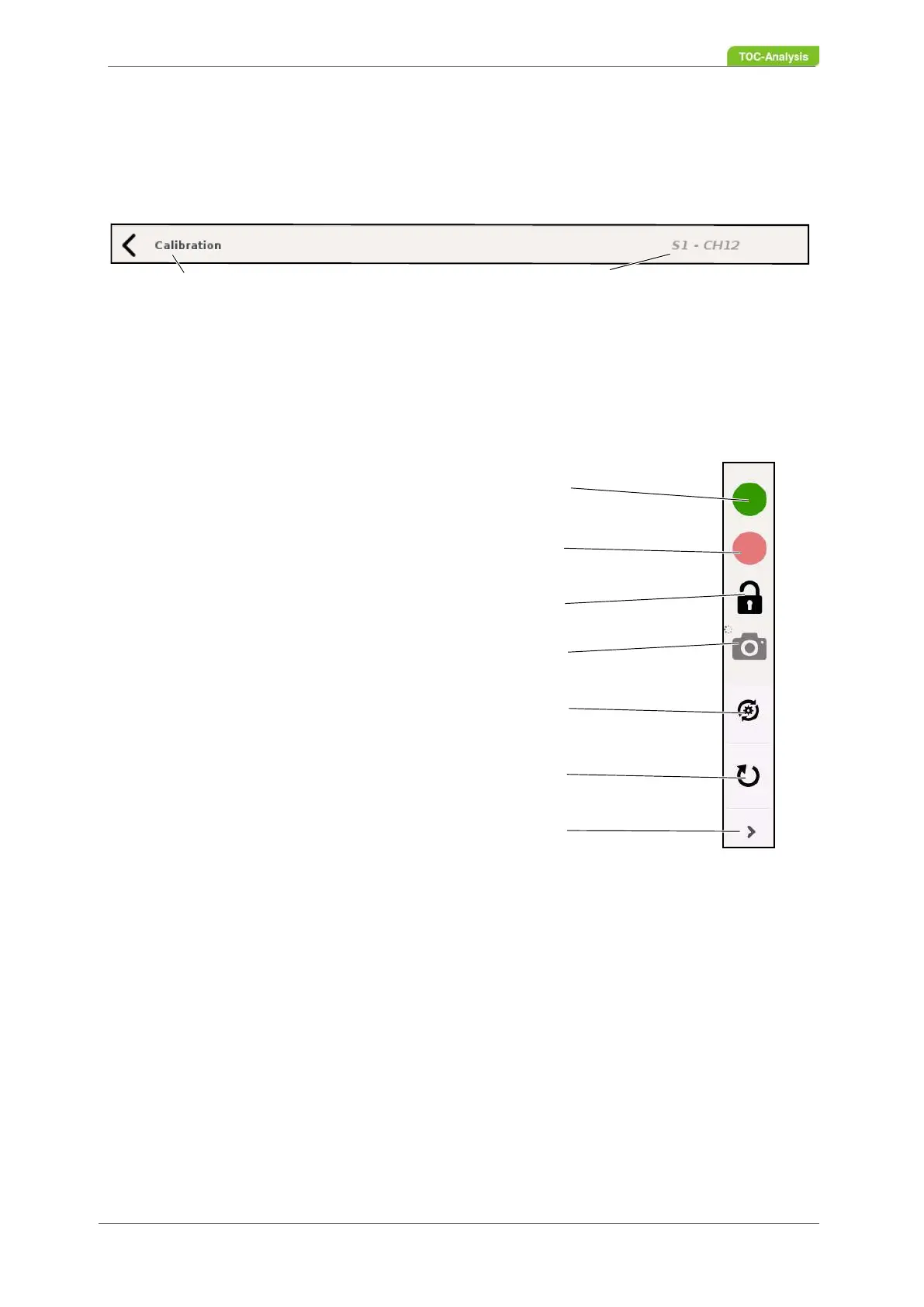
7.1.2.2 User Level Navigation bar
The navigation bar indicates at which menu level you are currently (right) and in which menu level you
can return (arrow on the left side).
7.1.2.3 Control Bar
The control bar is used to switch the online measurement on and off, to log in the user and to take
screenshots.
Fig. 55: Control bar (Example)
Fig. 56: Control bar
Actual menu
Back to previous menu
Online operation (switching on the online measurement)
Offline operation (switching off the online measurement)
Registration
Screenshot
Update-Manager (user level 3)
Restart of software (User level 3)
Hide the update and restart buttons (user level 3 only)



 To Next Page