106 Instruction Manual QuickTOC
®
ultra
IECEx 12E5119
7 How to Work with the Analyser
7.7 Measurement Settings LAR | PROCESS ANALYSERS AG
7.7.2.1 Channel Settings
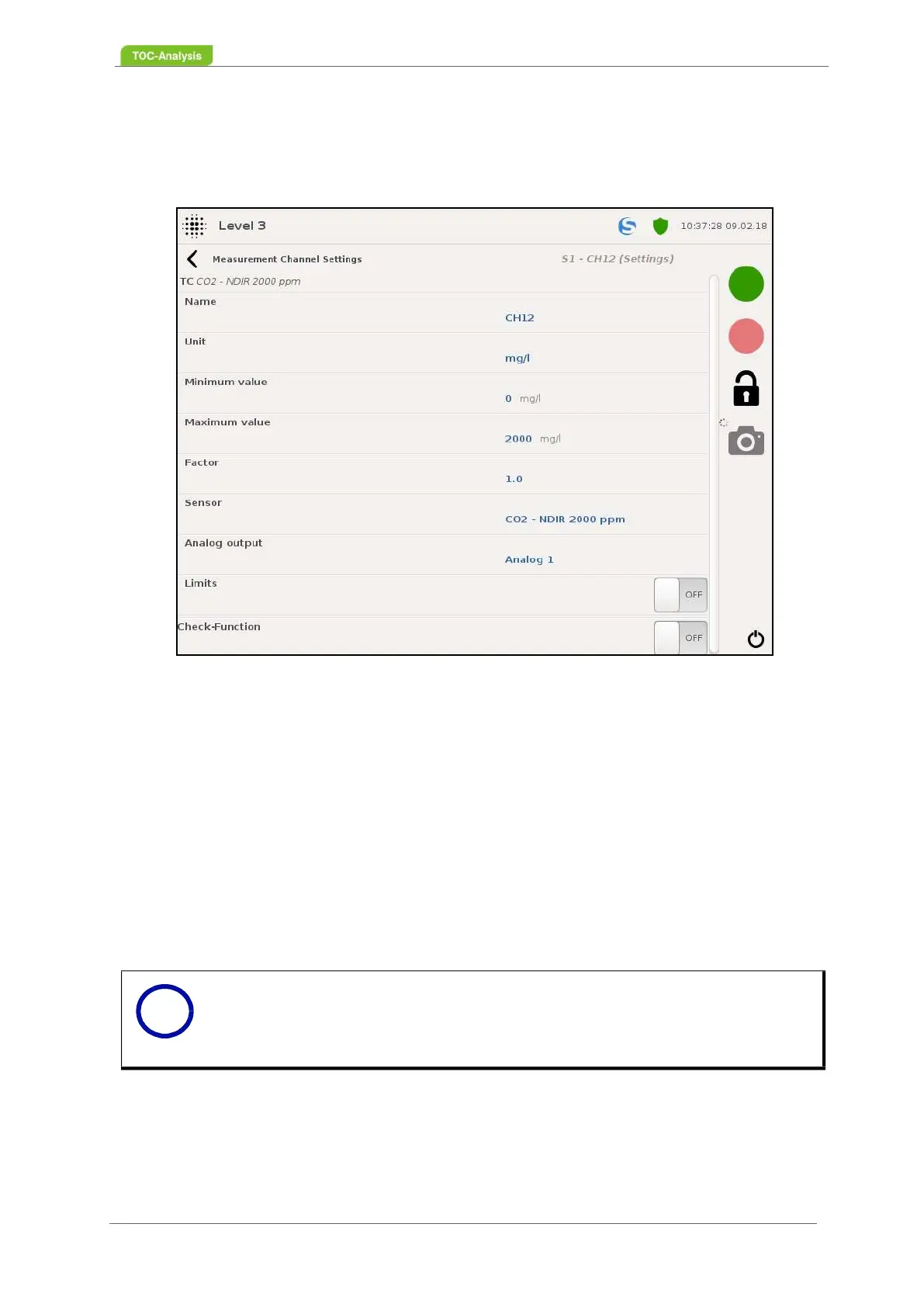
In this view, some information can be viewed and settings can be made for each sample stream and
channel.
Name (only user level 3):
This value specifies the name of the channel.
Unit (user level 3 only):
This value indicates in which unit the measured value should be output.
Minimum value (user level 3 only):
This value indicates up to what minimum value the measured values are displayed in the diagram.
Maximum value (user level 3 only):
This value indicates up to which maximum value the measured values are displayed in the diagram.
Factor (user level 3 only):
The TOC value is correlated to calculate the COD value.
Fig. 73: Measurement channel settings - Channel settings (Example)
Notice
The factor can also be used to calculate other parameters.
i



 To Next Page