12E5119 Instruction Manual QuickTOC
®
ultra
IECEx 75
5 Start-up
5.15 Setting the Bypass of the Control Unit
LAR | PROCESS ANALYSERS AG
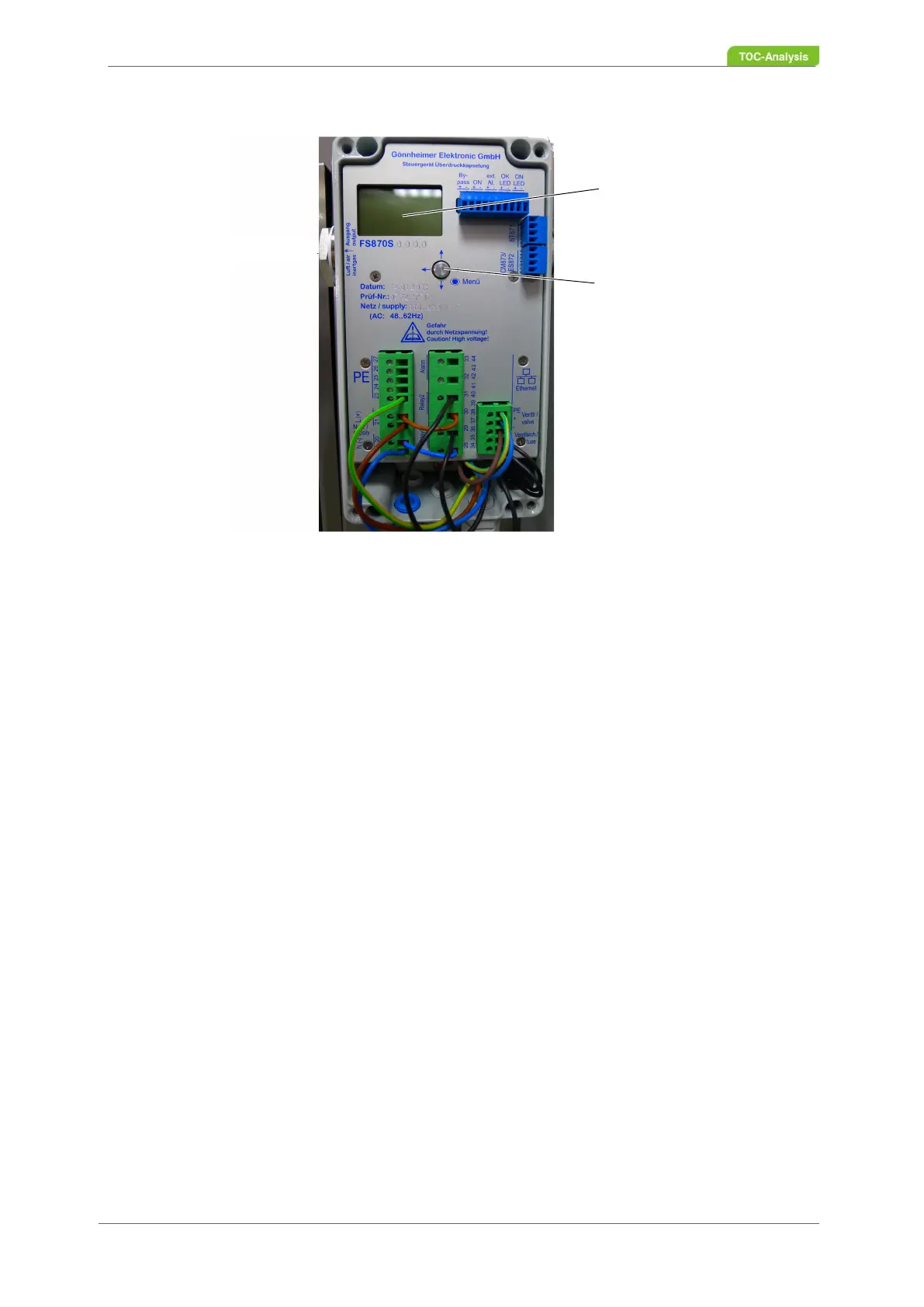
Fig. 52: Control unit F 870 S, with removed cover
Disable bypass:
1. Loosen the four screws of the control unit cover and remove the cover.
2. Press the joystick. The display shows "Actions". Confirm by pressing the joystick.
3. Press the joystick downwards (↑ ↓). The display shows "Bypass". Confirm by pressing the joystick.
4. Press the joystick right (→) until you reach the last digit and then upwards (↑) to change the bypass
code.
5. The bypass code to enter is 0002.
6. Press the joystick downwards (↓). The display shows "Bypass OFF".
7. Attach the control unit cover with the four screws.
2
1



 To Next Page