Managing User Settings (Key Operator)
Managing User Settings (Key Operator) — Overview
Introduction
By default, 3 user groups are pre-defined: Operator, Key Operator and Service. Any
changes made to their associated user profiles will be reset when a new operator panel
version is installed.
However, changes to profiles of self-created users will be unaffected by the installation
of a new operator panel version.
Predefined users for VarioStream 9000 and ColorStream
For the VarioStream 9000 and ColorStream printing systems, a number of users are already
predefined within the "Operator" user group:
■
Sample operator 1-1
(for single color bilevel printing)
■
Sample operator 1-1 ML
(for single color GraphicArts printing/multilevel)
■
Sample operator color
(for multi-color bilevel printing)
■
Sample operator color ML
(for multi-color GraphicArts printing/multilevel)
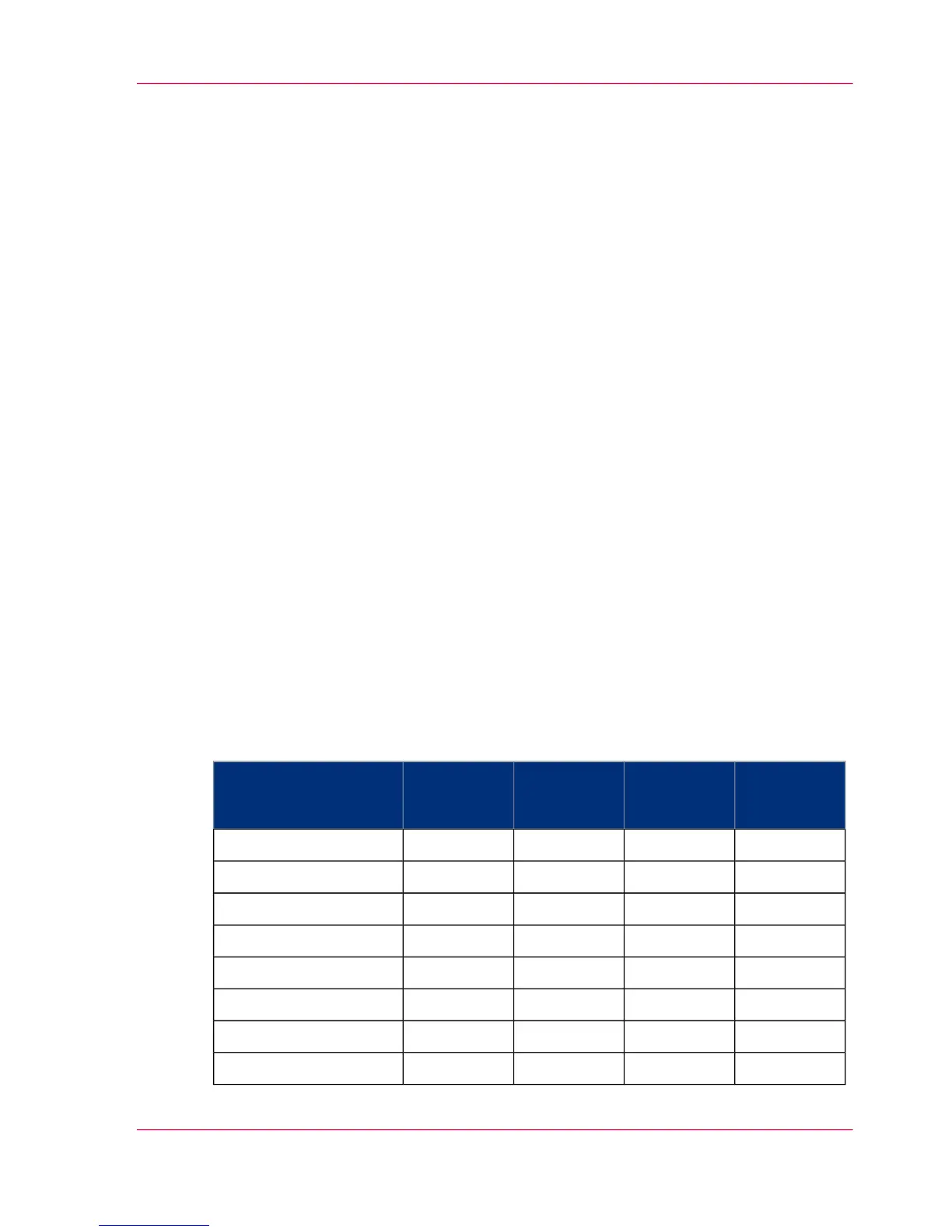
The following table indicates which color menus are displayed for each user:
#
Sample op-
erator
color ML
Sample op-
erator
color
Sample op-
erator
1-1 ML
Sample op-
erator
1-1
Menu
yesyesyesyes'Contrast'
yesyesyesyes'Default values'
yesnoyesno'Raster'
yesnoyesno'Tone transfer curve'
yesyesnono'Color properties'
yesyesnono'Color station selection'
yesyesnono'Color order'
yesyesnono'PCL simple color'
Chapter 5 - Working with the Operator Panel 107
Managing User Settings (Key Operator) — Overview



 To Next Page