Opening Right Doors
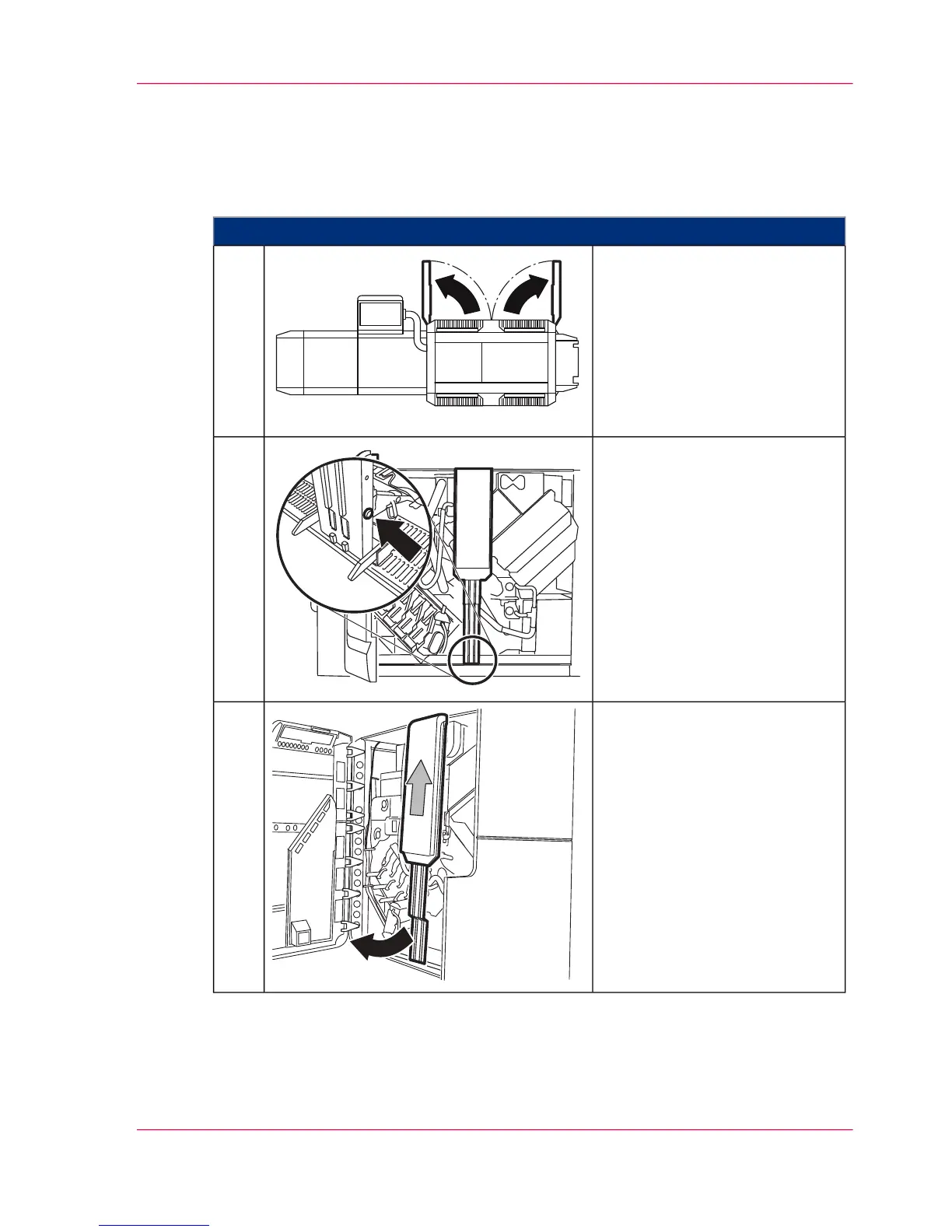
To Open the Doors on the Right-Hand Side
#
Proceed as follows:
On the right-hand side of the
printing system, open the doors
as shown.
1.
Press the button at the bottom
right on the center cover.
2.
Pull center cover forward by the
lower side and then lift upwards
to remove.
3.
Chapter 6 - Operating the Printing System 157
Opening Right Doors



 To Next Page