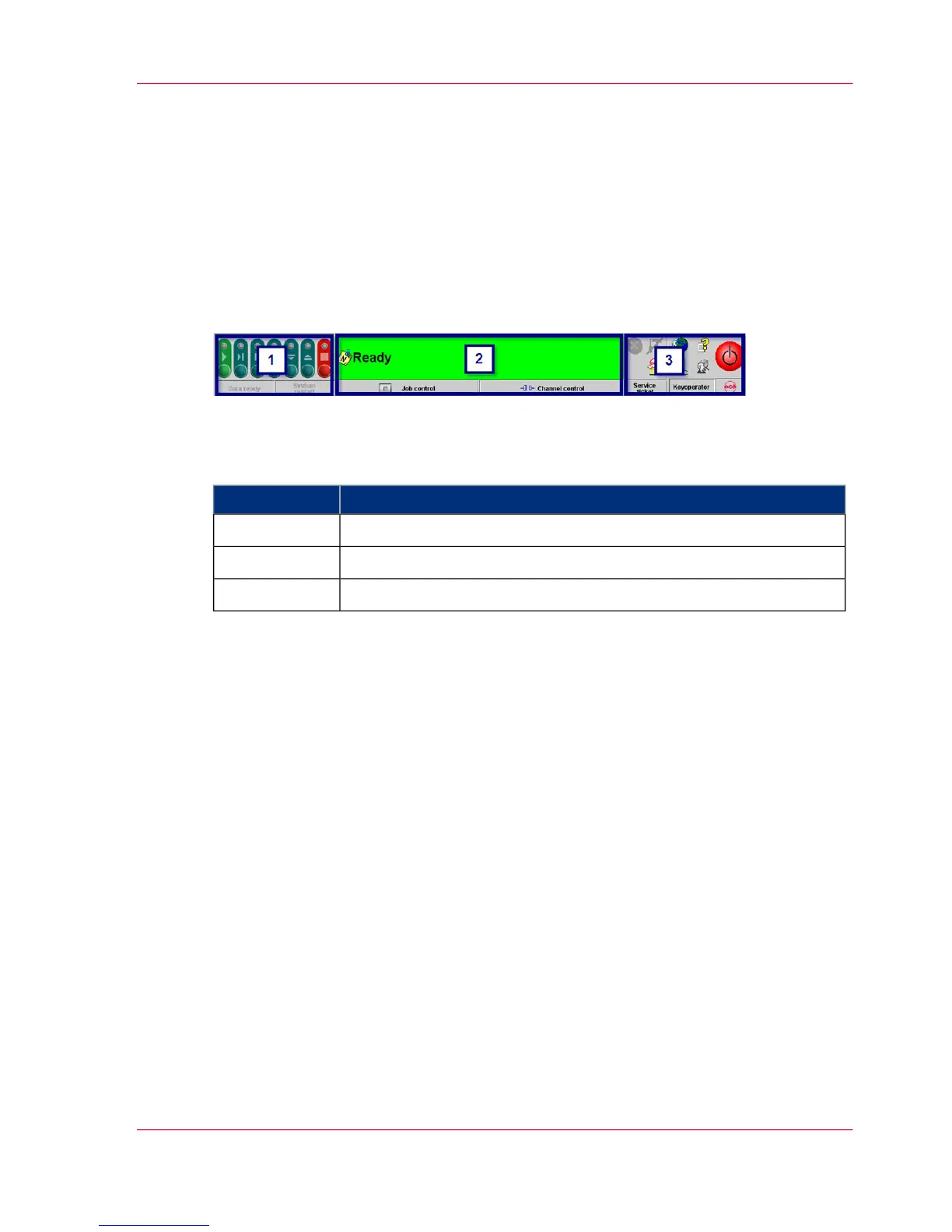
A tool bar
Toolbar — Overview
Overview
The toolbar can be used to quickly access the important functions of the printing system
and to switch directly to frequently used menus.
Description
#
DescriptionArea
‘Buttons and Displays in the Left Area’ on page 841
‘Buttons and Displays in the Center Area ’ on page 862
‘Frame toolbar’ on page 903
Chapter 4 - Description of the Operator Panel 83
Toolbar — Overview



 To Next Page