Inserting the paper web
Inserting the Paper Web
Attention:
When inserting a paper web, make sure that there is no paper between the paper input
and the paper output.
A continuous paper supply from the high stack or unroller must be guaranteed during
the entire insertion process.
#
Note
The printing system automatically switches to paper insert mode after detecting
that the system has run out of paper.
To Insert the Paper Web
#
Proceed as follows:
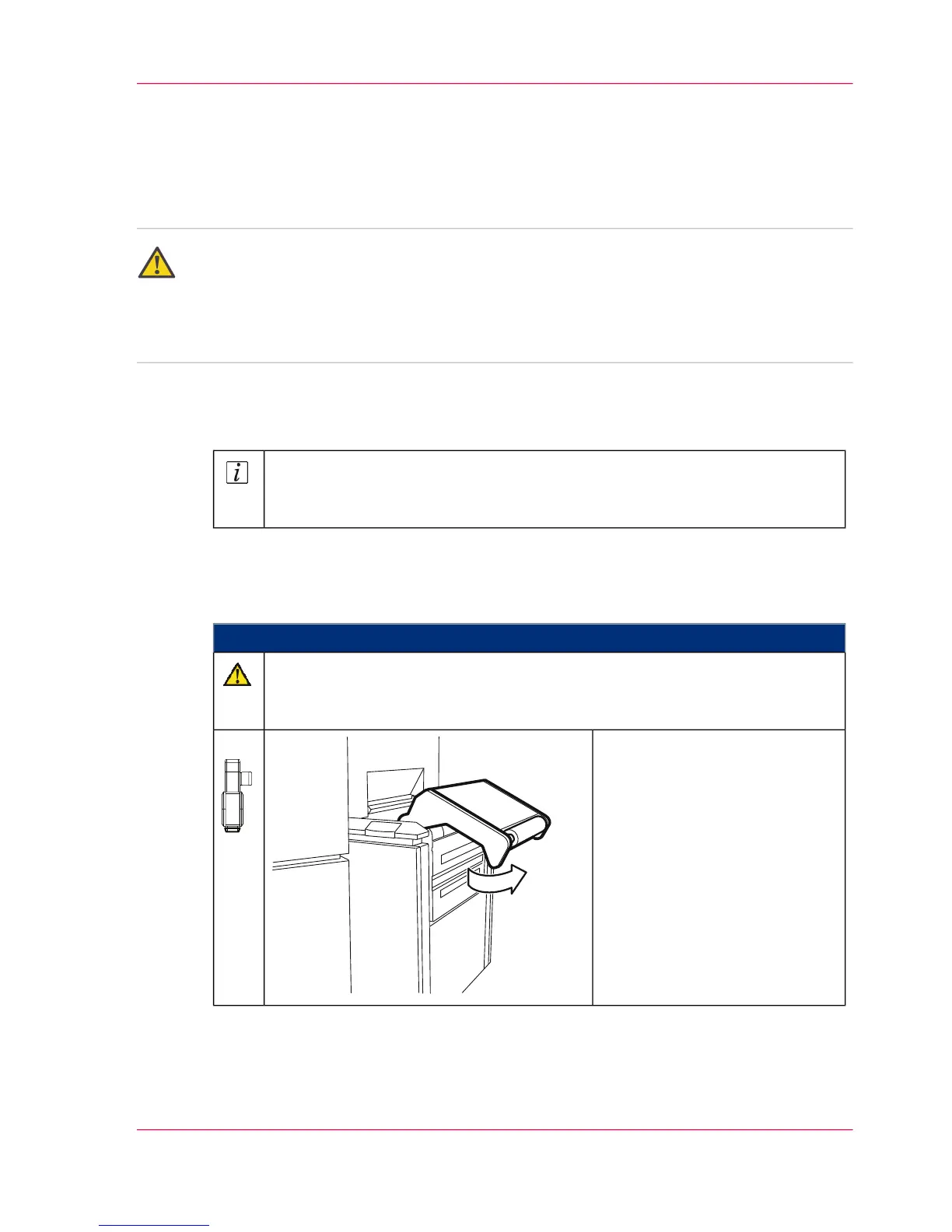
Caution
The paper input rocker opens automatically.
Do not stand directly in front of the rocker.
Press the 'Autofeed' key.
The autofeed clamp moves to
the paper insert position at the
paper input in approx. 20 sec-
onds. The rocker then opens au-
tomatically.
1.
Chapter 6 - Operating the Printing System 143
Inserting the Paper Web



 To Next Page