Affixing the paper web
Introduction
Instead of inserting a new paper web using the autofeed function, you can affix the new
paper web to an already inserted paper web. In this case, the assemblies remain swiveled
on, and the paper web does not have to be rethreaded into the paper post-processing unit.
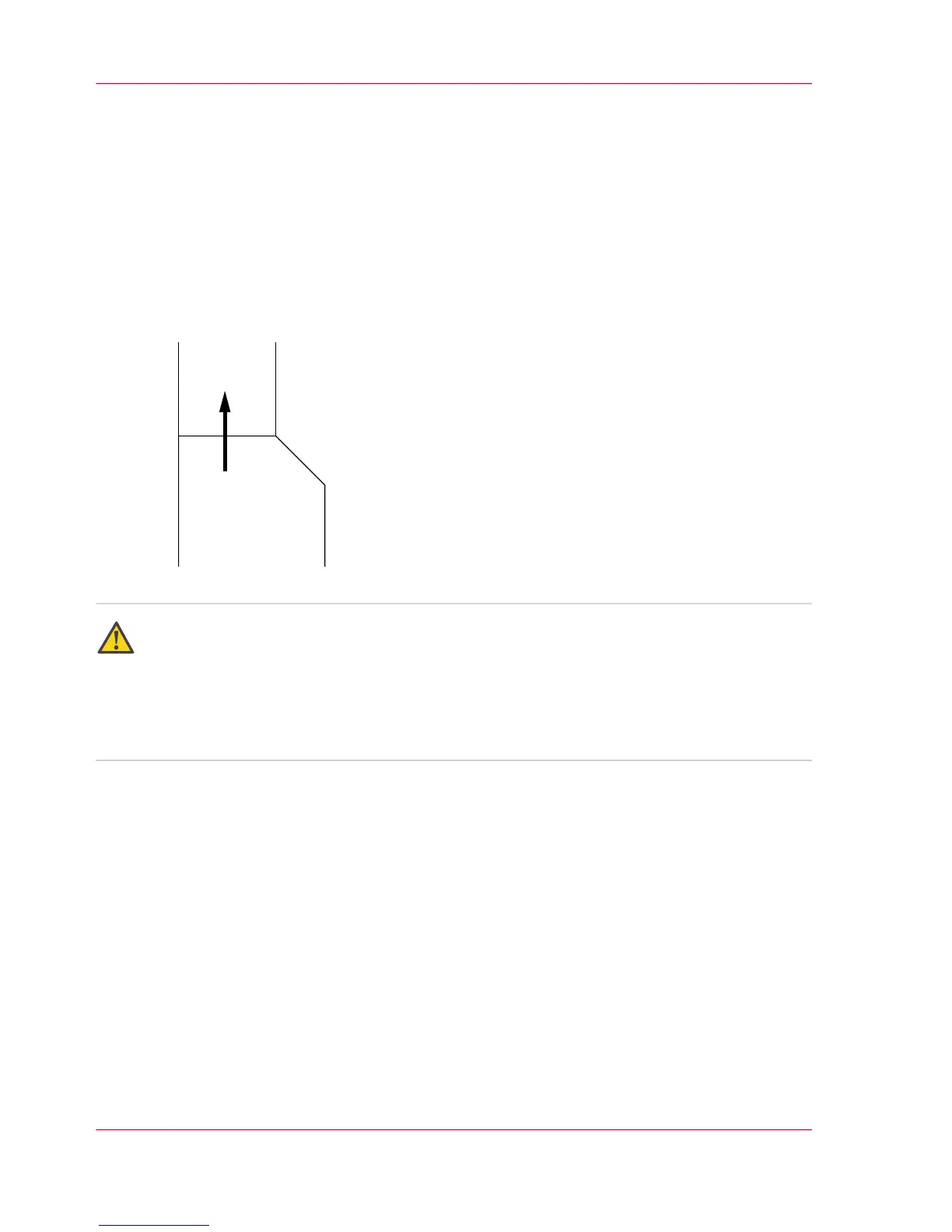
You can also affix a paper web with a different width. If the affixed paper is wider, the
projecting edge should be cut diagonally, e.g.
Attention:
Paper webs that are affixed offset or at an angle result in paper path problems.
Make sure that the edges of the paper webs are flush.
Preventing soiling of paper post-processing unit
Make sure that all the printed pages from the last print job are fused before the end of
the paper web.
Chapter 6 - Operating the Printing System152
Affixing the paper web



 To Next Page