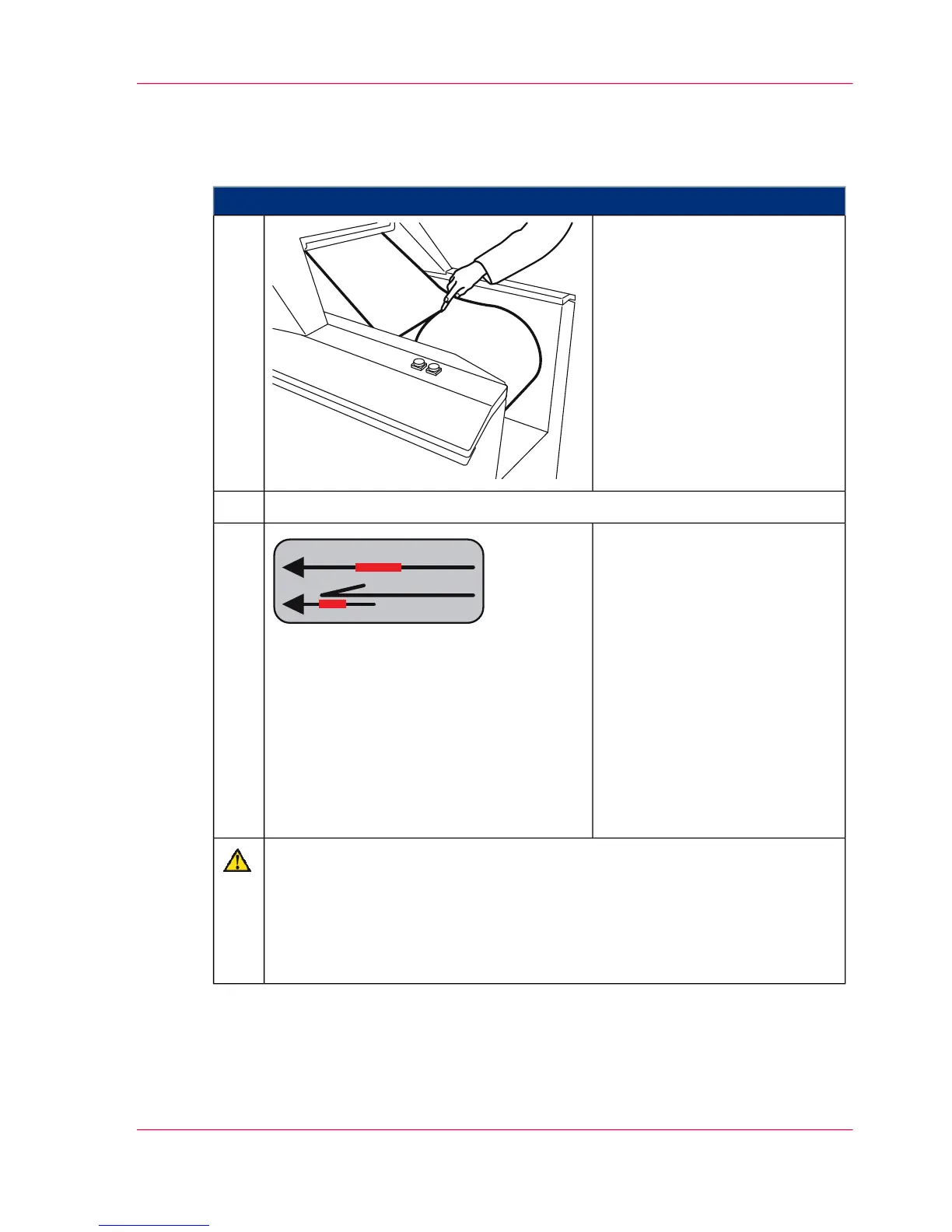
To affix the paper web
#
Proceed as follows:
Cut off the end of the paper web
at the unroller or paper input at
a clean right angle.
1.
Cut off the beginning of the new paper web at a clean right angle.2.
Affix the paper web with any
popular adhesive (e. g. Scotch
ATG 700). Make sure that the
shift of the reference edge is
minimal (<1 mm), and that the
edge is as flush as possible.
Depending on the utilized paper,
either:
■
affix to the stack (1),
■
or affix overlapping (2). Al-
ways fold back the projecting
edge of an overlap so that it
cannot cause a jam.
3.
Caution
If the adhesive joint is moved too quickly, the paper web may be damaged or
torn.
Only move the affixed paper web with the 'ADVF' button and monitor the
paper transport. If you use the 'Eject' button to move the paper, you might
overlook damage to the paper web and not be able to prevent it in time.
Chapter 6 - Operating the Printing System 153
Affixing the paper web



 To Next Page