Calibrating the Data Integrity Mark Sensor
Introduction
Data integrity marks can be used to monitor the following:
■
Whether the color layers printed on a page belong together
■
Whether the printed front and back pages belong together
■
Whether the pages are printed in the right order.
Note:
Data integrity marks should always be used. If you disable data integrity marks, you
leave the highest possible data integrity security level.
Note:
Data integrity marks must be printed in a color that can be clearly read by the sensors
in the printing system. Black is normally used as the mark color. If black is not used for
printing, the darkest color should be selected as the mark color.
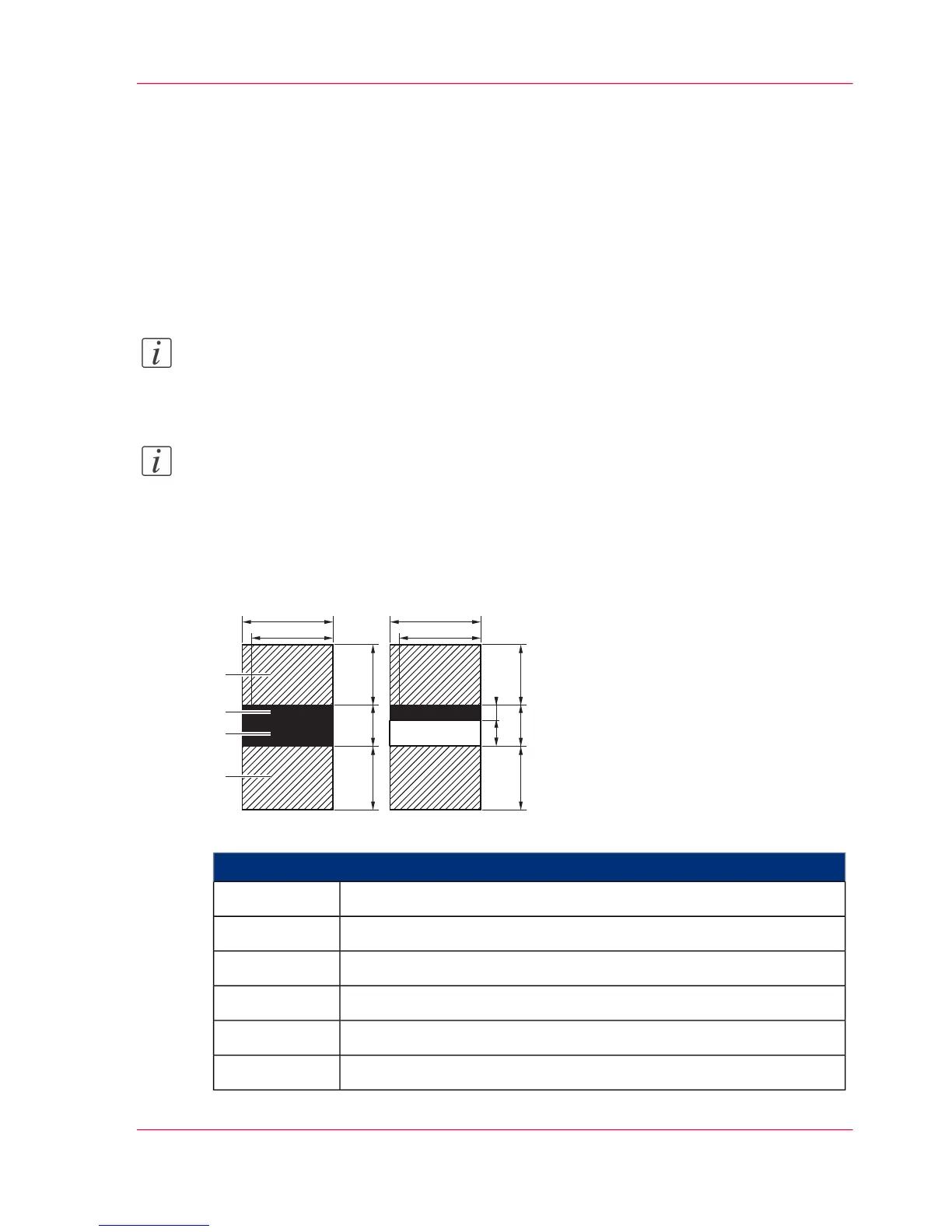
Dimensions of a data integrity mark



 To Next Page