Cleaning Developer Station Surface
To Clean the Surface of the Developer Station
#
Proceed as follows:
Open the doors on the printing system:
For a developer station in the lower print unit: ‘Opening Left Doors’ on page
161.
1.
For a developer station in the upper print unit: ‘Opening Right Doors’ on page
157.
2.
#
Proceed as follows:
Caution
If a developer station is pulled out too quickly and suddenly, it may be pulled
out over the stop points and fall down.
Always pull a developer station out slowly and evenly to the stop point of the
guide rails. Take care not to stretch the toner hoses.
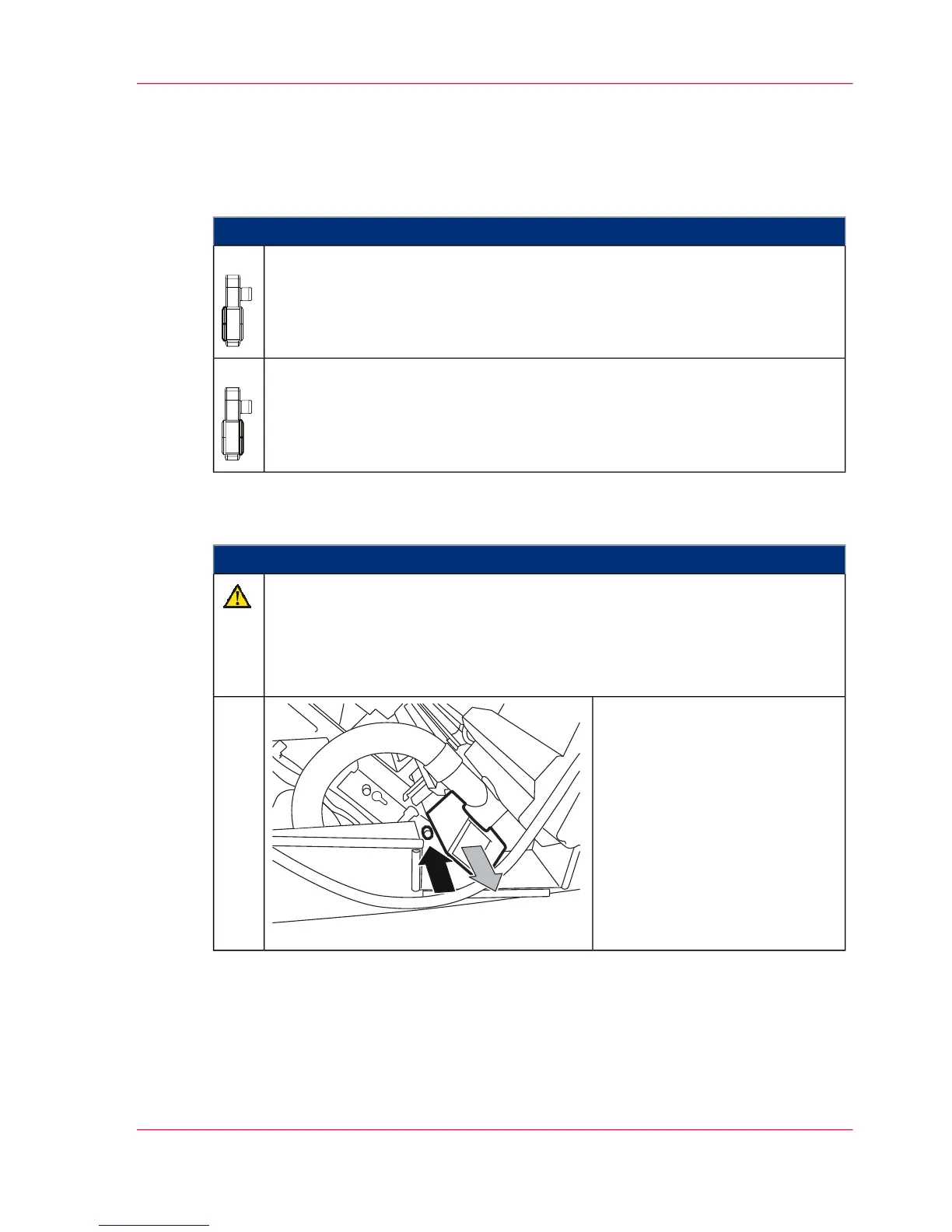
For every developer station, press
the lock button and slowly and
evenly pull the developer station
out to the stop point.
3.
Chapter 7 - Cleaning the Printing System 275
Cleaning Developer Station Surface



 To Next Page